
Custom Hair Color and Style Previews with One-Click AI
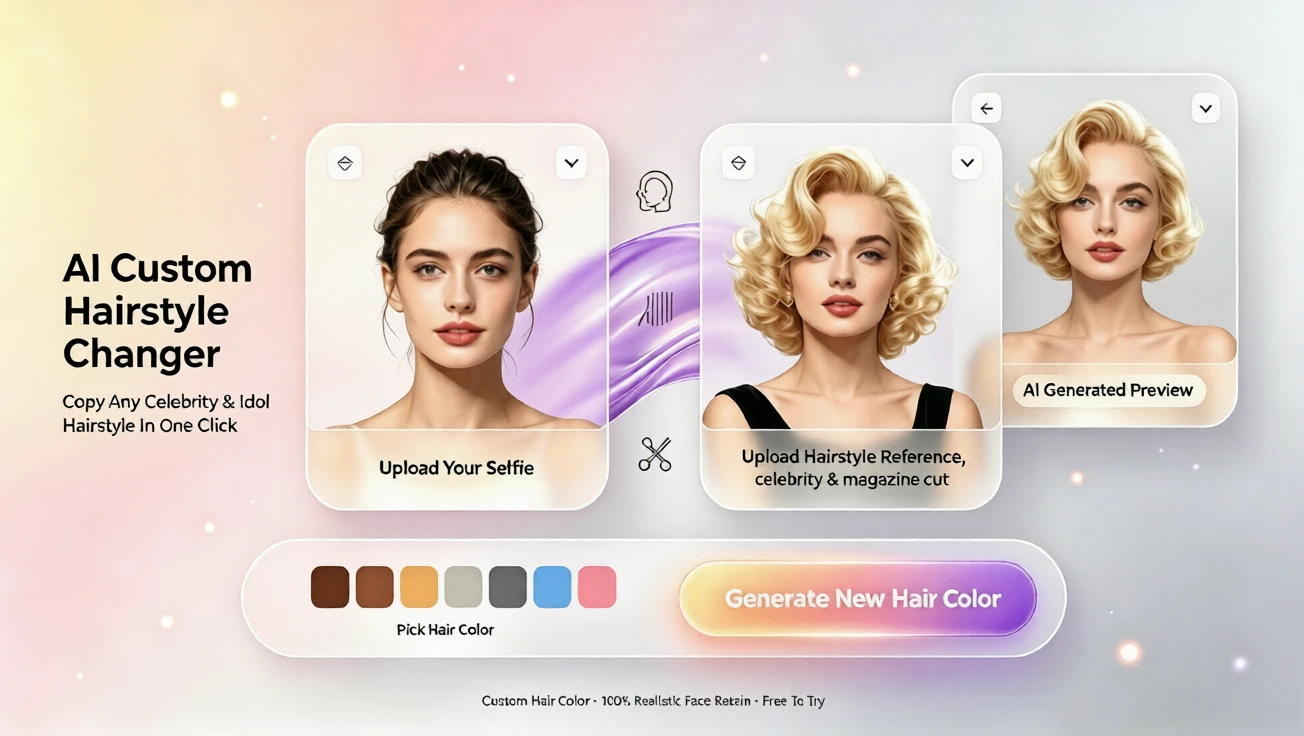
Upload a portrait and a hairstyle reference image, choose a color, and generate a custom AI preview in one click. No drawing or prompt-writing needed.
Custom Hair Color and Style Previews with One-Click AI
Want to see a new haircut or color exactly the way you imagine it — without drawing, describing prompts, or learning complex software? With the custom reference workflow, you can upload a clear portrait and a preferred hairstyle photo, choose a hair color, and generate a realistic preview in just a click. This beginner-friendly approach puts hairstyle ai and ai hairstyle changer features in your hands without any technical fuss.
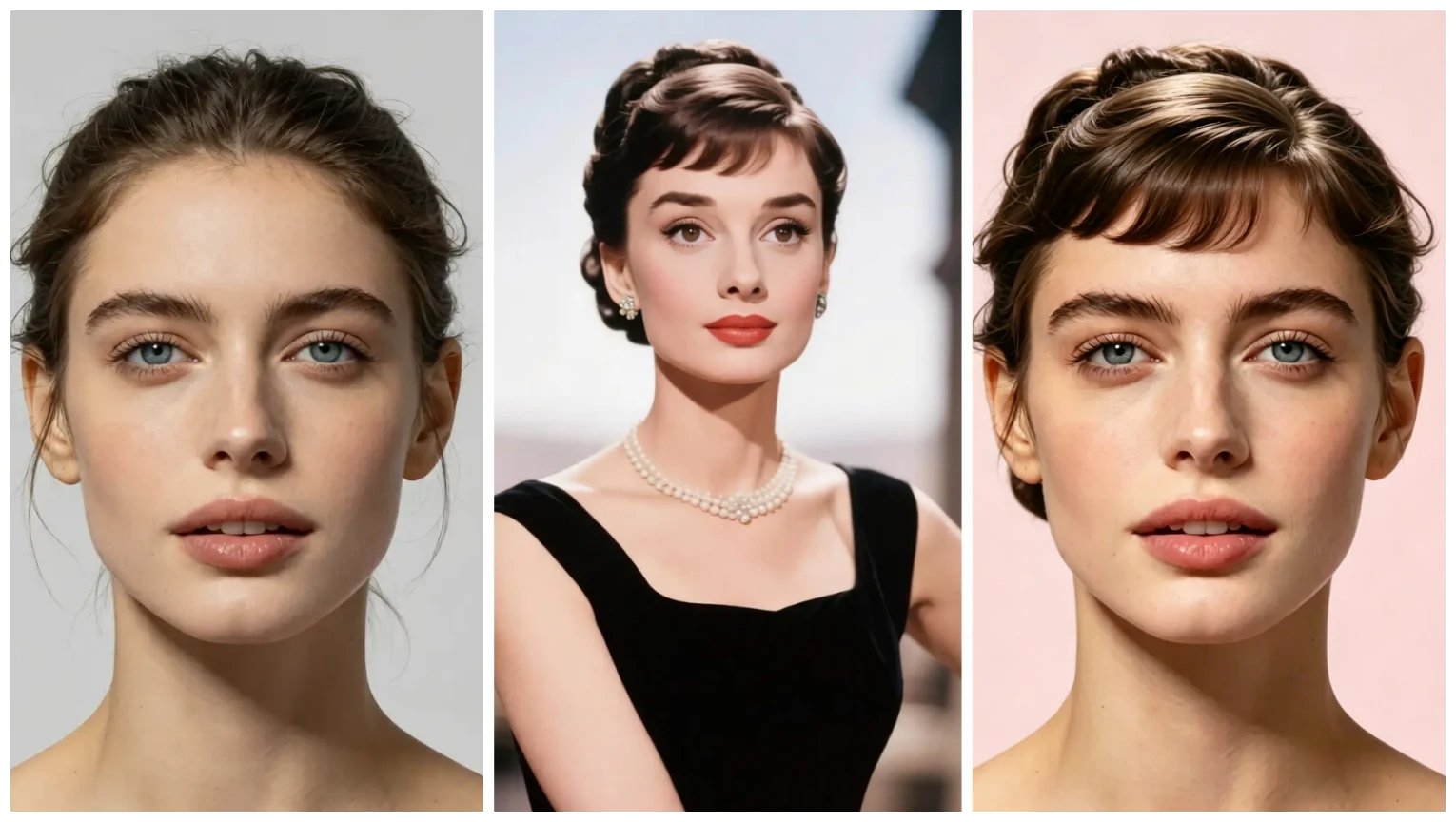
How the reference-based workflow works
Start by uploading a portrait photo that clearly shows your face. Next, upload a hairstyle reference image — this can be a celebrity shot, a style from social media, or a photo you found online that matches the cut and shape you want. Pick the hair color you want to try, then click generate. The system combines your portrait with the reference hairstyle and selected color to produce a tailored preview. There’s no need for drawing skills or to write prompts: one click starts the whole process.
Why beginners love this method
For users new to virtual try-on, the reference workflow removes guesswork. Instead of typing creative prompts or attempting edits by hand, you simply show the style you like. The workflow is also helpful if you’ve tried an ai hairstyle app before and wanted more control — the reference image provides a very specific visual target, and the color selector helps you explore shades instantly.
Tips for the best results
Choose a front-facing portrait with good lighting and a neutral background. For the reference hairstyle, select a clear, high-resolution image where the length, parting, and overall silhouette match what you expect. If you want a dramatic color change, try both subtle and bold color options to see how they balance with your skin tone. Small changes to the reference photo (like cropping to the head and shoulders) often improve accuracy.
Other helpful workflows you can try
If you’re exploring more than custom references, the platform also supports template previews where you upload a photo, choose a template hairstyle and color, and generate a preview. There’s an occasion-based option: upload a portrait, enter an occasion like work or casual, pick a color, and receive tailored hairstyle recommendations plus a preview. You can also upload a portrait to receive an AI hairstyle analysis report that highlights face shape, suggested lengths, and styles to consider.
Plans, languages, and accessibility
Getting started is easy: a free plan lets you try basic previews, and paid plans unlock additional previews, higher resolution results, and extended options. The service supports multiple languages — English, French, Spanish, Chinese, Japanese, and Arabic — so beginners worldwide can follow the steps in their preferred language.
Common beginner questions
Do I need to be artistic or write prompts? No. The reference workflow was designed for people who don’t draw and don’t want to craft prompts. Can I use this as an ai hairstyle online free tool? Yes — the free plan offers basic access so you can try hairstyles without commitment. If you want more previews or advanced outputs, consider a paid plan.
Final thoughts
Using a reference image to preview new hair gives you precision and confidence. Whether you’re testing a new cut, experimenting with color, or comparing a few looks before a salon visit, the one-click custom preview makes the process simple and visual. Try uploading a portrait and a hairstyle photo now, choose a color, and see your new look in seconds — no drawing, no prompts, just a fast and friendly hairstyle ai experience.
التعليقات
شارك رأيك حول هذا المقال.
يجب تسجيل الدخول لنشر تعليق.
سجل الدخول للتعليق