
How To Try The Crochet Braids for Women With Free AI Hairstyle Changer
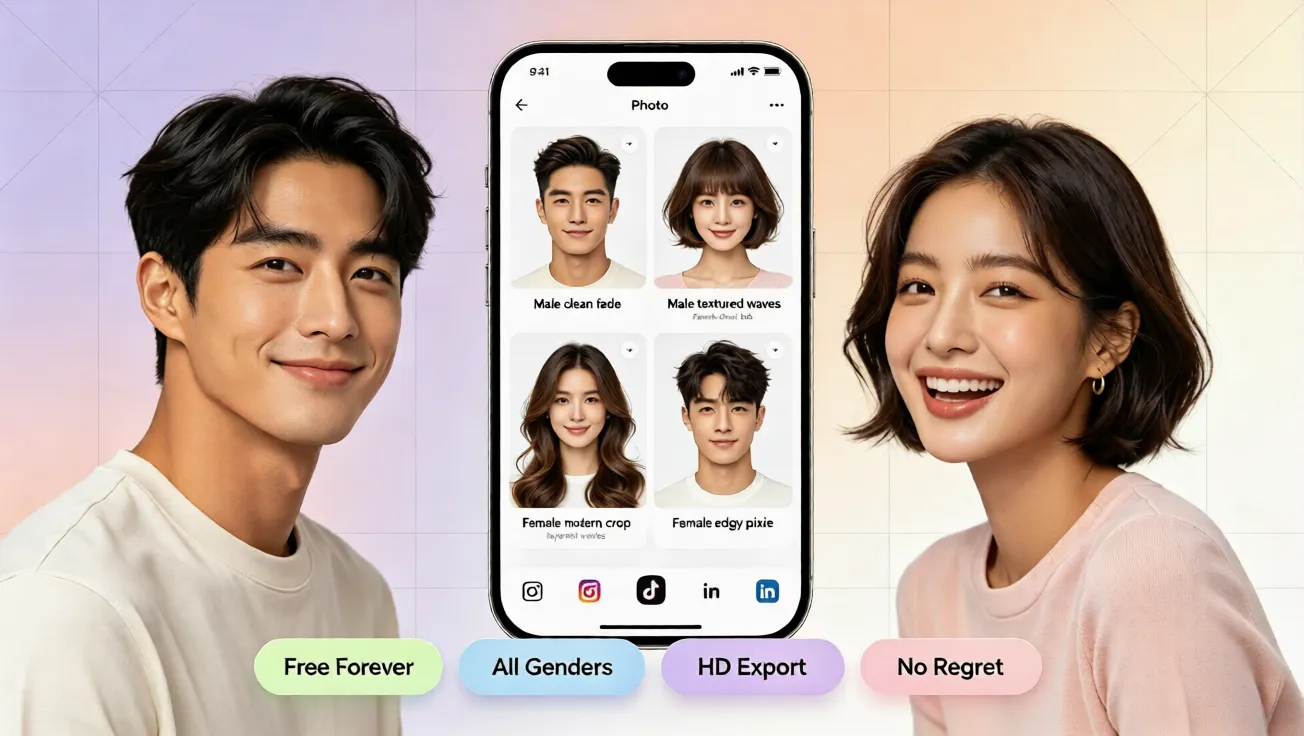
Learn how to try crochet braids for women with a free AI hair changer. Upload a photo, preview a virtual hairstyle, and pick your best look.
Try Crochet Braids Before You Commit
Crochet braids are one of the most popular protective styles for women because they add texture, volume, and a polished shape without a full salon commitment. Still, many people hesitate before booking an appointment because they are not sure how the style will look on their face, hairline, or natural texture. If you have searched how to try different hairstyles online before making a real change, you are not alone. With a free AI hairstyle try on, you can preview crochet braids at home and decide whether the style matches your face shape, outfit, and overall vibe.
Why Crochet Braids Work Well for a Low-Risk Refresh
Crochet braids work well because they are flexible. They can be styled in different lengths, parts, and densities, making them easier to test for beginners than a full cornrow set or a chemical relaxer. You can choose a shorter option for a clean everyday look, a longer style for more drama, or a voluminous option for a fuller silhouette. That flexibility is why an online hair simulator is useful. Instead of guessing, you can compare a few virtual hairstyle options and notice which one frames your face best.
Before you pick a braid pattern, think about three details. First, your face shape tells you whether a straight part, middle part, or side-swept style will balance your features. Second, your hairline and scalp area should look comfortable in the photo, especially if the braid style sits close to the edges. Third, your natural hair texture matters because crochet braids can look different on fine hair, thick hair, coarse hair, or low porosity hair. A hairstyle simulator helps you answer how to see what hairstyle suits me without committing to a long salon session.
What to Check Before Choosing Crochet Braids
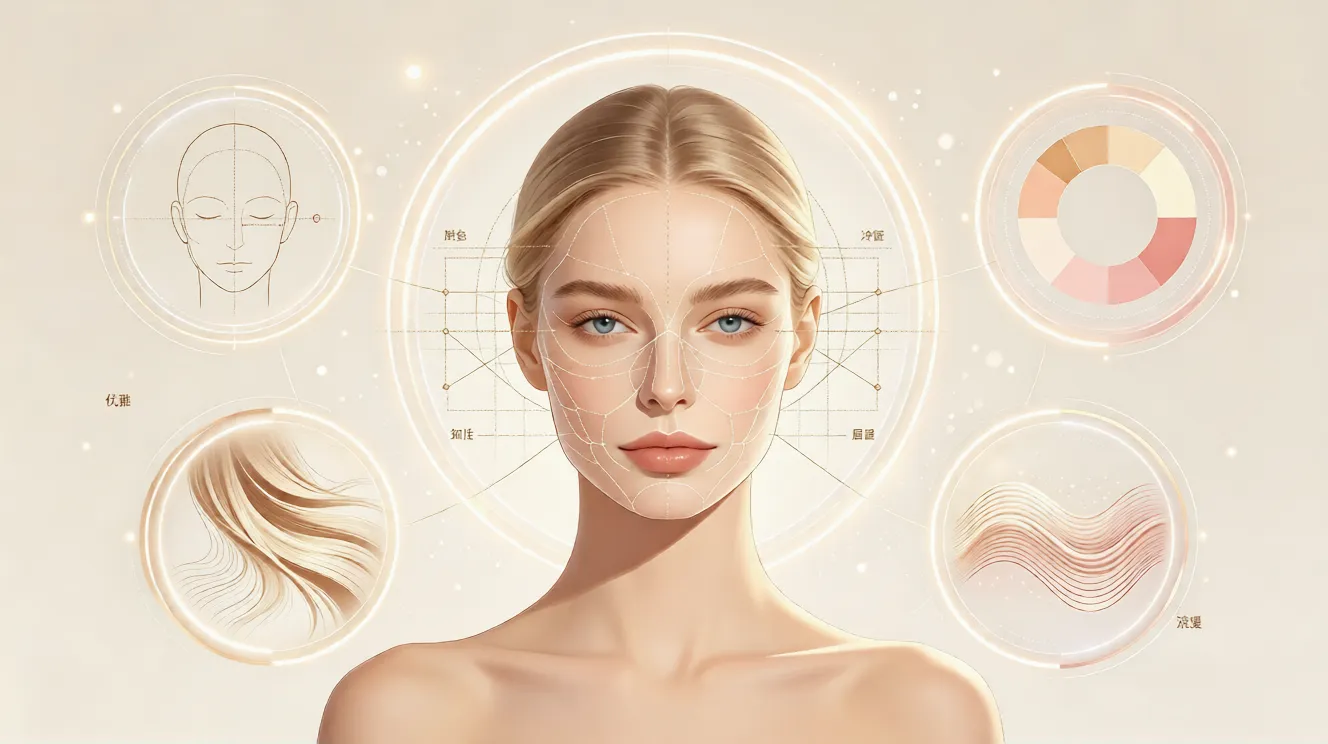
Look at the parting, volume, and length together. A wide part can add softness to angular faces, while a center part can create a symmetrical, polished shape. Longer crochet braids can elongate the look, but they may also add weight. Shorter styles can feel fresher and easier to manage. A natural AI hair changer should keep your skin tone, eye shape, and facial features recognizable, so the preview feels like you rather than a generic model image. This is the difference between a simple sticker effect and a useful virtual hairstyle try on.
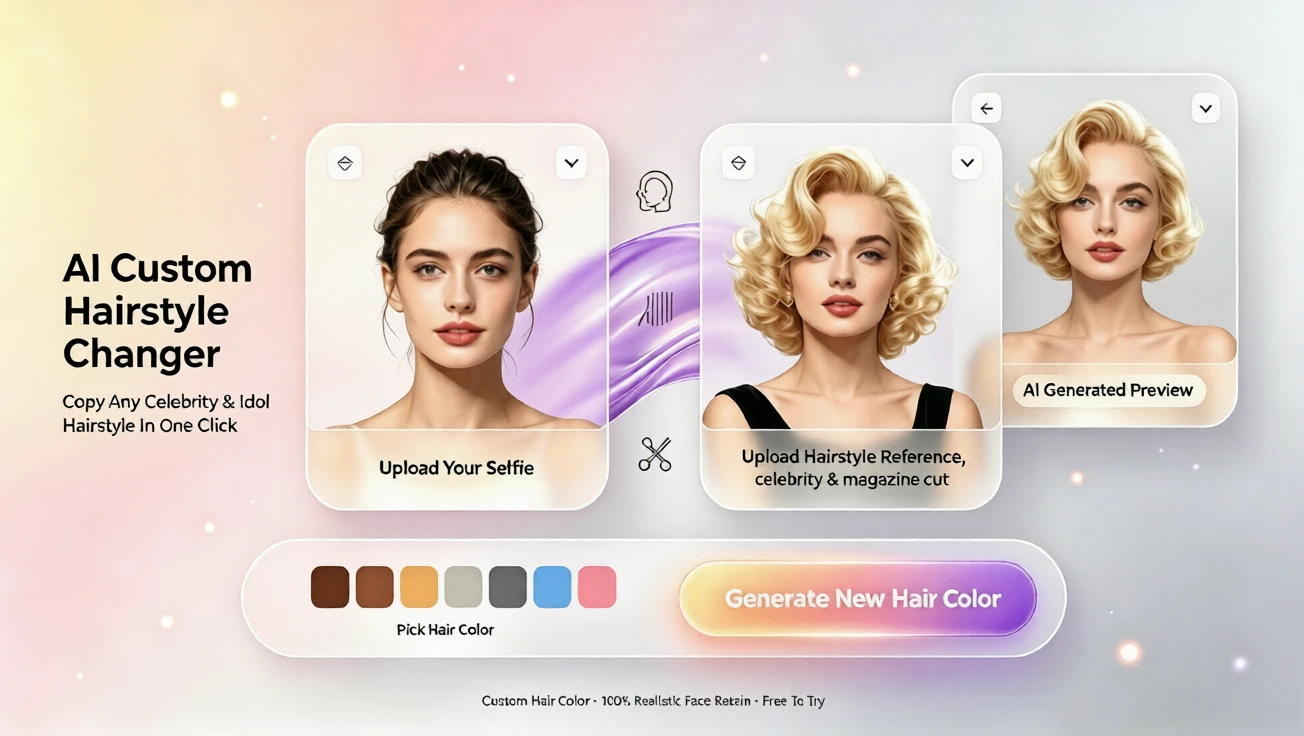
The demo preview helps you see how crochet braids adapt to a real face, not just a model template. When the result follows your natural proportions, you can choose a braid style, part, or length with more confidence.
How to Try Crochet Braids With a Free AI Hairstyle Changer
The process is simple, and you do not need editing skills, a mobile app, or an account. Open the free AI hairstyle try on tool, upload a clear photo, and let the system match the crochet braid style to your face. This is useful if you want to try a new look before visiting a stylist or buying extensions. You can also use the preview as a reference photo when speaking with a braider.
Upload a Front-Facing Photo
Use a front-facing photo where your face is fully visible and well lit. Try to keep your natural hair pulled back or at least out of your eyes, because the AI needs to understand your face shape and hairline. A plain background can make the preview cleaner, but it is not required. Avoid heavy filters or dark sunglasses. The goal is an accurate virtual hairstyle simulation that shows how the braids would rest on your head.
Select Crochet Braid Styles
Once your photo is ready, choose the crochet braid styles you want to test. You can compare different lengths, from a short tapered look to a longer layered shape. You can also check different parting patterns if the tool offers them. Some styles may look closer to knotless braids, faux locs, or box braids, so it is useful to note the differences. If you are unsure, start with two or three options. A clear comparison helps you pick the look that feels most balanced.
Preview the Virtual Hairstyle
After the style is applied, take a close look at how the braid sits around your hairline, temples, and cheeks. A good AI hairstyle generator should create a natural effect, with realistic volume and direction. Notice whether the style makes your face look softer, longer, rounder, or more defined. If one preview feels too heavy, try a shorter length or a lighter density. If the style feels too short, test a longer option. This quick trial is faster than braiding or dyeing your hair.
Why an Online Hair Simulator Beats Guesswork
Trying a new hairstyle in real life can be expensive and time consuming. Extensions, braiding labor, product, and color can add up quickly, and if the style does not suit you, correcting it is not always simple. A virtual hairstyle try on removes that pressure. You can test crochet braids for free, without an app download, without registration, and without waiting for an appointment. This is why a free virtual hair color try on or hairstyle preview is useful even if you are only curious.
Test Crochet Braids for Your Face Shape
Face shape is one of the most important factors in choosing a braid style. For a round face, longer styles and side-swept framing can create more length. For an oblong face, a shorter style with volume near the crown can add width. For a heart-shaped face, soft framing around the jaw can balance a wider forehead. For a square face, softer textures and rounded parting can soften strong angles. For an oval face, many crochet braid styles work well, so you can focus on length, texture, and personal style. This is the same logic used in AI hairstyle for face shape.
Use Virtual Hair Color to Finish the Look
Crochet braids are often chosen for their natural black or dark brown look, but you can also test color variations if you want a bold style. A virtual hair color try on can show how a darker, softer, or lighter tone might work with your skin tone and face shape. If you are considering a colored braid style, use the preview to check whether the shade flatters your complexion before buying dye or pre-colored extensions. You can keep the style close to your natural color, or you can experiment with a trendier tone and see the result instantly.
Start Your Crochet Braid Makeover Online
If you want to try crochet braids before spending money, time, or salon hours, the fastest option is to use a free online hair simulator. You can upload a photo, preview a natural crochet braid effect, compare lengths, and check how the style fits your face shape. No editing skills are needed, no app download is needed, and no registration is needed. The result gives you a practical answer to the most important question: will this look good on me? If you are ready to test crochet braids, start with a clear photo and use the free AI hairstyle try on to preview your next look.
التعليقات
شارك رأيك حول هذا المقال.
يجب تسجيل الدخول لنشر تعليق.
سجل الدخول للتعليق