
How to Use Template Hairstyle Try‑On for celebrity hairstyle recreation
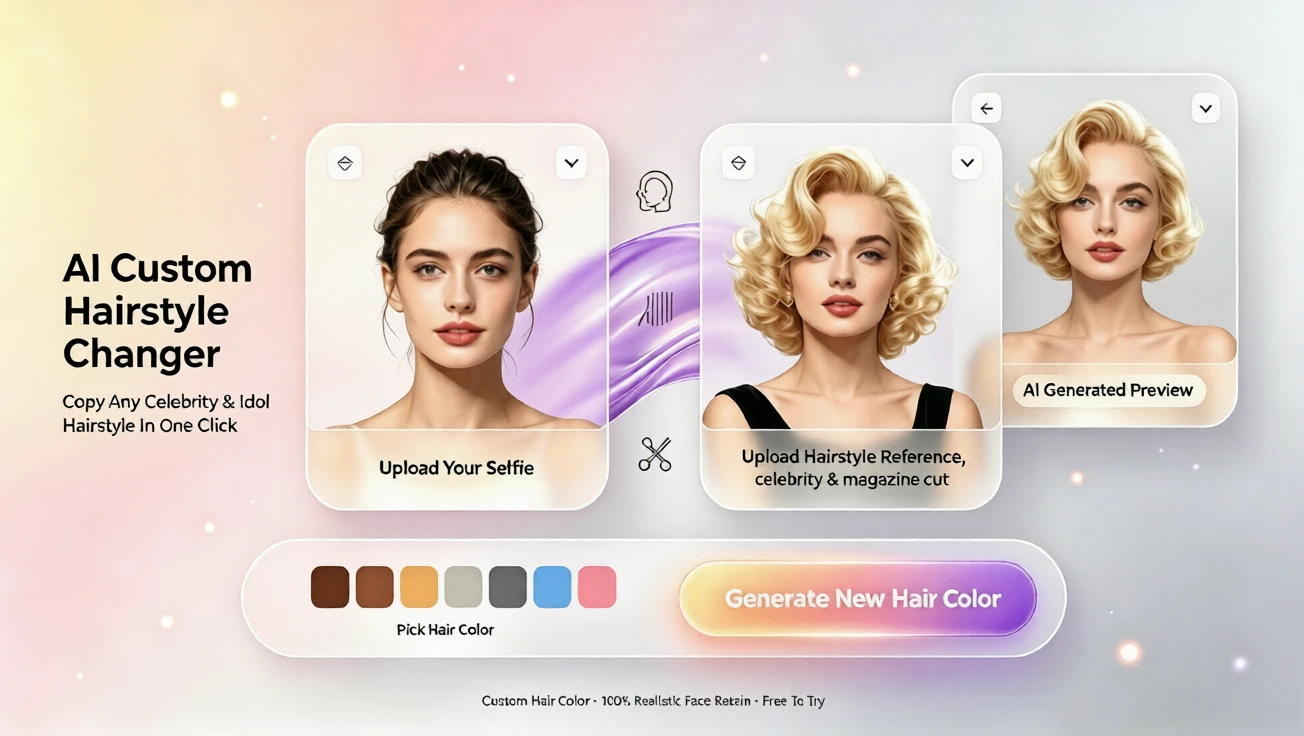
Try template hairstyle try-on with free AI hairstyle try on, preview virtual hairstyle and hair color changes online, no app or registration.
Start With a Safe Virtual Hairstyle Preview
If you have ever wanted a celebrity haircut but felt nervous about committing, you are not alone. Many people fear that a bold new hairstyle will not suit their face, that a salon color will cost too much, or that manual photo edits will look fake. That is why a free AI hairstyle try on tool can be so helpful. It lets you preview a virtual hairstyle on your own photo before making any real changes, so you can explore celebrity-inspired looks with confidence. This virtual hairstyle try on guide explains how to use template hairstyle try-on for celebrity hairstyle recreation, step by step, without downloading an app or editing software.
What Template Hairstyle Try-On Means
Template hairstyle try-on refers to using pre-made hairstyle templates to simulate how a specific cut, length, texture, or color might look on your face. Instead of asking a stylist for vague advice or spending time retouching photos, you upload a clear photo and let the AI hairstyle try on tool place a chosen style onto your image. The result is a virtual hairstyle preview that can help you compare short bobs, layered bobs, long waves, curtain bangs, or celebrity-inspired colors in seconds. It is especially useful when you want to see what hairstyle suits you without guesswork.
How to Try Celebrity Hairstyles With the AI Tool
Step 1: Prepare a Clear Photo
For the most natural effect, use a front-facing photo with good lighting. Make sure your face is visible, hair is not fully covered by hats or heavy shadows, and the image is sharp. You do not need professional editing skills. A normal selfie can work well as long as the face is clearly visible. If you are testing a virtual hair color, a neutral background helps the preview look cleaner. This is the same principle used in many online hair simulator tools, but aihairstyletryon.art keeps the process simple and free.
Step 2: Upload Your Photo
Open the free AI hairstyle try on page and upload your photo. There is no registration and no app download, so you can start immediately. The system is designed to adapt hairstyles to real photos, supporting both short and long hair, straight and curly textures, and different face shapes. This makes it easier to test a celebrity-inspired look without worrying about complicated settings.
Step 3: Choose a Template or Celebrity-Inspired Style
Once your photo is loaded, browse the available hairstyle templates. You can choose a style that matches a look you love, such as a soft lob, blunt bob, shoulder-length layers, voluminous curls, or a clean cut with bangs. The template is not just a random hair overlay; it is applied using face-aware simulation so the virtual hairstyle follows your head shape, parting, and overall proportions. This helps the preview feel realistic rather than pasted on.
Step 4: Adjust Hair Color If Needed
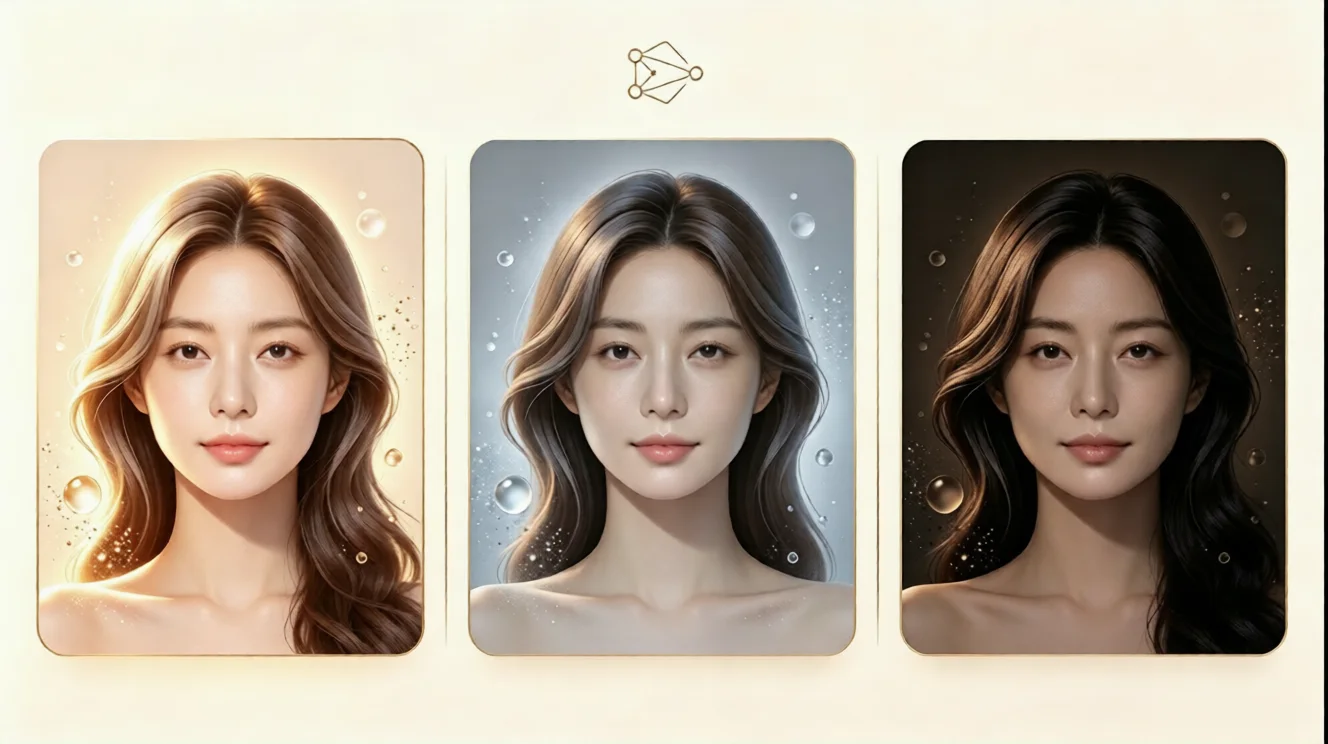
If the celebrity look you are recreating depends on color, use the virtual hair color option. You can test warm brunettes, ash blondes, copper tones, black, or other shades before visiting a salon. This free virtual hair color try on feature helps you see whether a tone matches your skin undertone and personal style. Because the color is applied to the simulated hairstyle, you can make a better decision before spending money on dye or highlights.
Why AI Hairstyle Simulation Beats Manual Photo Editing
Faster Results for Busy People
Manually editing a haircut in a photo can take a long time and still look unnatural. An ai hair changer can produce a usable preview in seconds, and a proper ai hairstyle generator keeps the result natural. That speed is valuable when you are deciding between several styles, planning a salon appointment, or testing a trend before committing. You can compare multiple virtual hairstyle options back to back, which makes it easier to pick the one that feels most flattering.
Better Confidence Before a Salon Visit
One of the biggest fears with a new haircut is that it will not suit your face shape. A hairstyle simulator lets you check the overall balance of length, volume, and framing. If a very short cut feels too risky, you can try a longer version first. If a dramatic color looks too intense, you can switch to a softer shade. This helps reduce the chance of regret and gives you a clear reference when talking to a stylist.
Simple Tips for a More Realistic Preview
Keep Your Reference Photo Consistent
Use the same photo when comparing several styles. This keeps the lighting, angle, and face position consistent, so the differences you see are mostly due to the hairstyle and color. That makes it easier to judge which option feels right. If you use different photos for each test, you may confuse lighting changes with actual style differences.
Focus on Overall Face Balance
When reviewing a virtual hairstyle, look at how the hair frames your forehead, cheeks, jawline, and neck. A good style usually creates a balanced silhouette, not just a trendy cut. For oval faces, many shapes can work well. For round faces, added height or longer side layers can create more length. For square faces, soft layers or angled bobs can soften the jawline. The key is to use the preview as a guide, not as a single perfect answer.
Test a Few Options, Not Just One
Do not stop at the first celebrity hairstyle you like. Try at least three or four variations, including one close to your current look, one moderate change, and one bolder option. This helps you understand your personal range and may reveal a style you did not expect to like. A free ai hairstyle try on tool makes this quick and inexpensive, so you can experiment without pressure.
How to Turn Your Virtual Preview Into a Real Hair Plan
Save Your Favorite Looks
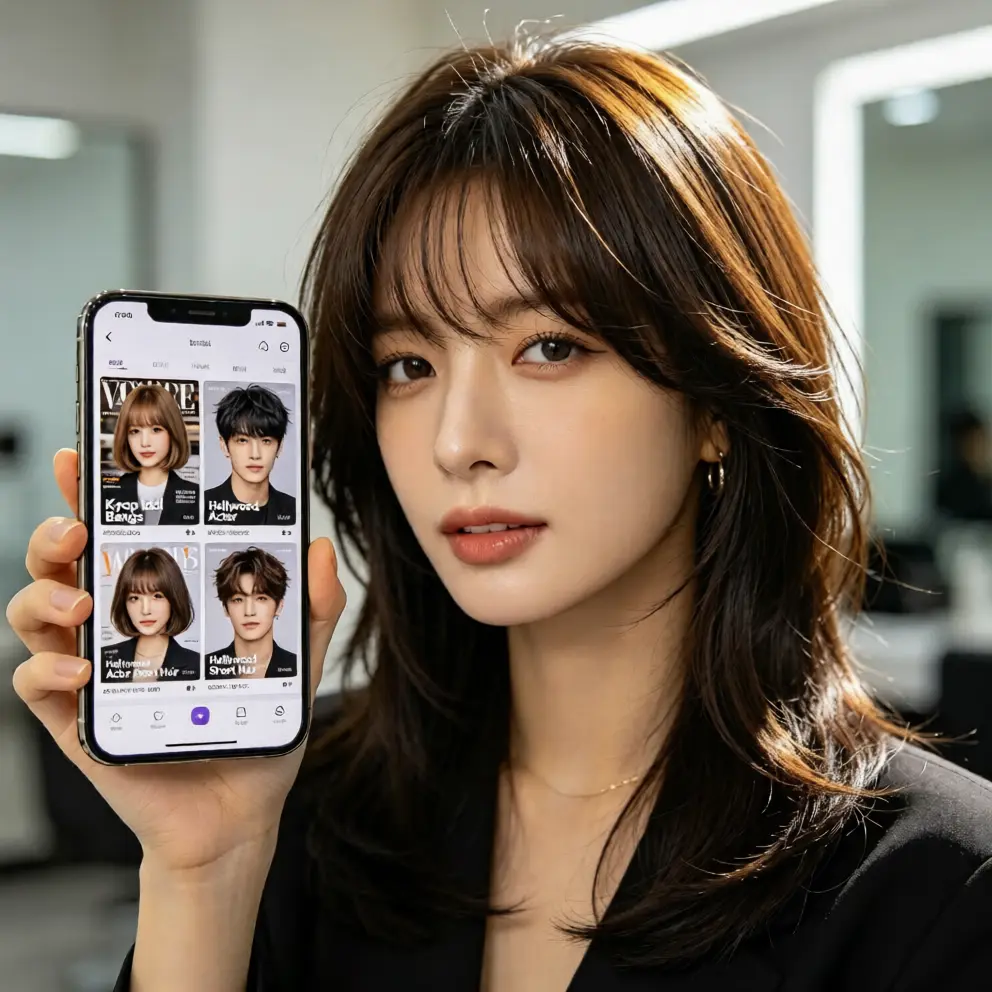
Once you find a style you like, take screenshots or save the images. When you visit a salon, you can show the preview to your stylist as a visual reference. This reduces misunderstandings and helps communicate the length, texture, and color you want. Even if the final salon result is slightly different, you will still have a much clearer target than relying on verbal descriptions alone.
Use the Preview for Style Experiments
A virtual hairstyle is also useful for outfit coordination, photoshoot planning, or testing a new personal style. If you are preparing for an event or a social media refresh, you can preview several looks and choose the one that best matches your mood. It is a low-cost way to explore new aesthetics before making any real commitment.
Final Thought
If you want to recreate a celebrity hairstyle without the stress, cost, or guesswork, template hairstyle try-on is a smart starting point. You can use a free AI hairstyle try on tool to preview cuts, lengths, textures, and colors on your own photo, then choose the option that feels most natural and flattering. Skip the risky salon experiment and skip the complicated photo editing. Try your next virtual hairstyle today and discover the look that suits your face, style, and confidence.
التعليقات
شارك رأيك حول هذا المقال.
يجب تسجيل الدخول لنشر تعليق.
سجل الدخول للتعليق