
Step‑by‑Step Guide to salon preparation With AI Hair
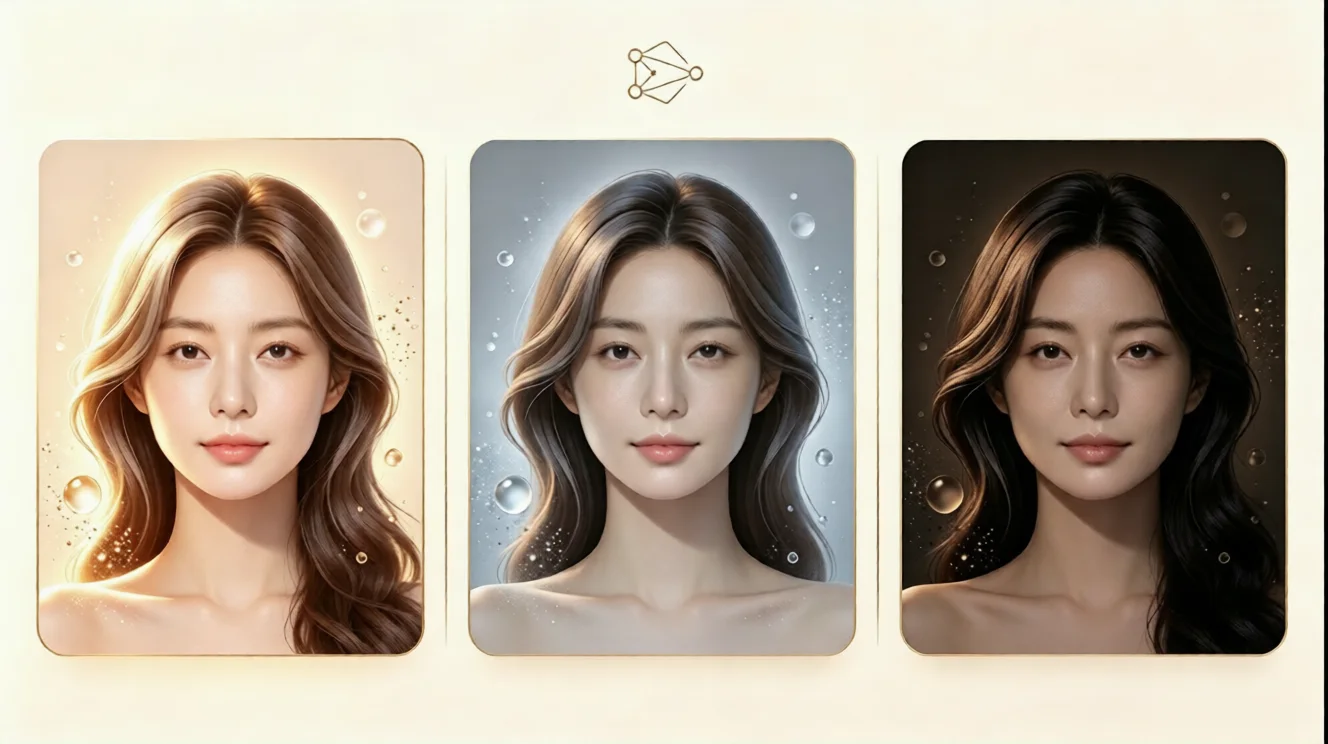
Learn how to prepare for a salon visit with an AI hairstyle try on. Preview virtual hairstyle looks, test hair color, and find the best match instantly.
Why Salon Preparation Starts With a Virtual Hairstyle Plan
Walking into a salon without a clear plan can feel stressful. You may worry that a trendy haircut will not suit your face shape, that a color will look too warm, or that the final result will be hard to style. Instead of relying on random inspiration photos, you can preview the look on your own face first. This is where aihairstyletryon.art becomes useful for salon preparation.
Our free AI hairstyle try on tool lets you test virtual hairstyle options before your appointment. There is no app download, no registration, and no editing experience required. You can compare lengths, bangs, layers, curls, and virtual hair color ideas in a few clicks, then bring the best reference to your stylist.
Why AI Hairstyle Try On Matters Before Your Salon Visit
An AI hairstyle try on preview helps you make choices based on your own features. A hairstyle that looks perfect on a model may not behave the same way on your forehead, jawline, or hair texture. With a virtual hairstyle simulator, you can see how a style frames your face and whether a shade complements your skin tone.
This is especially helpful for big changes, such as cutting long hair into a bob, trying bangs for the first time, or choosing a bold hair color. The online hair simulator gives you a low-risk way to ask how to see what hairstyle suits me and get a visual answer before spending money at the salon.
Step 1: Choose a Clear Front-Facing Photo
Start with a recent photo that shows your full face. Use natural lighting, keep your face toward the camera, and avoid heavy filters. If possible, pull your hair back so the AI hairstyle generator can clearly read your face shape. A simple selfie against a plain background works well.
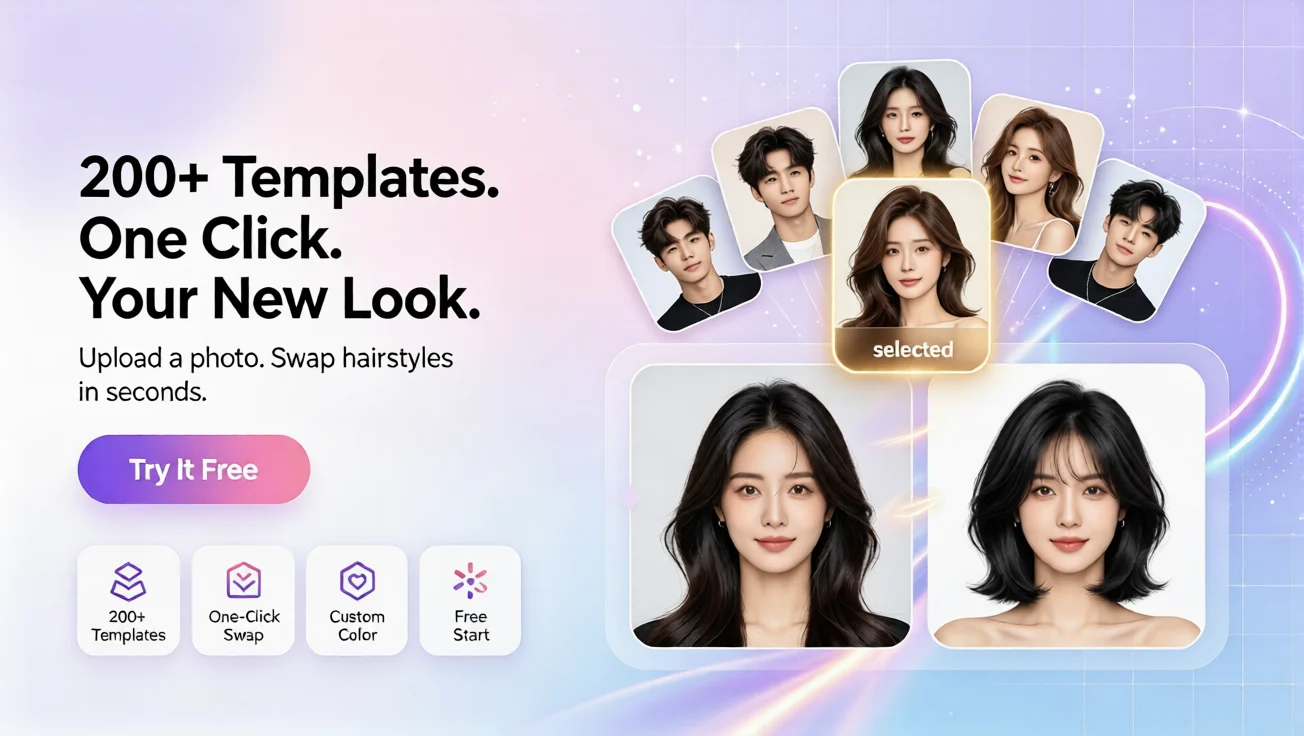
Use this photo to test both subtle and bold changes. You can compare a natural brown shade, a soft blonde tone, or a shorter layered cut without changing anything in real life.
Step 2: Upload Your Photo to the Online Hair Simulator
Next, upload your photo to the online hair simulator at aihairstyletryon.art. Select a hairstyle, apply it, and review the result instantly. The one-click AI hairstyle swap is designed for beginners, so you do not need design skills or manual photo retouching.
While checking each result, look at the hairline, length, and overall balance. Notice whether the virtual hairstyle softens your features or feels too heavy. If one option looks close but not perfect, try another style or adjust the hair color idea.
Step 3: Try Different Hairstyles and Hair Colors
Now explore the styles you are curious about. Test a short bob, long layers, curtain bangs, beach waves, a pixie cut, or a modern shag. Then use virtual hair color try on options such as warm brown, honey blonde, copper, caramel highlights, burgundy, or natural black.
Create a shortlist of two or three favorites. Keep one safe option, one bold option, and one balanced look. This makes your salon consultation easier because your stylist can see the direction you like and adapt it to your real hair texture, density, and maintenance level.
Step 4: Save the Best Virtual Hairstyle Reference
When you find a look you love, save the image or take a screenshot. Bring this personalized reference to your appointment. It gives your stylist a clearer idea than a generic model photo because the preview is already matched to your face.
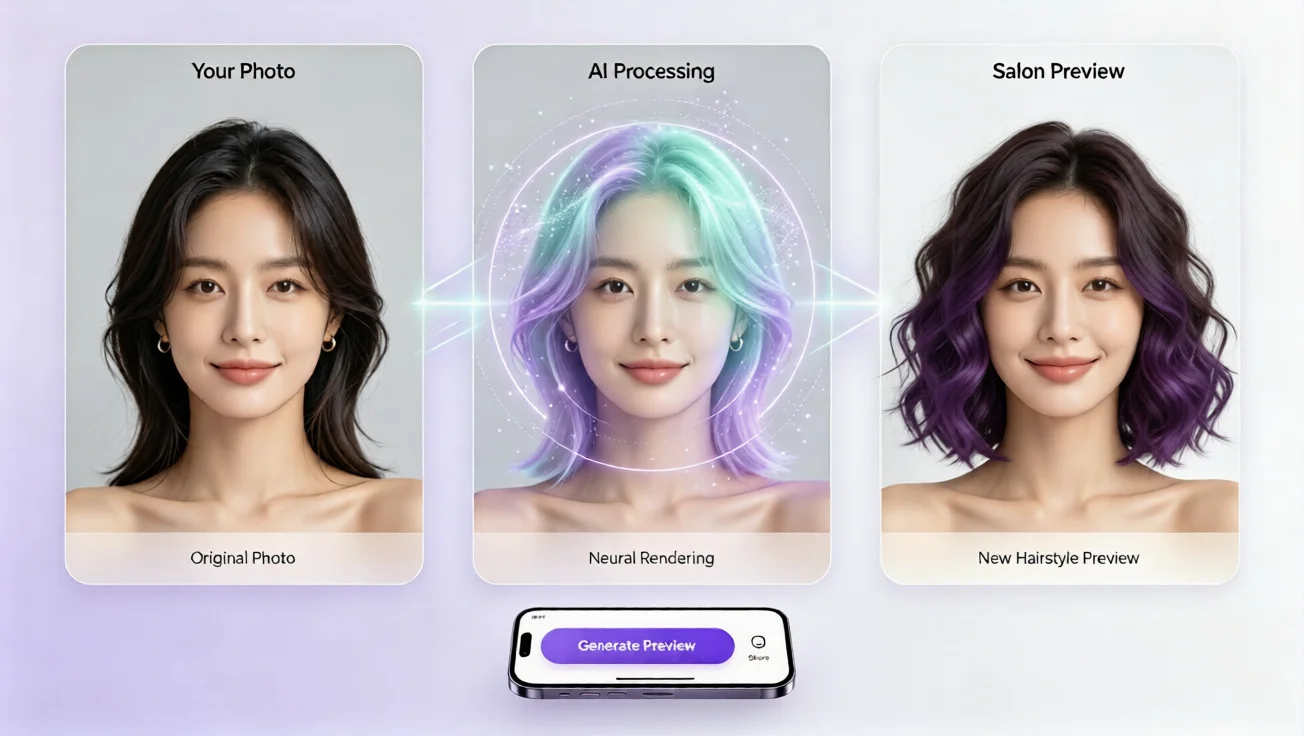
You can also revisit the saved result after a day. If you still love the virtual hairstyle, you can book your appointment with more confidence. If not, you can test more options without any cost or pressure.
Salon Preparation Checklist for Your Stylist
Before your appointment, prepare a few questions. Ask whether the previewed haircut works with your natural texture. Ask if the color needs bleaching, toning, or frequent touch-ups. Ask how much daily styling the look will require. These details help turn a pretty preview into a practical plan.
Think about your lifestyle too. If you prefer low-maintenance hair, avoid styles that need daily heat styling. If you want a dramatic change, ask your stylist whether a gradual transformation is safer. A good salon visit combines inspiration, realism, and clear communication.
Why Use aihairstyletryon.art for Virtual Hairstyle Simulation
aihairstyletryon.art is built for fast, beginner-friendly hairstyle testing. It offers free AI hairstyle try on, virtual hair color try on, and multiple hairstyle styles in one browser-based tool. There is no app download and no registration, which makes it easy to experiment privately.
The tool also focuses on natural-looking results. Face adapt hairstyle simulation helps you understand how a trend may appear on your own features. Whether you want to learn how to try different hairstyles online or find an ai hairstyle for face shape, the process stays simple and visual.
The best virtual hairstyle app no download approach also makes it easy to compare multiple looks quickly. You can open the online hair simulator on a phone or desktop, test a new ai hair changer style, and decide whether you want a subtle refresh or a dramatic makeover. This is especially useful for first-time color clients or anyone growing out a previous haircut.
Final Thoughts: Preview First, Visit the Salon With Confidence
Salon preparation is no longer about guessing from magazine photos. With an AI hairstyle try on tool, you can test virtual hairstyle looks, compare virtual hair color, and choose a direction that feels right for your face and routine.
You can also use your saved preview to plan accessories, makeup, and outfits around the new hairstyle. When the color, length, and shape already feel harmonious, the entire styling routine becomes easier. This extra planning step can make your salon result feel more natural and more personal.
Skip manual photo editing and expensive trial and error. Visit aihairstyletryon.art, use the free online hair simulator, and preview your next look in seconds. It is a zero-cost way to discover your best style before your salon appointment.
التعليقات
شارك رأيك حول هذا المقال.
يجب تسجيل الدخول لنشر تعليق.
سجل الدخول للتعليق