
ai hairstyle online free female — Complete Beginner Guide
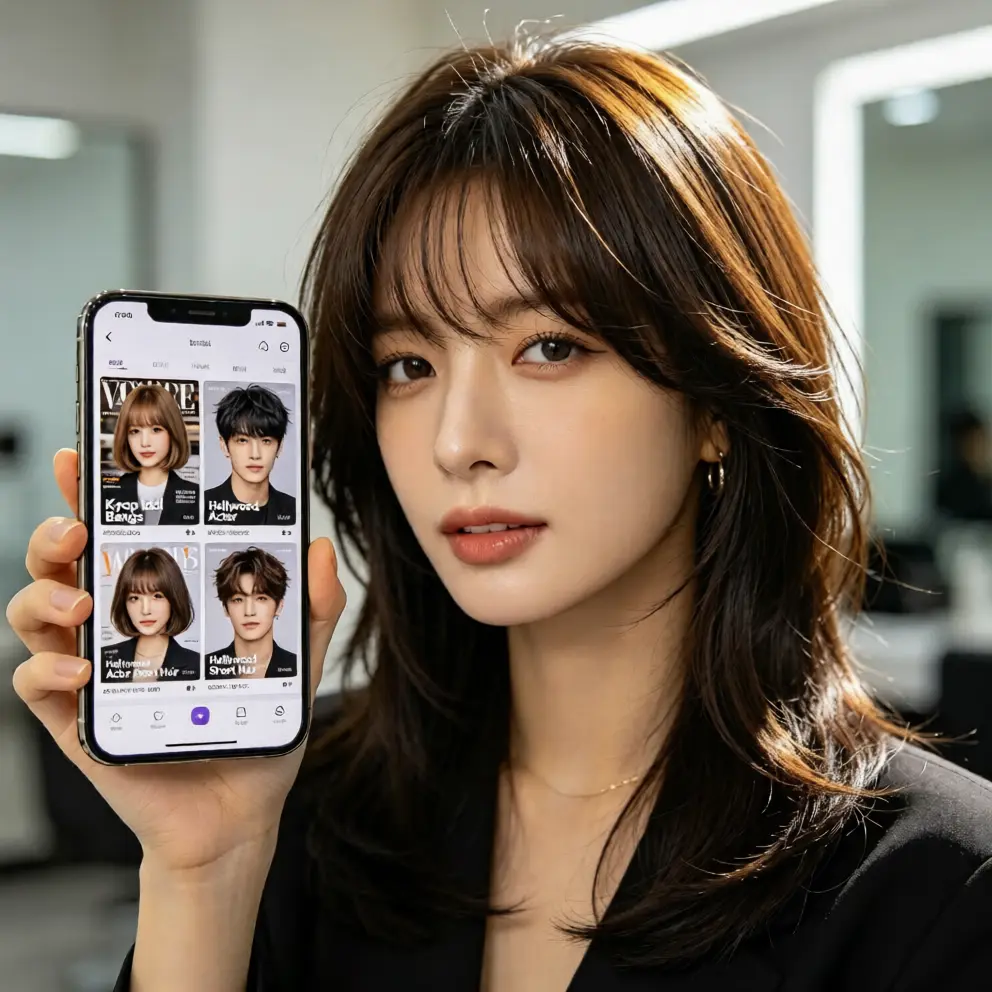
Learn how ai hairstyle try on helps female beginners preview virtual hairstyle looks free online with no download, no registration, and natural results.
Why Female Beginners Need an AI Hairstyle Try On
Changing your hairstyle can feel exciting, but it also comes with worry. Many women hesitate to cut bangs, try a bob, or dye blonde because the final result is unknown. Salon visits cost money, and bad haircuts take weeks to fix. This is exactly where ai hairstyle try on technology becomes helpful. Instead of guessing, you can preview a virtual hairstyle on your own photo before making any real decision.
aihairstyletryon.art is a free online hair simulator designed for beginners. There is no app download, no registration, and no editing skill required. You upload a clear photo, choose a hairstyle, and let the AI hairstyle generator create a natural preview. The tool works for long hair, short hair, curls, straight styles, and trendy hair colors, making it easy to see what suits your face and lifestyle.
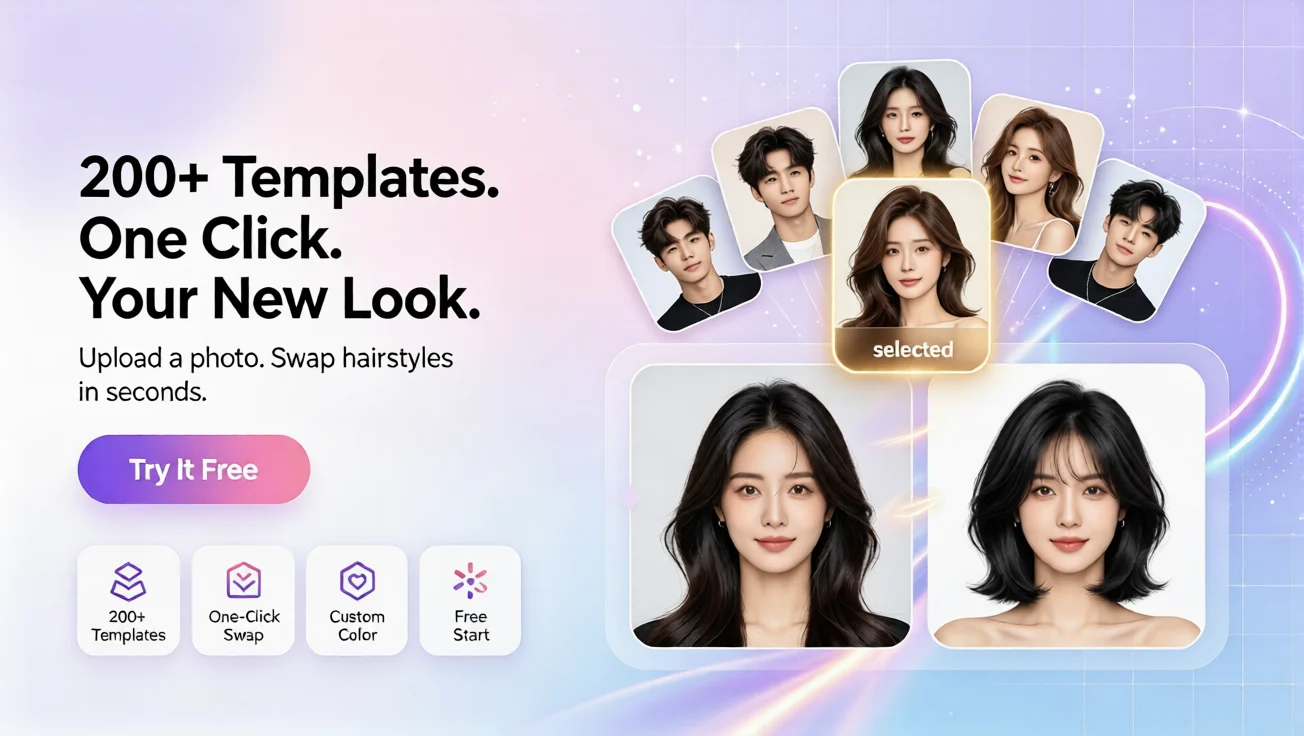
For female users searching for ai hairstyle online free female options, the biggest benefit is confidence. You can compare several looks in minutes, save your favorite direction, and avoid costly mistakes. Whether you want a soft layered cut, a sleek pixie, or a virtual hair color test, the process stays simple and realistic.
How AI Hairstyle Simulation Works
A good hairstyle simulator does more than paste a wig over your photo. The AI analyzes your face shape, hairline, head angle, and lighting. Then it adapts the selected hairstyle so the strands, volume, and color follow your natural features. This face adapt hairstyle simulation helps the result look blended instead of artificial.
Beginners often ask how to see what hairstyle suits me. The answer is to test contrast, length, and volume. Soft waves can add width to a narrow face, while long layers can balance stronger jawlines. If your forehead is delicate, curtain bangs may look gentle. If you want a bold change, a short crop can highlight your eyes. With virtual hairstyle try on, you can check these ideas without committing to scissors or dye.
Choose the Right Photo
For the clearest result, use a front-facing photo with even lighting. Keep your hair away from your face if possible, and avoid heavy filters. A simple portrait with visible shoulders works well. The better the input photo, the more natural your ai hair changer preview will appear.
Match Styles to Your Goal
If you want a daily refresh, start with subtle length changes. If you are planning an event, test glamorous curls or an updo. If you want to experiment with color, use free virtual hair color try on options such as warm brown, honey blonde, copper, or cool black. Small changes can reveal which palette makes your skin look brighter.
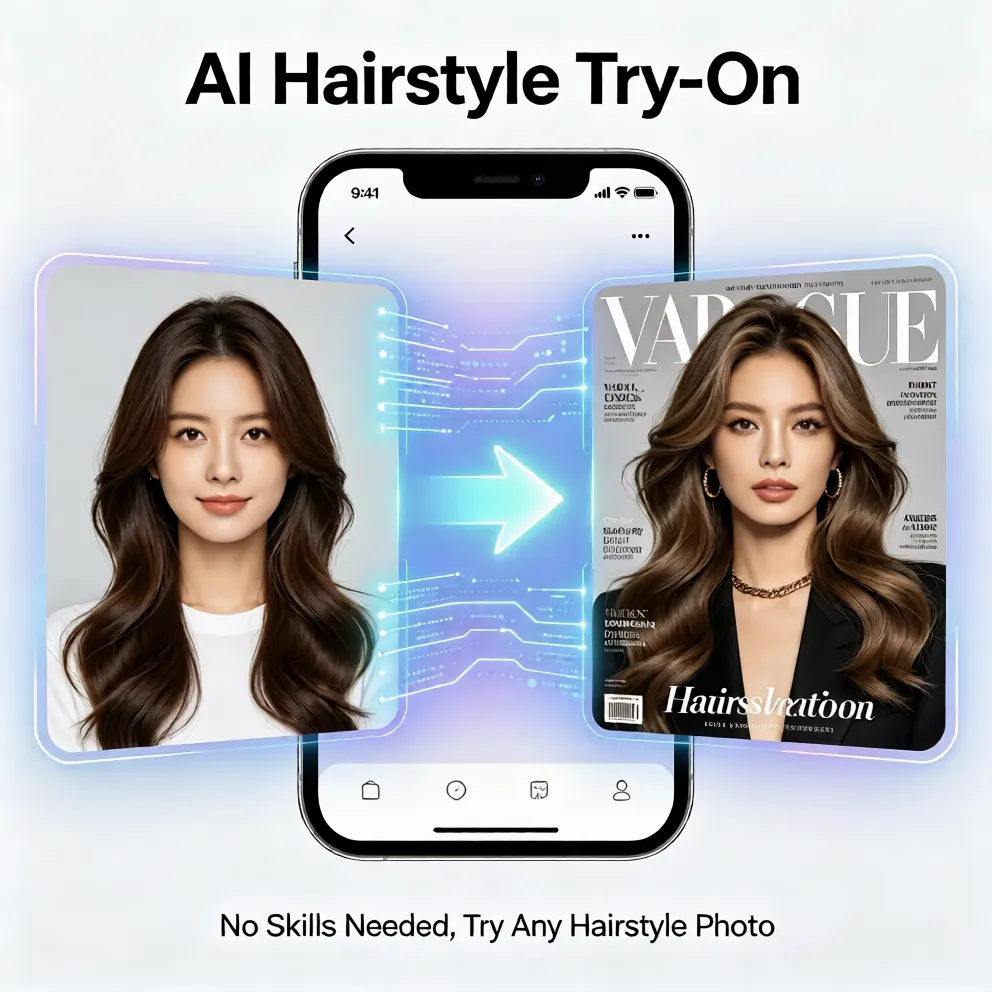
Step-by-Step: Try an AI Hairstyle Online Free Female Guide
This beginner workflow takes only a few minutes. You do not need manual photo editing, tutorials, or design experience. The entire process is built for one-click testing.
Step 1: Upload Your Photo
Open aihairstyletryon.art and upload a clear portrait. The online hair simulator accepts standard photos and prepares them automatically. Your image is used to create the hairstyle preview, so choose a photo that shows your face clearly.
Step 2: Select a Hairstyle
Browse different hairstyle options. Try a bob, long layers, bangs, curls, or a shorter cut. Each selection updates the AI hairstyle try on preview, helping you compare length, volume, and overall vibe. This is especially useful for female users who want to picture a new look before booking a salon appointment.
Step 3: Adjust the Look
If the style feels too dramatic, switch to a softer option. If you want more movement, test waves or textured ends. You can also explore virtual hair color previews to see whether a lighter, darker, or warmer shade fits your personality. The goal is to make the hairstyle feel natural on your face, not just trendy on a model.
Step 4: Compare and Decide
Create several previews and compare them side by side. Pay attention to how the hairstyle frames your eyes, cheekbones, and jawline. Notice whether the color looks natural under your lighting. When one virtual hairstyle feels exciting and believable, you have found a strong candidate for your next real-life change.
Why This Free AI Hair Changer Works for Beginners
Many virtual hairstyle tools feel complicated or push users toward paid apps. This platform stays beginner-friendly by focusing on speed, simplicity, and realistic output. The free ai hairstyle try on experience is designed for people who want answers quickly, not for professional editors.
First, it requires no download. You can use it directly in a browser on desktop or mobile, and it feels like the best virtual hairstyle app no download because there is nothing to install. Second, it requires no registration, so you can test private looks without creating an account. Third, the one-click AI hairstyle swap makes it easy to move from one idea to another. These details matter when you are still exploring and do not know exactly what you want.
The natural effect is another major advantage. A poor preview can mislead you, but a balanced AI hairstyle generator considers face shape, hair flow, and color depth. That helps you judge whether a style is flattering, not just different. For female users, this can reduce anxiety around major changes like bangs, short cuts, or bold color.
Save Time Before Salon Visits
Instead of describing a vague idea to a stylist, you can show a clear preview. This improves communication and helps your stylist understand the length, shape, and mood you want. Even if you finally choose professional coloring, the preview gives you a safer starting point.
Test Trends Without Risk
Trendy hairstyles look beautiful online, but not every trend fits every face. With an online hair simulator, you can test viral looks privately. Try a French bob, butterfly layers, mermaid waves, or a sleek low bun. If the look does not suit you, simply move on. There is no cost, no damage, and no awkward waiting period.
Common Mistakes Female Users Should Avoid
One mistake is choosing only extreme changes. Start with medium options first, then move to bold styles. Another mistake is using dark or blurry photos. Low-quality images make it harder for the ai hair changer to create clean edges. Also, avoid judging a style from one angle; test several hairstyles and colors to understand your preferences.
Finally, remember that virtual hair color try on results are guides, not salon guarantees. Real hair texture, previous dye, and natural pigment can affect final color. Still, previewing helps you choose a direction and discuss it more confidently with a professional.
Find Your Best Look With Zero Pressure
The best way to discover how to try different hairstyles online is to experiment freely. Use aihairstyletryon.art to test an ai hairstyle for face shape match, preview a virtual hairstyle, and explore virtual hair color without leaving your home. The experience is free, private, and fast, which makes it perfect for beginners.
Skip manual photo editing, expensive trial-and-error appointments, and random guesses. Choose a photo, try the AI hairstyle try on, compare your favorite results, and move forward with confidence. Your next favorite hairstyle does not need to be a risk; it can be a well-tested, beautiful decision.
Comments
Share your thoughts about this article.
You must be signed in to post a comment.
Sign in to comment