
Ultimate ai hairstyle changer Guide for beginners
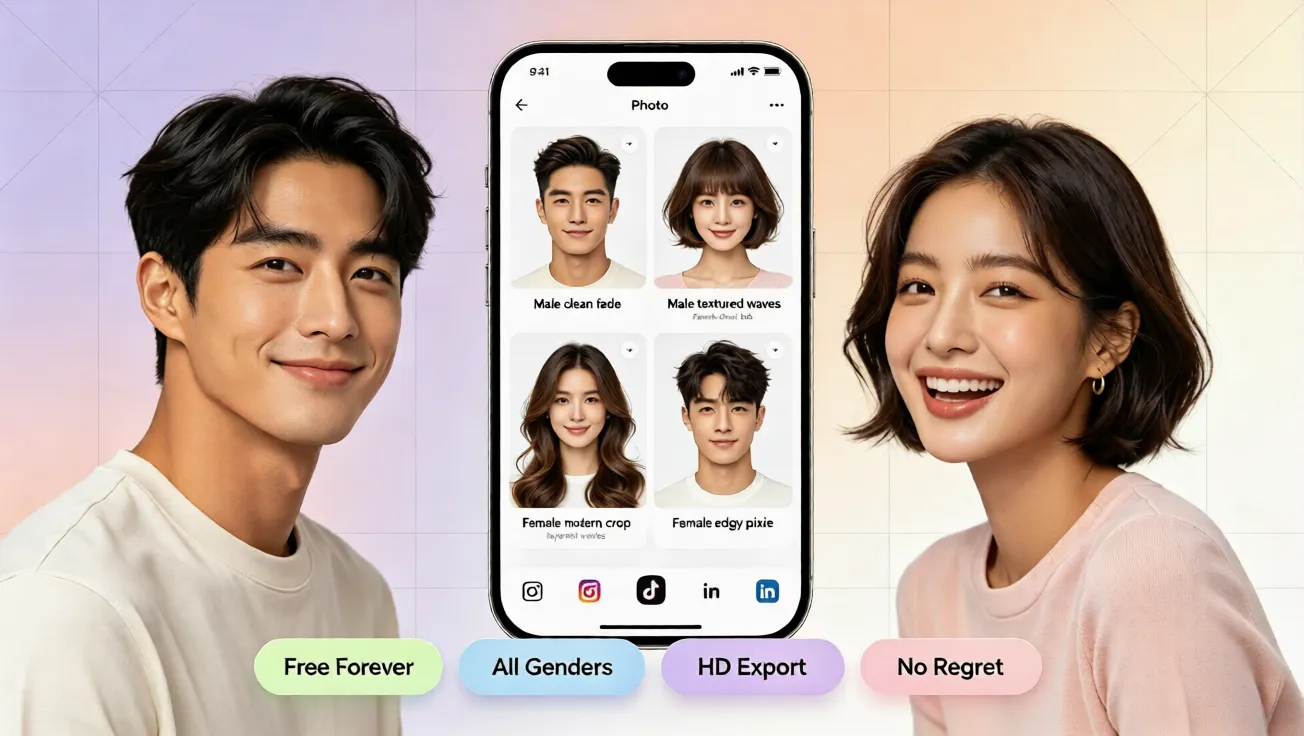
Learn how an ai hairstyle changer helps beginners try virtual hairstyles, preview hair colors, and find flattering looks free with AI hairstyle try on.
Why Beginners Need a Safe Way to Test Hair Changes
Many people want a fresh look but worry about expensive mistakes. A haircut may not suit their face shape, a bold color may clash with their skin tone, and salon visits can cost more than expected. Beginners often do not know how to edit photos or imagine a new style. That is why an ai hairstyle changer helps. Instead of guessing, you can preview lengths, textures, and shades on your own photo.
aihairstyletryon.art is a free online tool for virtual hairstyle testing. You do not need to download an app, register, or learn editing skills. It offers ai hairstyle try on results with realistic placement, natural blending, and many style options. Whether you want a short bob, long waves, curly layers, or a trendy hair color, you can compare looks quickly.
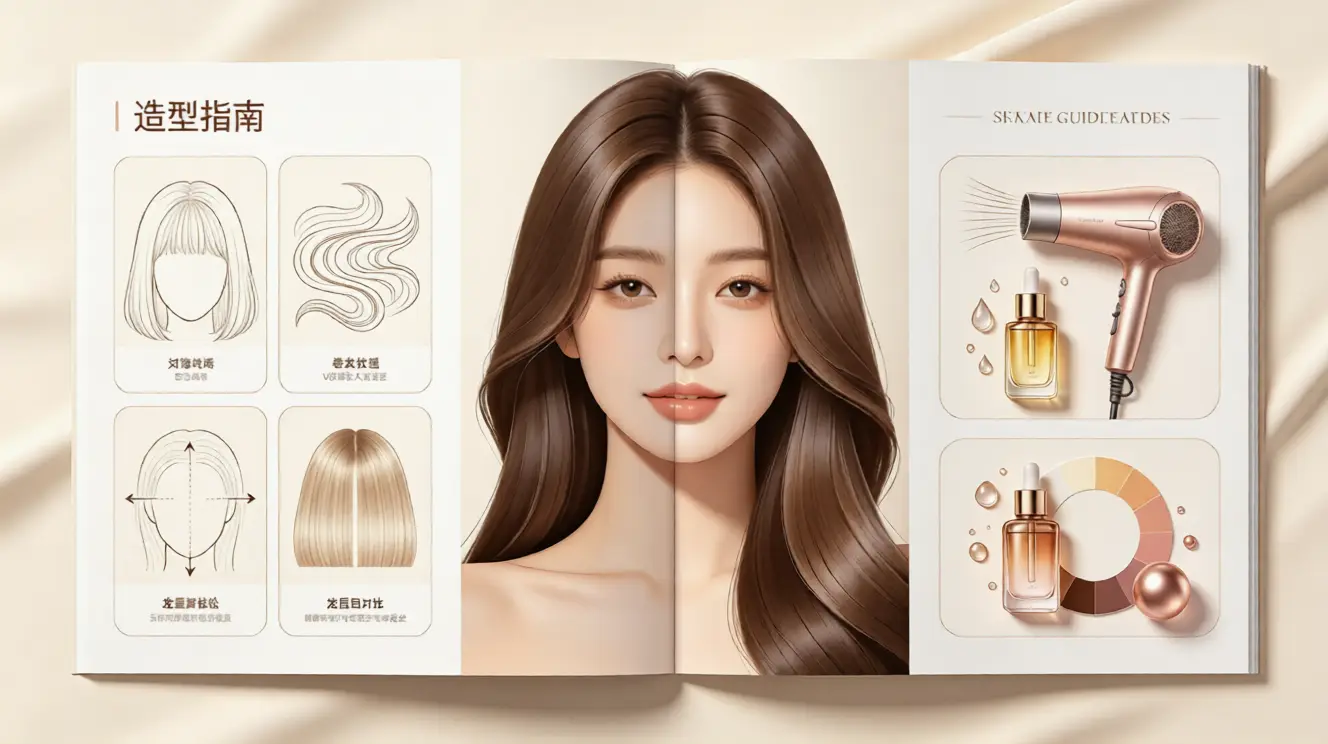
The biggest advantage is low-pressure experimentation. You can test a dramatic change without scissors or dye. You can also save time by narrowing favorites before talking to a stylist. This guide explains the basics, walks through the steps, and shows how to use a virtual hairstyle simulator.
What Is an AI Hairstyle Changer?
An ai hairstyle changer is a web-based tool that uses artificial intelligence to place different hairstyles onto a photo. The system analyzes facial features, head position, and photo proportions to create a natural preview. A good online hair simulator can adjust the style so it follows the face, shoulders, and lighting more convincingly.
Beginners should look for ai hairstyle try on, virtual hair color testing, hairstyle simulator presets, and face-adapted results. These features make it easier to answer questions such as how to see what hairstyle suits me or how to try different hairstyles online. The process is useful when you are unsure whether a style matches your face shape, personal style, or daily routine.
How to Use the AI Hairstyle Try On Tool Step by Step
The process is simple, even if you have never used a hairstyle simulator before. Follow these beginner-friendly steps to create clear previews.
Step 1: Choose a Clear Photo
Select a front-facing photo with good lighting. Your face should be visible, and your hair should not cover your eyes or cheeks. Natural daylight works best. Avoid heavy filters, hats, or extreme angles because they can reduce the accuracy of the virtual hairstyle preview.
Step 2: Upload Your Photo
Go to aihairstyletryon.art and upload your image. There is no registration and no app download, which makes the experience fast and simple. Once the photo is ready, the ai hair changer can begin matching styles to your image.
Step 3: Browse Hairstyles and Hair Colors
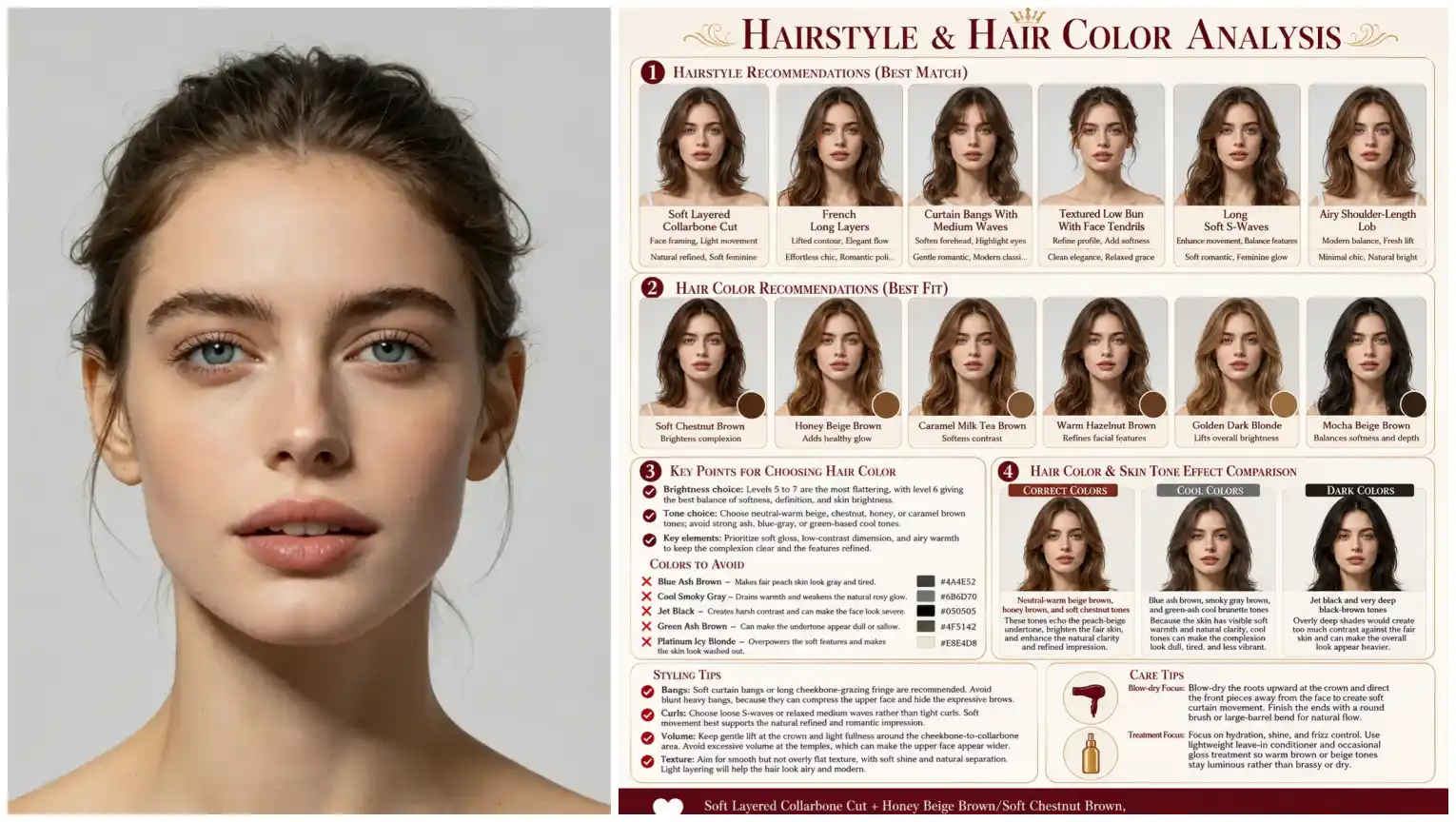
Start with styles that interest you. Try short, medium, and long options. Compare straight, wavy, and curly textures. If you are curious about color, use the virtual hair color feature to preview brown, blonde, black, red, or fashion shades. Move slowly through each category so you can notice how the style changes your appearance.
Step 4: Check Face Shape Compatibility
Look at proportions. Some styles soften a strong jawline, some add volume at the top, and others frame the face gently. If you need ai hairstyle for face shape guidance, use the previews to see whether a style balances your features. Choose the look that feels harmonious and wearable, not just trendy.
Step 5: Compare and Decide
Create several previews and compare them. Look at the front view, side profile, and overall vibe. Ask whether the style fits your lifestyle, maintenance level, and wardrobe. If you love a bold color but feel unsure, test a softer version first. The online hair simulator makes it easy to explore variations without pressure.
Beginner Tips for More Realistic Results
Use Neutral Lighting
Harsh shadows can make a preview look less accurate. A photo taken near a window with soft light often produces clearer results. Neutral lighting also helps when testing virtual hair color because shades appear more consistent.
Keep Hair Pulled Back If Possible
If your natural hair is long or thick, pulling it back can help the ai hairstyle generator show new shapes more cleanly. This is useful when testing short cuts or styles with different volume.
Test One Change at a Time
If you change length, texture, and color all at once, it can be hard to know what caused the difference. Test one variable first, then combine changes. For example, preview a bob in your current color, then try the same bob with a new shade.
Why Choose aihairstyletryon.art?
The platform is built for beginners who want a free ai hairstyle try on experience without technical barriers. It focuses on simple uploads, fast previews, and realistic style simulation. You can explore ai hairstyle generator options, virtual hairstyle try on looks, and virtual hair color tests in one place. There is no need to install software or pay before seeing results.
The tool supports multiple hairstyle categories for men and women, including short cuts, long layers, curls, bangs, and trendy colors. The natural effect is important because a preview should feel believable, not like a costume. A well-designed hairstyle simulator helps you imagine the look in real life.
Common Mistakes Beginners Should Avoid
Do not rely on a single photo. A style can look different depending on lighting, angle, and expression. Do not ignore maintenance. Some cuts require frequent trims, and some colors need special care. Do not choose a style only because it is popular. The best virtual hairstyle is the one that fits your face, comfort level, and personal style.
Also avoid rushing into a salon appointment after viewing only one preview. Compare multiple options, save your favorites, and think about how each look feels after a day or two. The goal is confidence, not impulse.
Final Thoughts: Try Before You Transform
A great hairstyle should feel exciting, not risky. With an ai hairstyle changer, beginners can explore new looks safely, compare hair colors, and understand what flatters their face before making a real change. The process is simple: upload a clear photo, preview different styles, test colors, and choose the option that feels most like you.
Skip manual photo editing and avoid expensive guessing. Use aihairstyletryon.art to enjoy free ai hairstyle try on, virtual hairstyle previews, and virtual hair color testing directly in your browser. It is a practical, beginner-friendly way to discover your next look with confidence and zero commitment.
Comments
Share your thoughts about this article.
You must be signed in to post a comment.
Sign in to comment