
How to Use AI Hairstyle Recommendation for celebrity hairstyle recreation
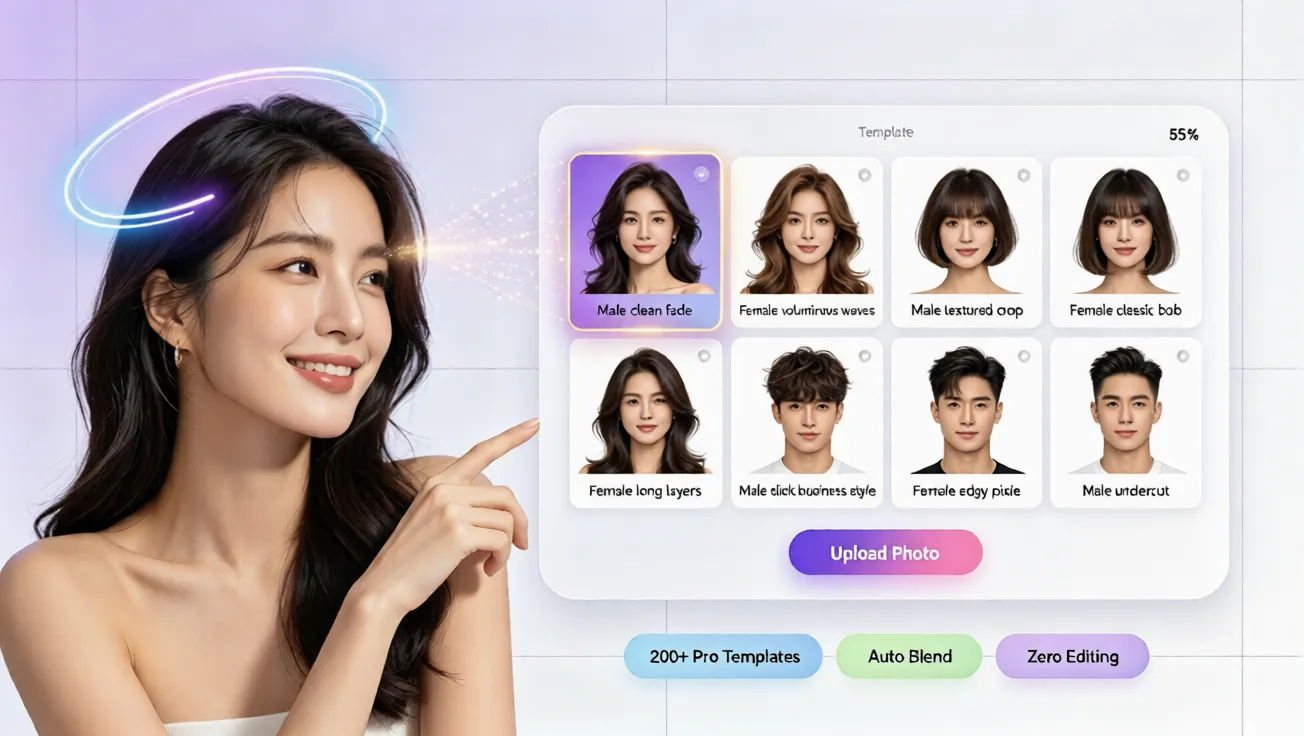
Learn how to use AI hairstyle recommendation to recreate a celebrity look safely with a free ai hairstyle try on and virtual hairstyle simulator.
Why Celebrity Hairstyles Are Tempting But Risky
Many people love a celebrity hairstyle because it feels confident, polished, and instantly recognizable. But copying a famous look is not as simple as cutting or dyeing your hair at home. A style that works on one face may flatten yours, make your features look shorter, or create a color that feels harsh under indoor light. That is why a virtual hairstyle try on can be so useful. Instead of guessing, you can preview a celebrity-inspired look on your own photo, compare several options, and choose the one that feels natural before spending money or cutting your hair. This guide shows how to use AI hairstyle recommendation for celebrity hairstyle recreation in a simple, beginner-friendly way.
The goal is to preview a realistic, face-adapted result before you make any real change.
What Is AI Hairstyle Recommendation?
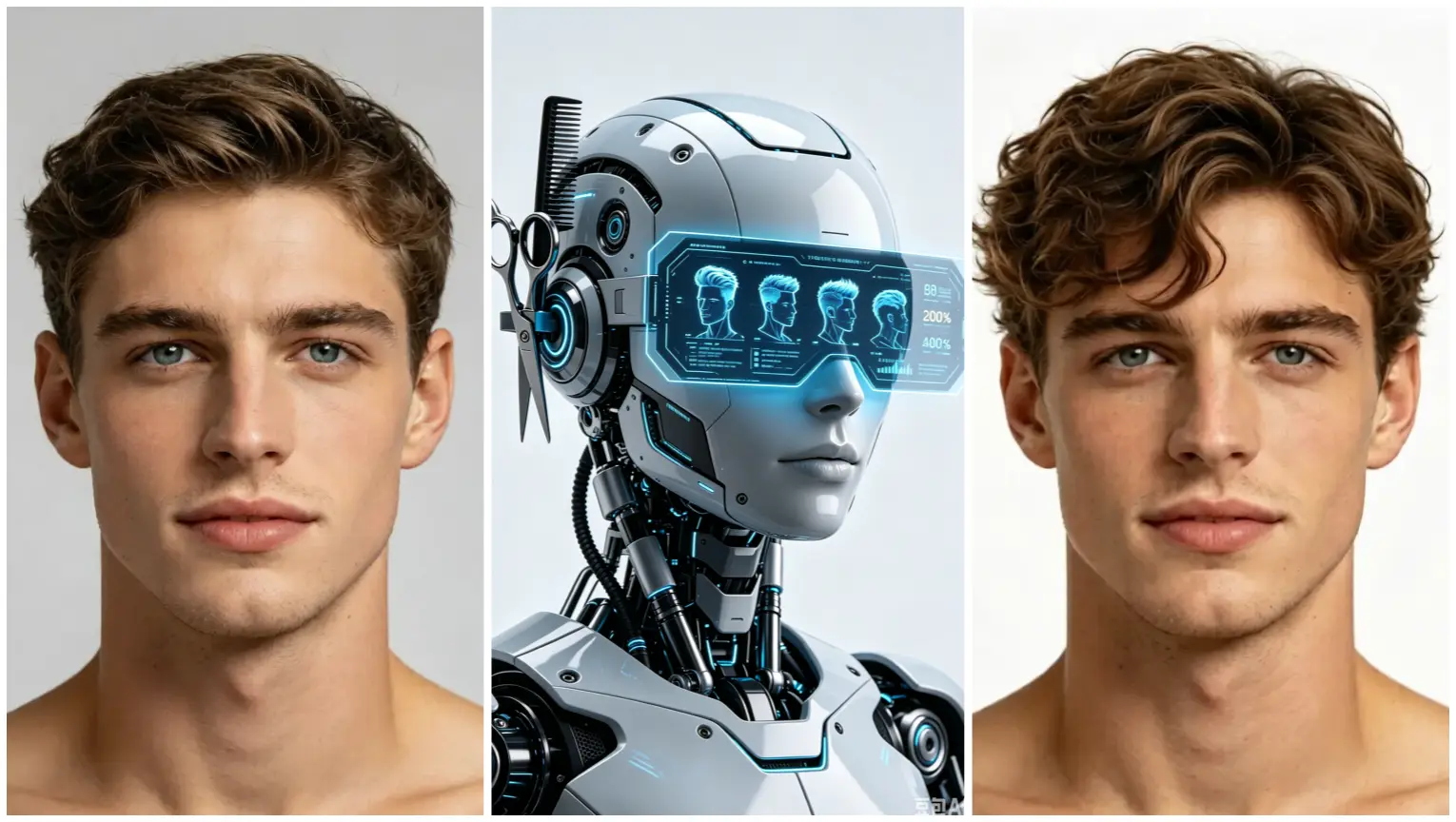
A free AI hairstyle try on tool works like a virtual stylist. It analyzes your face shape, hair length, and photo lighting, then suggests styles that may suit you better than random searches. For celebrity hairstyle recreation, it separates the celebrity look from the celebrity face. You can test a bob, long waves, a shag cut, or a bold color, and see how the same silhouette adapts to your proportions. This reduces the fear of walking into a salon with only a photo and hoping for the best.
How It Helps With Celebrity Looks
Celebrity photos often use professional lighting, makeup, and a very specific face shape. That makes direct copying difficult. An AI hair changer can show how the same cut, layering, and color would sit on your face. A curtain bang may soften a round face, while a chin-length bob may add structure to a long face. The point is not to imitate a star perfectly. It is to find the parts of the look that work for you.
Step-by-Step: Recreate a Celebrity Hairstyle Online
You do not need editing skills to use an online hair simulator. The process is simple: upload a clear photo, choose a style, and review the virtual preview.
Step 1: Choose a Clear Photo
Start with a recent, front-facing photo in soft daylight. Avoid heavy filters, and make sure your hairline, ears, and neckline are visible. If you want to test a shorter celebrity look, keep the crown and hairline easy to see. A clean source photo helps the AI hairstyle try on tool detect your face shape more accurately.
Step 2: Upload Your Photo to the AI Hairstyle Try On Tool
Upload your image to the free AI hairstyle try on workspace. No app download or registration is required. Once the photo loads, the tool analyzes your facial proportions and prepares a virtual hairstyle canvas. You can begin experimenting without worrying about damaging your real hair.
Step 3: Select the Celebrity-Inspired Style
Choose a style that matches the celebrity look you want to recreate, such as a bob, pixie cut, layered waves, or sleek straight hair. Compare details like fringe thickness, part placement, and how the length falls around the jaw. If the original style feels too extreme, choose a softer version that keeps the same mood but is easier to wear every day.
Step 4: Adjust Virtual Hair Color and Finish
After choosing the shape, use virtual hair color to test the tone. Celebrity photos often look different under studio light, so try natural browns, soft blondes, warm bronzes, or subtle highlights instead of assuming the exact shade will suit you. The AI hair changer should keep shadows and highlights realistic. Once the shape and color feel right, save the preview as a style reference.
A clear preview helps you avoid expensive mistakes.
How to Pick a Celebrity Hairstyle That Fits Your Face
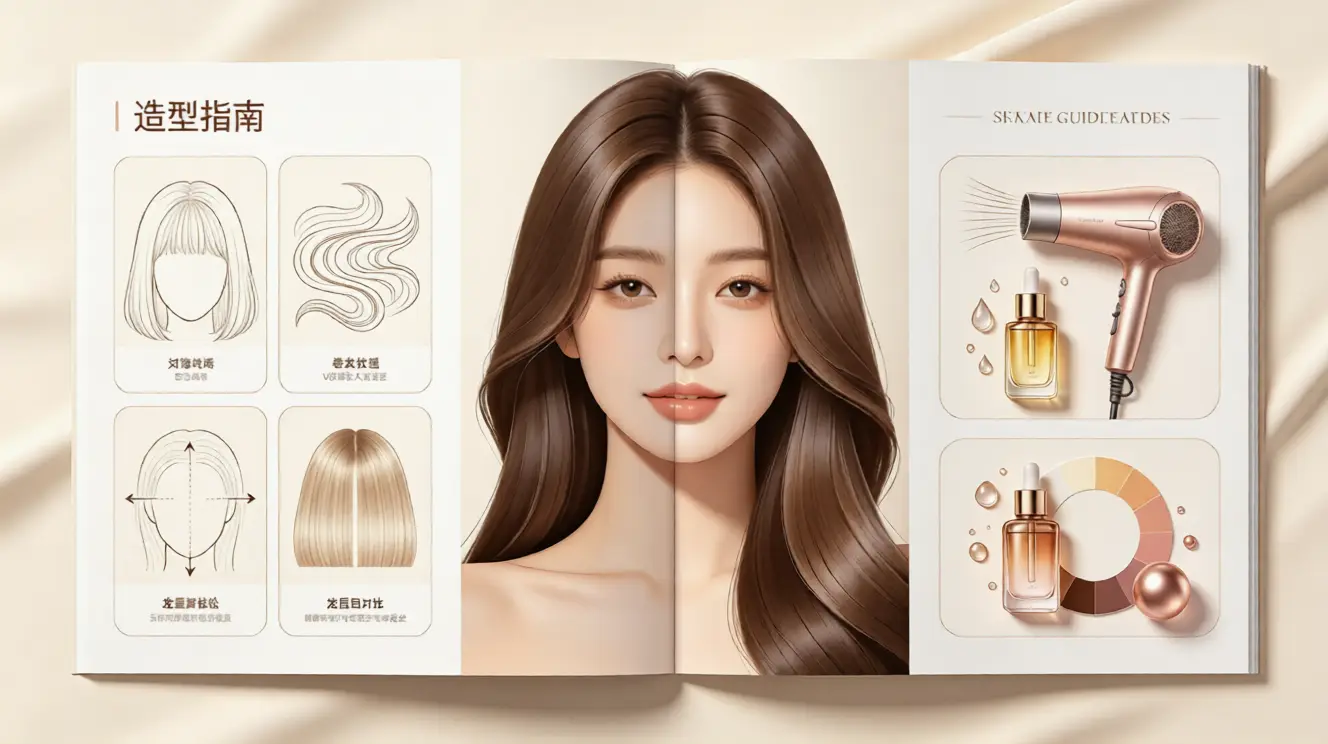
The best celebrity recreation is not an exact copy. It is a translation. Your face shape, hair density, and personal style change how a look appears. Use the virtual hairstyle try on as a decision-making tool. If you are asking how to see what hairstyle suits me, this method gives you a practical answer. If a style makes your face look balanced and your energy feel more confident, that is a strong signal. If the result feels stiff, too short, or visually heavy, try another version before making any real change.
Match the Style to Your Face Shape
For heart-shaped faces, face-framing strands can soften the forehead. For round faces, length and movement add dimension, especially when hair falls below the jaw. For square faces, rounded layers and side-swept bangs can reduce sharpness. For oval faces, most celebrity styles are easy to adapt, so focus on color, texture, and mood. The AI hairstyle try on preview helps you see these differences quickly.
Use Virtual Hair Color Before Committing
Hair color is easy to misjudge from a celebrity photo. A blonde may look bright under stage lights but ashy on your skin. A dark brunette may look polished in one photo and heavy in another. A free virtual hair color try on lets you compare tones with your own photo. This is especially helpful if you are considering highlights, copper tones, or a full color change.
Why an Online Hair Simulator Beats Manual Edits
Manual editing can take hours and still look fake if the hair edge is not clean. An online hair simulator is built specifically for hair, so the result usually blends better with your scalp, texture, and lighting. You also avoid the pressure of choosing one style before seeing it on your face. With one-click AI hairstyle swap, you can test a bold idea and decide whether a softer version is more wearable.
Final Tips Before You Try It Yourself
Do not aim for a perfect celebrity copy. Aim for a look that feels like you, but sharper, fresher, or more confident. Start with two or three styles you genuinely want to try, then compare them on the same photo. Use natural lighting, and avoid changing too many variables at once. If a style passes the virtual test, take the preview to your stylist as a clear reference, or keep it as inspiration.
The best next step is to try it now with the free AI hairstyle try on tool at aihairstyletryon.art, where you can preview a virtual hairstyle, test virtual hair color, and find the right look without registration, download, or expensive trial and error.
评论
分享你对这篇文章的想法。
你需要登录后才能发表评论。
登录发表评论