
One-Click Occasion Hairstyles: Pick the Perfect Look with AI
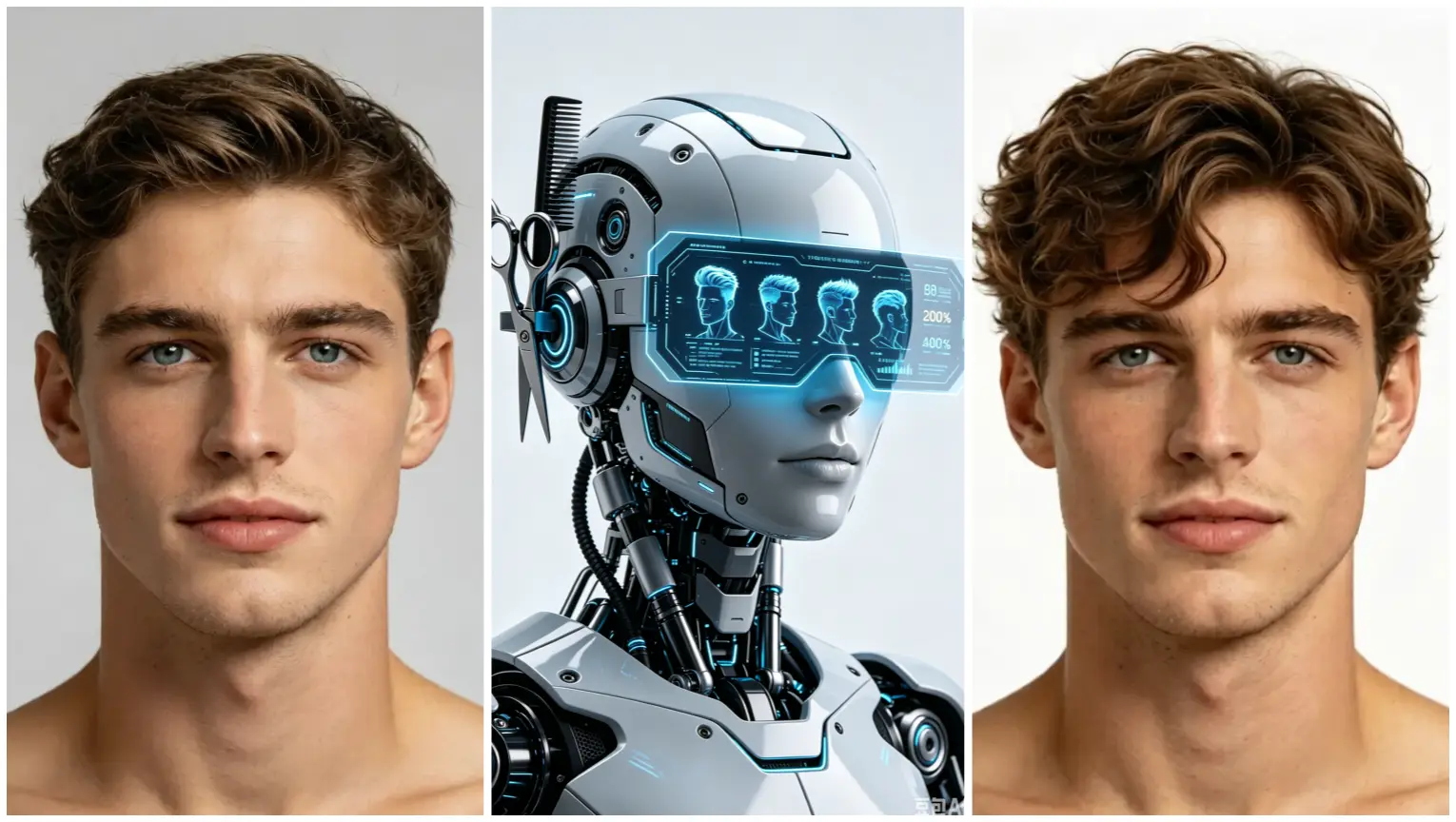
Discover occasion-based, one-click hairstyle recommendations and realistic previews. No drawing or prompt writing — try free or upgrade for more options.
Find the right hairstyle for any occasion in one click
Choosing the right hairstyle for a job interview, a weekend brunch, or a formal event can feel overwhelming. Our occasion-based workflow makes it simple: upload a portrait, tell the app the occasion, choose a color, and receive AI hairstyle recommendations plus a realistic preview — no drawing skills or prompt writing required. Beginners can start with one click and see professional-looking options instantly.
How the occasion workflow works
The occasion workflow is designed for people who want suggestions tailored to what they’ll actually be doing. You’ll follow three clear steps:
1) Upload a portrait: Use a clear, front-facing photo so the results match your face and proportions. 2) Enter the occasion: Choose from options like work, casual, wedding, date night, or party — this tells the system which styles to prioritize. 3) Choose a color and generate: Pick a shade you want to try and generate a preview that shows how that hairstyle would look on you in that color.
Within moments you’ll see several curated looks suited for your chosen occasion. This approach blends hairstyle ai recommendations with realistic preview images so you can compare options side by side and make confident choices before visiting a salon.
Why occasion-based recommendations help
Many people focus on what looks trendy rather than what fits the moment. Occasion-based recommendations narrow options to what works for your setting — professional, relaxed, or formal — and save time. If you’re preparing for an important meeting, the tool will favor polished, low-maintenance cuts. Heading to a party? Expect bolder textures and statement lengths.
Because the system considers the occasion and your photo together, results feel personalized. If you want more control, you can still choose a template hairstyle and color to generate a preview, or upload a hairstyle reference image to create a custom preview that matches a specific look you found online or in a magazine.
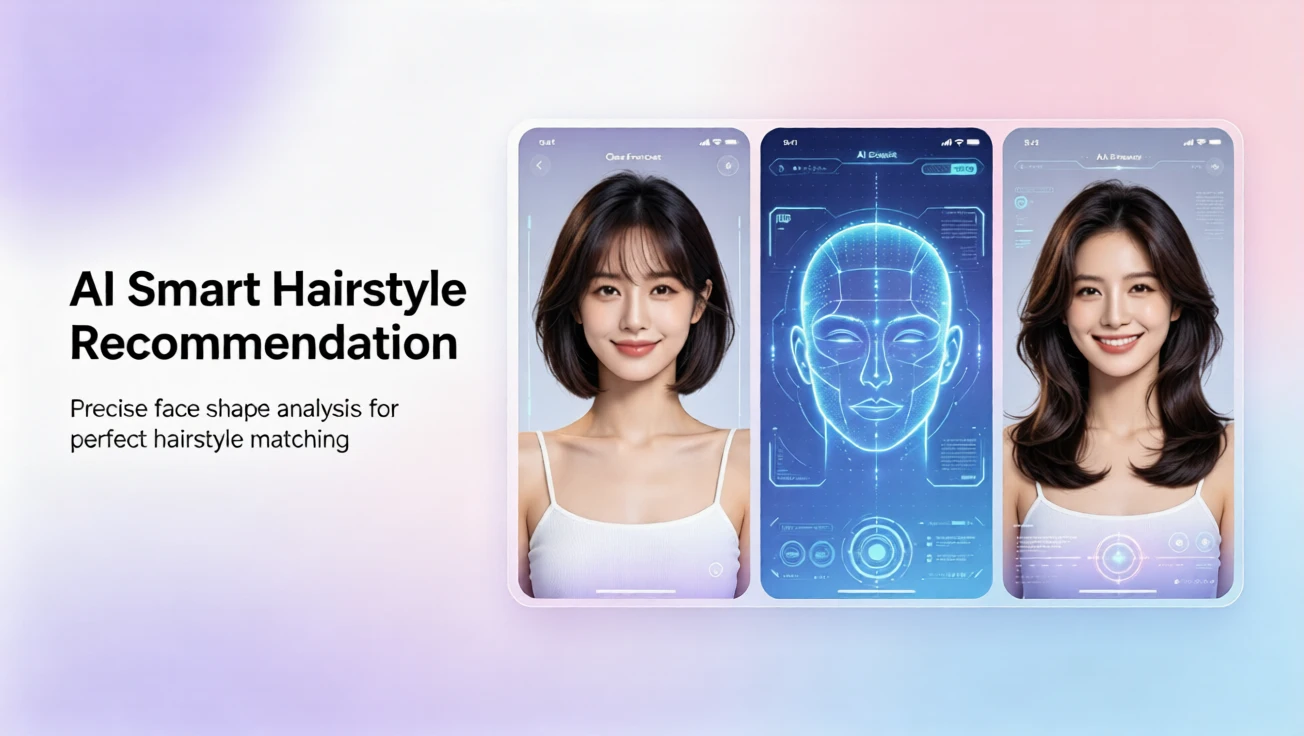
Other easy workflows available
Aside from occasion-based recommendations, there are three additional beginner-friendly workflows:
- Template try-on: Upload a photo, choose a template hairstyle and color, and generate a preview. Ideal if you want to browse ready-made styles.
- Custom reference preview: Upload your portrait plus a preferred hairstyle reference image, select a color, and generate a custom preview that adapts that exact style to your face. Great for emulating inspiration photos without needing hairdressing skills.
- Hairstyle analysis report: Upload a portrait to receive an AI hairstyle analysis report that explains face-shape considerations, suggested lengths, and color notes. This helps you understand why certain styles suit you.
No tech skills needed — start with one click
The process is built for people who don’t want to learn drawing or AI prompts. There’s no prompt writing, no complicated sliders, and no need to be tech-savvy. Upload, select, and generate — that’s it. The interface supports English, French, Spanish, Chinese, Japanese, and Arabic so users around the world can follow prompts and labels in their preferred language.
Plans, privacy, and getting started
A free plan is available so you can try core features like basic templates and one-click occasion previews. Paid plans unlock more templates, higher-resolution previews, and priority generation. We recommend starting free to test the workflows and then upgrading if you want more samples or pro-level previews.
Privacy is considered at every step: your photos are used only to generate previews and analysis reports and are not shared publicly without permission. If you need help, support is available in the supported languages listed above.
Tips for better previews
- Use a clear, well-lit photo with your face centered. - Choose a reference image with a similar angle when using the custom preview workflow. - Try several occasions and colors to compare how small changes affect overall appearance.
Whether you’re experimenting before a haircut, preparing for a special event, or just curious which styles flatter your face, the occasion-based workflow simplifies decision-making. With ai hairstyle changer features, hairstyle ai recommendations, and an easy one-click start, you can explore looks with confidence and find a style that fits both you and the moment.
评论
分享你对这篇文章的想法。
你需要登录后才能发表评论。
登录发表评论