
Top Tips for Getting Realistic Results With hairstyle ai
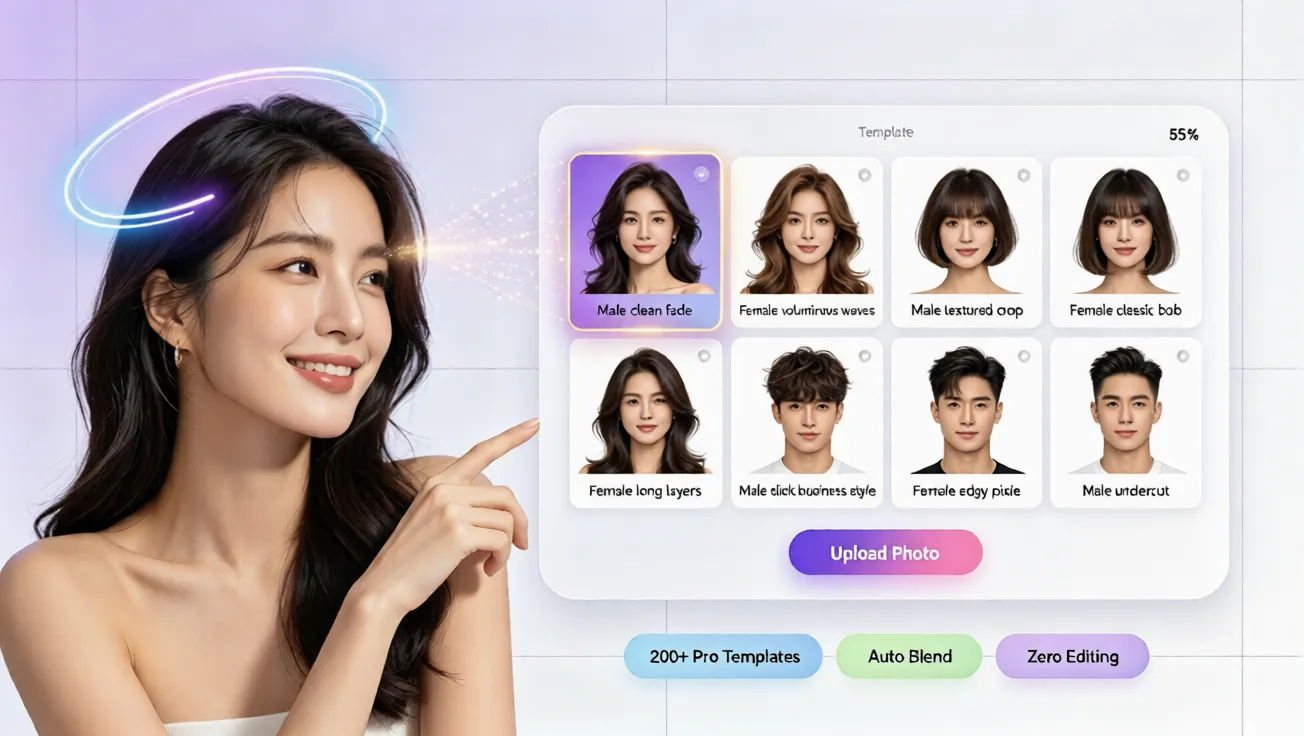
Learn practical tips for realistic hairstyle ai results with free AI hairstyle try on, virtual hairstyle try on, and natural hair color previews.
Top Tips for Getting Realistic Results With hairstyle ai
Changing your hairstyle can feel exciting, but it can also feel risky. Many people hesitate before a big cut or color because they worry the final look will not match their face shape, skin tone, or daily style. A salon visit can be expensive, and guessing from photos is not always reliable. That is why hairstyle ai tools have become so popular. With a free ai hairstyle try on experience, you can preview different looks on your own photo before making a real decision.
This guide shares practical tips for using an ai hairstyle generator or online hair simulator in a way that looks smooth and realistic. You will learn how to prepare your photo, choose suitable styles, test virtual hair color, and avoid common mistakes. Whether you want to see a short bob, soft waves, or a bold new shade, these tips can help you get better results from virtual hairstyle try on tools. You do not need an app download, registration, or editing skills to start on aihairstyletryon.art.
Start With a Clear, Well-Lit Photo
The first rule for realistic ai hairstyle try on results is using a high-quality photo. Choose a front-facing image with even lighting and a neutral background. Your face should be fully visible, with hair pulled back from your forehead if possible. Avoid heavy filters, extreme angles, strong shadows, or hats. The more clearly the virtual hairstyle tool can detect your face shape, the more natural the preview will appear.
Natural daylight is usually the best choice because it shows true skin tone and hair texture. If you plan to test virtual hair color, avoid photos with strong color casts. A clean photo also helps the hairstyle simulator blend the hairline and length more accurately. On aihairstyletryon.art, you can upload a simple photo and start testing looks in seconds.
Match the Style to Your Face Shape
Realistic results are not only about image quality. They also depend on choosing hairstyles that suit your proportions. If you have a round face, styles with height or side movement can create balance. If you have a square jaw, softer layers may look more natural than blunt edges. The benefit of an ai hairstyle generator is that you can compare several directions quickly without guessing.
When using a virtual hairstyle tool, test both length and volume. A style may look beautiful on someone else but behave differently around your cheeks, forehead, or neck. Use the online hair simulator to view the same look from several angles if possible. This helps you understand whether the style feels realistic for your everyday life.
Test Virtual Hair Color With Realistic Expectations
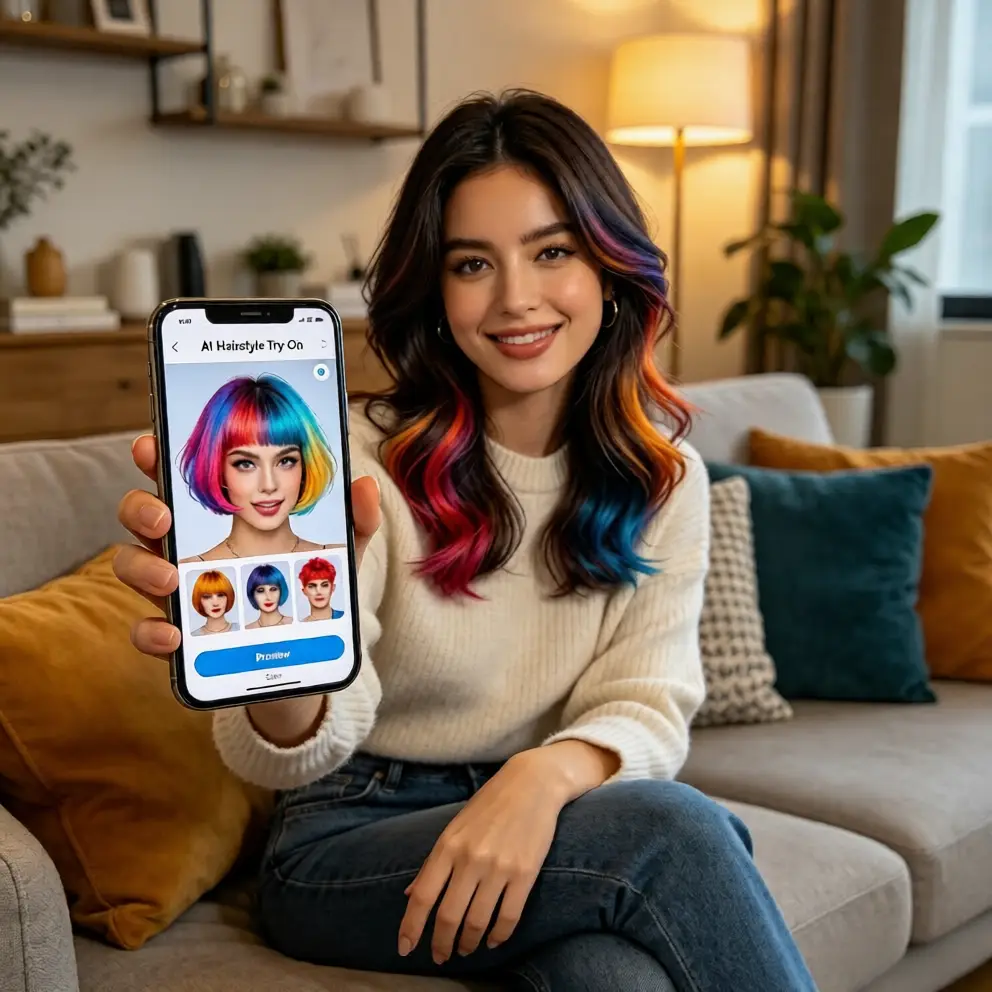
Hair color is one of the most useful parts of hairstyle ai, but it also needs careful testing. A bright platinum shade may look different depending on your natural base, skin undertone, and photo lighting. Start with subtle changes first, such as warm brown, honey blonde, soft copper, or a deeper espresso tone. Then move to bolder options once you understand how the virtual hair color blends with your features.
A free virtual hair color try on session can help you decide whether a shade feels natural or too dramatic. If you are previewing fashion colors, think about maintenance and how the color will look after several washes. With aihairstyletryon.art, you can compare multiple hair colors on your own photo before booking a salon appointment.
Step-by-Step: How to Try Different Hairstyles Online
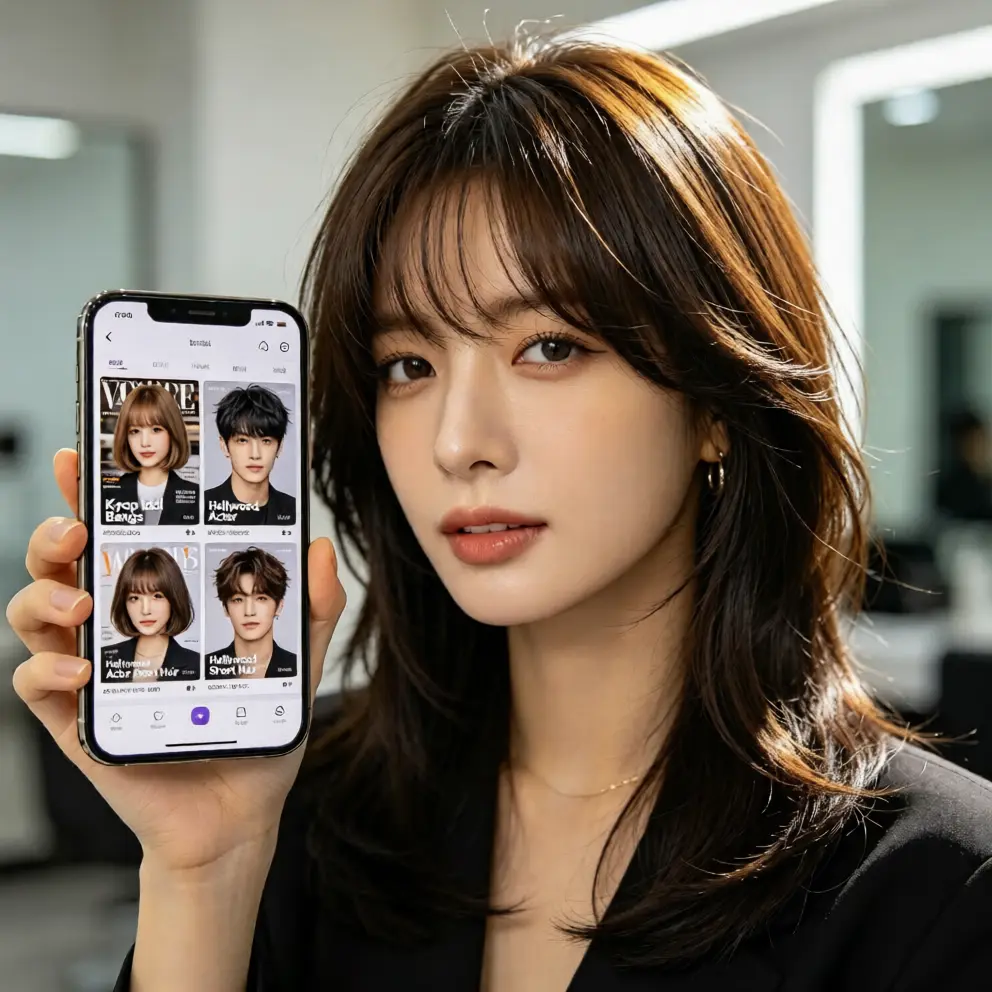
If you are wondering how to try different hairstyles online, the process is simple. First, visit aihairstyletryon.art and upload a clear photo. Second, browse hairstyle options such as short cuts, long layers, curls, bobs, bangs, or trendy styles. Third, select a style and let the ai hairstyle generator place it on your photo. Fourth, compare several looks and pay attention to the hairline, volume, and how the style frames your face.
Next, adjust the look by testing different hair colors if the tool offers that option. Do not rush the decision. Save your top choices, then revisit them later. A good virtual hairstyle try on should help you feel confident, not confused. If a result looks unnatural, try a different photo, a softer style, or a shade closer to your natural color.
Keep the Hairline and Texture in Mind
The most convincing hairstyle simulator results respect the hairline and natural texture. If your photo shows flyaways, strong wind, or a complicated updo, the AI may have less information to work with. A simple, clean hairline helps the virtual hairstyle blend more smoothly. Also, think about texture. A sleek cut may suit fine hair, while curly styles may need more volume to look authentic.
When testing ai hairstyle for face shape options, avoid choosing a look that completely hides your natural features. The best results usually keep your eyebrows, cheeks, and neck visible in proportion. This makes the ai hair changer feel less like a costume and more like a realistic version of you.
Use AI Hairstyle Try On to Avoid Costly Mistakes
A major advantage of hairstyle ai is reducing regret. Coloring your hair, cutting bangs, or switching from long to very short can be expensive and sometimes irreversible. A free ai hairstyle try on gives you a low-risk way to explore changes. You can see whether a dramatic bob matches your outfit style, whether bangs highlight your eyes, or whether a warm hair color brightens your skin tone.
This kind of online hair simulator is also useful for stylists and anyone planning a special event. Instead of describing what you want with vague words, you can show a preview that reflects your goal. That makes communication easier and helps you feel more prepared before sitting in the salon chair.
Why aihairstyletryon.art Is Built for Realistic Testing
aihairstyletryon.art is designed as a free online tool for people who want quick, natural-looking hairstyle previews. It supports one-click ai hairstyle try on, virtual hairstyle try on, and virtual hair color try on without requiring registration or an app download. You can test looks for men and women, short and long styles, curls, straight hair, and trendy colors directly from your browser.
The value is simple: save time, reduce guesswork, and explore changes with zero pressure. Because the experience is beginner-friendly, you do not need photo editing skills or technical knowledge. If you have ever searched how to see what hairstyle suits me, this tool gives you a visual answer instead of relying on imagination.
Final Thoughts Before Your Next Hair Change
Getting realistic results with hairstyle ai comes down to three things: a clear photo, suitable style choices, and patient comparison. Use good lighting, think about your face shape, test hair color gradually, and pay attention to hairline blending. The more thoughtfully you use a virtual hairstyle try on tool, the more helpful the preview becomes.
Instead of guessing with filters or paying for an unplanned salon experiment, use aihairstyletryon.art to preview your next look for free. With no app download, no registration, and one-click ai hairstyle try on, you can explore different hairstyles and hair colors with confidence. It is a smarter way to find a style that fits your face, your personality, and your daily routine.
评论
分享你对这篇文章的想法。
你需要登录后才能发表评论。
登录发表评论