
Try Hair Colors & Lengths with AI Previews

Test hair colors and lengths in minutes with AI hairstyle previews. No drawing or prompts needed — upload a photo, choose a style or reference, and start with one click.
Instantly explore colors and lengths without any drawing or prompts
Curious how a new color or length would look on you, but don’t want to commit to a salon visit? With our AI hairstyle previews you can test ideas in minutes. There’s no need for drawing skills or prompt writing — just upload a photo and start with one click. This guide walks beginners through simple ways to experiment with hair color and length using the site’s workflows: template previews, custom reference previews, occasion-based recommendations, and AI hairstyle analysis reports.
Quick start: template hairstyles and color trials
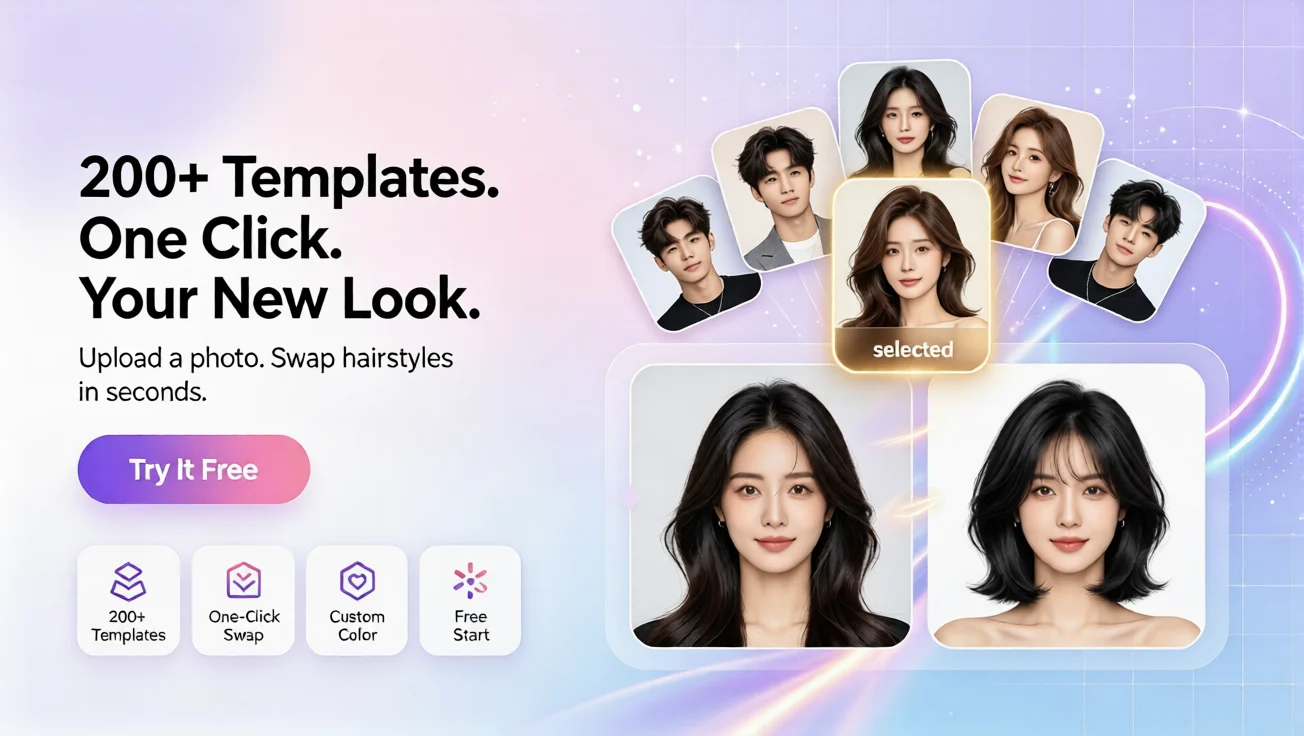
One of the fastest ways to see color and length changes is the template workflow. Upload a clear portrait, choose a template hairstyle (short, medium, long, layered, bob, etc.), pick a color, and generate a preview. The system applies the chosen style and color to your photo so you can compare looks side-by-side. This is ideal for exploring bold color shifts, subtle highlights, or trimming ideas without touching a comb.
Tips for better previews
Use a straight-on portrait with good lighting and avoid heavy shadows around the face. If you want the most realistic color match, upload a photo where your natural hair color is visible. Try several templates to compare different lengths: seeing a shoulder-length bob and a long layered look on the same face helps you decide which proportion suits you best.
Use a reference image to create a custom preview
If you have a specific hairstyle in mind — a celebrity photo or a picture from a magazine — the custom reference workflow is perfect. Upload your portrait and the reference hairstyle image, choose the color you want, and generate a custom preview. This produces a tailored result that blends the reference style with your facial features, giving a clearer idea of how that exact look might read on you.
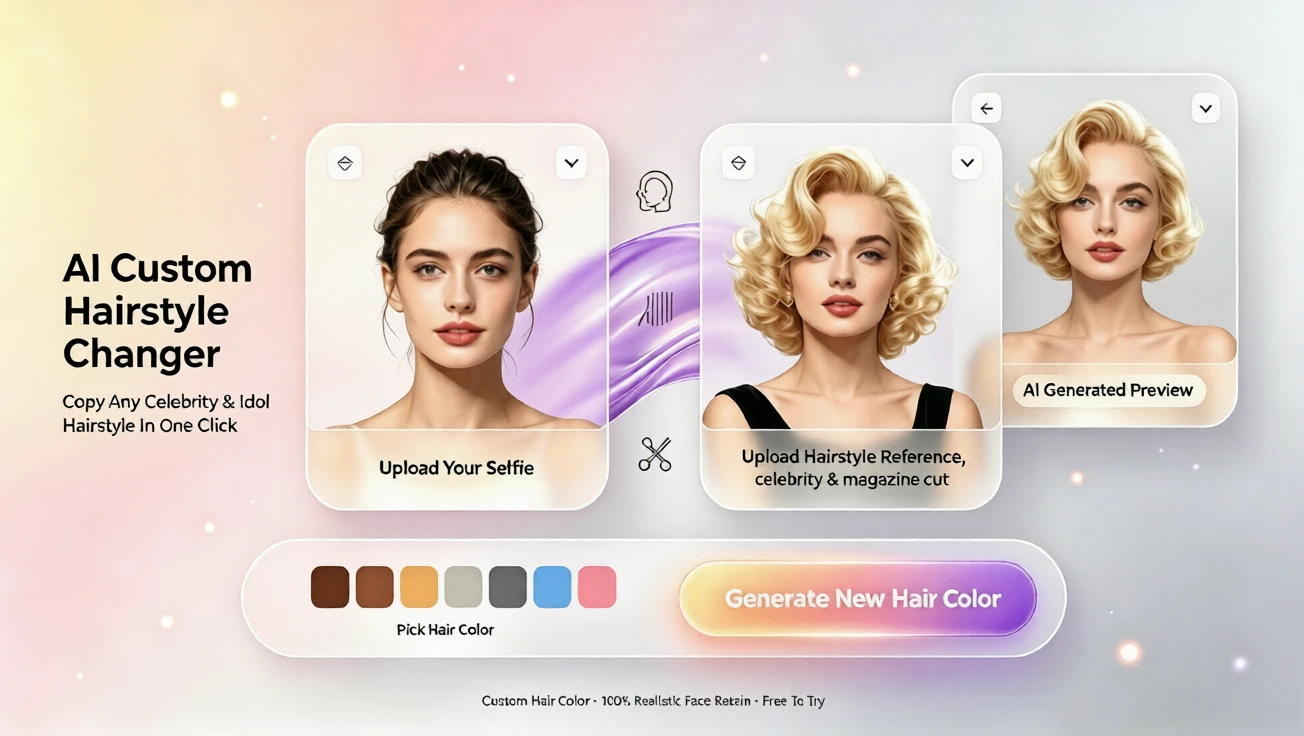
This custom path is especially useful when length and texture matter. For example, if you’re deciding between long layers and a blunt cut, use two different reference images to create two previews. Compare side-by-side to evaluate the silhouette, how the hair frames your face, and how the color interacts with your skin tone.
Practical ways to test color choices
When testing color, consider lighting conditions and skin undertones. Try warmer shades (copper, golden blonde) and cooler shades (ash, platinum) to see what complements your complexion. Also test low-commitment options like balayage or subtle highlights before committing to full-color transformations. The preview tool makes it easy to switch hues and intensity levels until you find a look you love.
Get recommendations by occasion or request an analysis
Not sure what suits work, a wedding, or casual weekends? Use the occasion-based workflow: upload a portrait, enter the occasion (for example, work or casual), choose a color, and receive AI hairstyle recommendations plus a preview. The assistant suggests styles that balance practicality and aesthetics for the event you entered.
For a deeper understanding of your current style, try the AI hairstyle analysis report. Upload your portrait and get insights about face-shape-friendly cuts, suggested lengths, and styling tips. Use this report to narrow down options before generating previews.
Plans, languages, and getting started
Begin with the free plan to try basic templates and color experiments. Paid plans unlock more templates, higher-resolution previews, and additional custom options. The site supports English, French, Spanish, Chinese, Japanese, and Arabic, so you can navigate the tools and read recommendations in your preferred language. Remember: no drawing or prompt-writing skills are required — everything starts with a click.
Whether you’re curious about a subtle change or planning a dramatic makeover, AI hairstyle previews let you explore color and length risk-free. Try different templates, upload reference images, request occasion-based suggestions, or generate an analysis report — all in a few clicks. Your next look is only a preview away.
评论
分享你对这篇文章的想法。
你需要登录后才能发表评论。
登录发表评论