
How To Try The Quiff for Men Using Free AI Hairstyle Generator
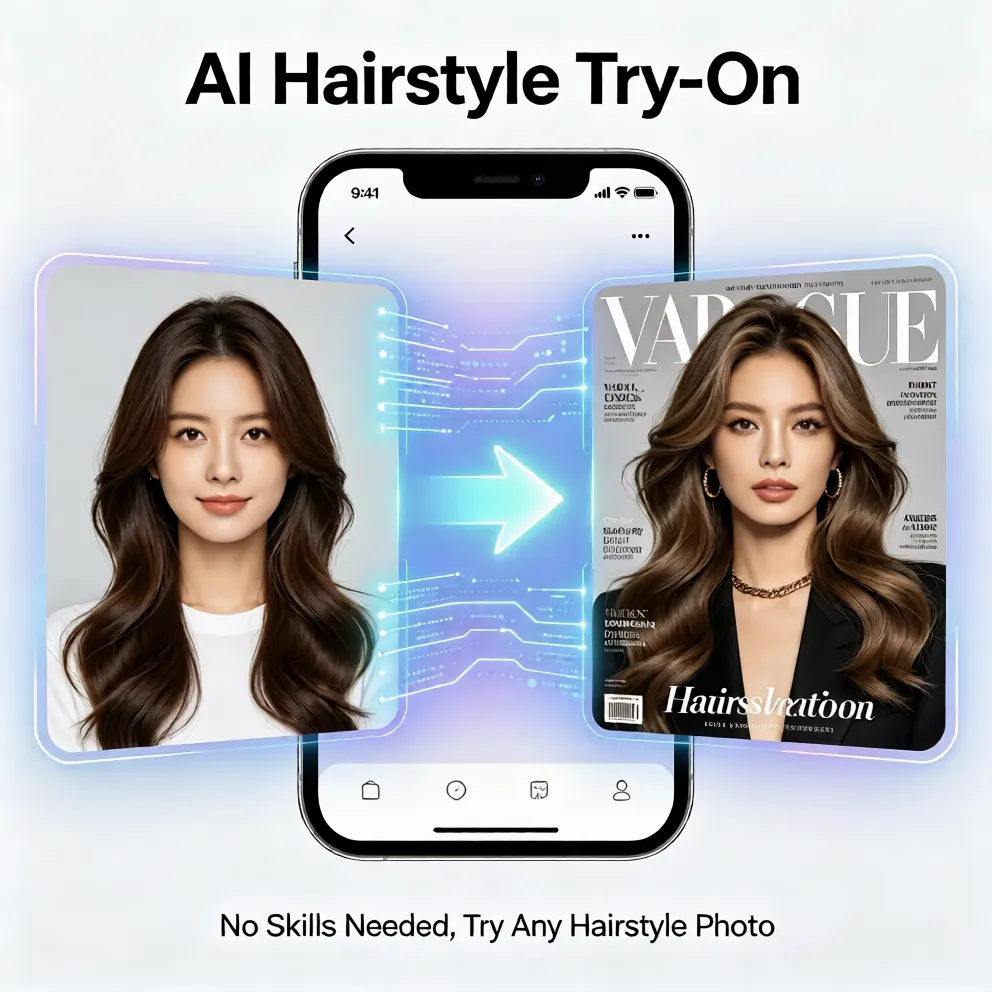
Learn how to preview a men's quiff with free AI hairstyle try on. Compare virtual hairstyles, hair color, and face-shape fits before you cut.
Try the Quiff for Men Without Guesswork
Many men love the look of a quiff but hesitate to cut or style it because the result depends heavily on face shape, hair thickness, and daily maintenance. A short quiff may sharpen a long face, while a taller volume can add balance to a narrow forehead. If you have been searching for a way to see what hairstyle suits you without a salon visit, a free AI hairstyle try on tool is a practical starting point. It lets you test a virtual hairstyle on your own photo, compare lengths, and preview hair color before spending money on a haircut or dye.
What Makes a Quiff Work for Your Face
The quiff is flexible because it can be built for volume, texture, or a cleaner finish. The main decision is how much height you want at the front and how much side detail you leave visible. A classic quiff with a strong lift suits men who want a confident, structured look. A textured quiff works better for casual wear, while a side-swept quiff softens sharper facial angles. When you use an online hair simulator, you are not just choosing a trend. You are testing proportions against your actual face shape, which is the fastest way to avoid an expensive mistake.
Face Shape and Quiff Proportions
Round faces often benefit from height rather than width, because a lifted top creates a longer silhouette. Square faces can keep the quiff slightly shorter on the sides to maintain structure without looking too boxy. Oval faces have the most freedom, so you can test both tight and loose versions. Heart-shaped faces may look best with a textured front that balances the forehead. The point is not to follow one rule. The point is to use a hairstyle simulator to see how the same quiff changes the balance of your features.
How to Use a Free AI Hairstyle Generator for the Quiff
Trying a quiff online is simple when the tool is designed for natural placement. You do not need design skills, editing layers, or a long tutorial. The goal is to get a realistic preview quickly so you can decide whether the style fits your routine and look. Here is a clear path for using a free AI hairstyle try on experience.
Step 1: Upload a Clear Photo
Start with a recent photo where your face is visible and your current hair is not blocked by sunglasses, hats, or heavy shadows. A straight-on or slightly angled photo gives the AI hairstyle try on engine a better reference for placement. You do not need a studio image, but you do need enough light for the tool to recognize your face. If you have a short, medium, or longer cut, the preview will adapt the quiff to that starting point instead of forcing a generic look.
Step 2: Generate Your Quiff Preview
Once your photo is loaded, choose a quiff option and let the AI hair changer create a virtual hairstyle overlay. Look for natural root placement, believable movement, and clean blending around the temples and ears. A good preview should not look like a floating cutout. It should follow your head shape and match the direction of your existing hair. This step is where you can quickly tell whether the quiff feels sharp, casual, or too high for your daily style.
Step 3: Compare Lengths and Styles
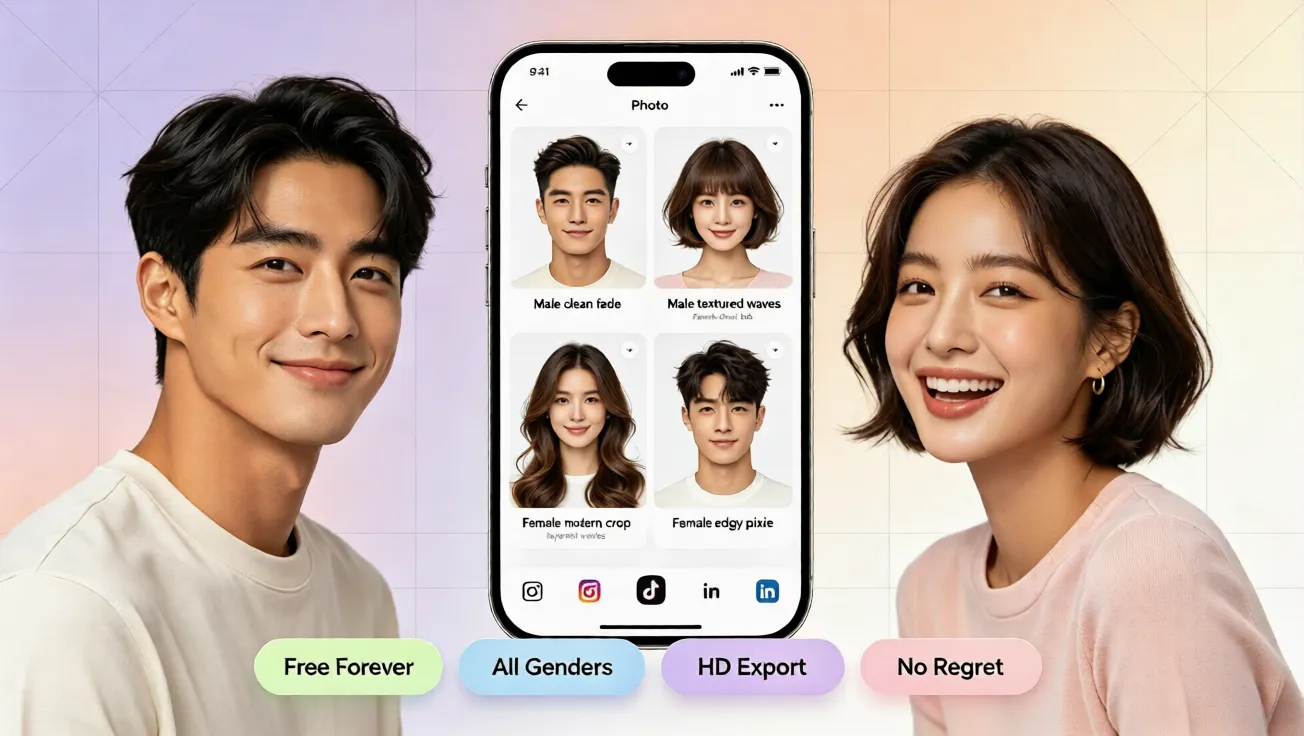
Do not stop at the first result. Compare a short quiff, a textured quiff, and a longer swept quiff to see which version feels most natural. Some men prefer a low quiff for everyday work, while others want a taller style for more presence. Switching between options helps you understand how much product, blow-drying, and maintenance each version would require. This is the advantage of an ai hairstyle try on approach: you can evaluate multiple virtual hairstyle ideas without visiting the salon or buying new products first.
How to Test Hair Color With a Quiff
Hair color changes how a quiff reads. Darker colors add contrast and structure, while lighter tones can make the style look softer and more textured. If you have been considering brown, blonde, copper, or gray tones, a free virtual hair color try on can show the effect before your next appointment. The key is to test color in the same photo you used for the quiff, so the lighting and skin tone stay consistent. That makes the preview feel closer to a real mirror check rather than a random idea.
Why Virtual Styling Beats Manual Editing
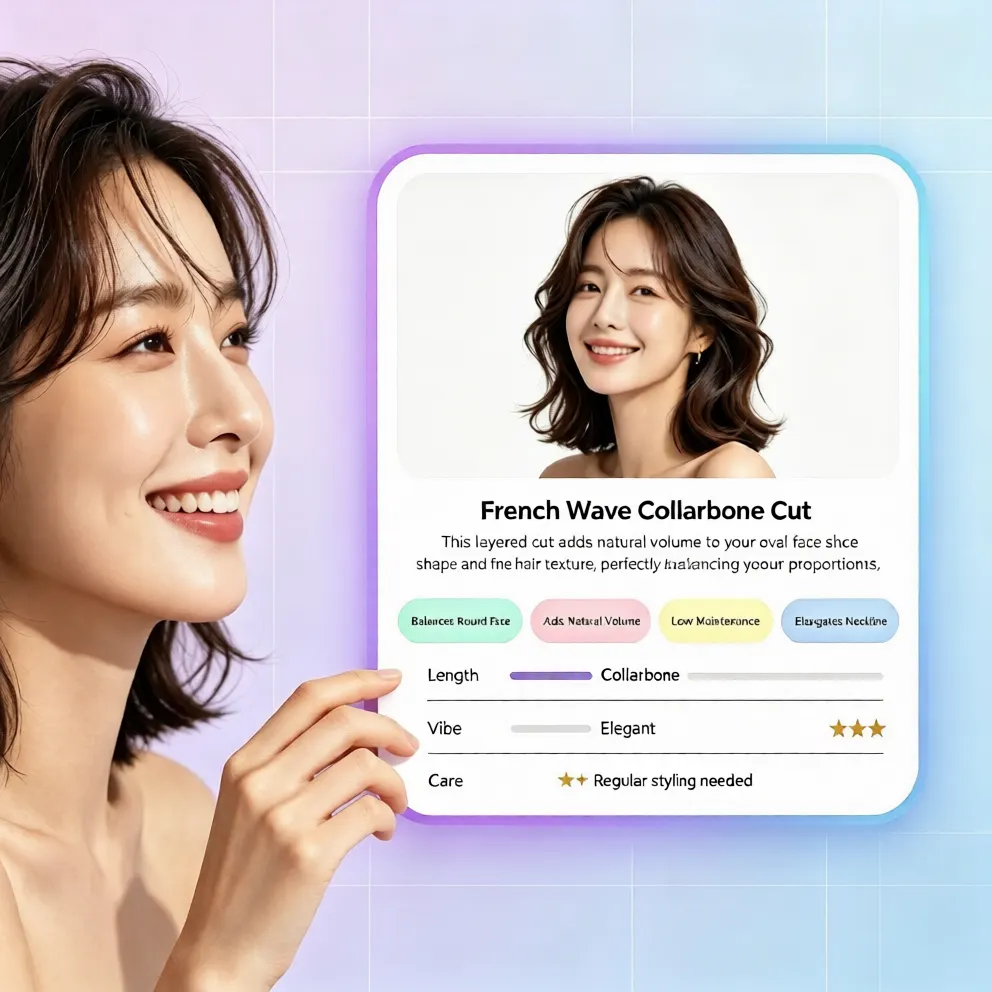
Manual photo editing can look convincing only when you know how to mask, blend, shade, and reshape hair. For most people, that process is slow and uneven. A virtual hairstyle try on tool is built to handle the hard parts automatically. It places the quiff around your face, follows the direction of your hairline, and keeps the transition natural. You can also save several favorites, show them to a barber, or simply pick the version that feels most like you. That is why an online hair simulator is useful for both bold experiments and safe everyday choices.
Best Quiff Variations to Test First
If you are new to the quiff, start with three simple options. The first is a low textured quiff, which adds shape without requiring heavy product. The second is a classic brushed-up quiff, which gives a cleaner, more defined front. The third is a long swept quiff, which works well if you already have length or want a more relaxed look. Testing these three in an ai hairstyle generator helps you see the range of the style without overcommitting to one version. You can also adjust the color to see whether a subtle tone shift makes the cut look fresher or more dramatic.
Final Tip: Try Before You Cut
The smartest way to find the right quiff is to preview it first. Instead of relying on vague references or guessing what a barber will create, use a free virtual hairstyle try on to compare realistic options on your own face. You can test length, texture, and color in minutes, with no app download and no registration. If a style looks confident in the preview, you can bring that reference to your next haircut. If it does not, you can simply try the next one. That zero-cost trial is the best way to get a hairstyle that actually fits your face, your routine, and your style.
Comentarios
Comparte tu opinión sobre este artículo.
Debes iniciar sesión para publicar un comentario.
Iniciar sesión para comentar