
Pick the Perfect Hairstyle for Any Occasion with AI Recommendations

Discover how occasion-based AI hairstyle recommendations help beginners pick work, wedding, or casual looks. Upload a portrait, choose an occasion and color, and preview.
Find the right look for work, weddings, or weekends — without any drawing or prompt writing
Choosing a new haircut or color for a specific event can feel risky. Our occasion-based workflow helps beginners see realistic previews fast: upload a portrait, tell the system the occasion (for example “work,” “party,” or “casual”), choose a color, and receive tailored hairstyle recommendations plus a preview. You don’t need drawing skills, technical prompts, or experience — start with one click and explore multiple styles from conservative to bold.
Why use occasion-based hairstyle recommendations?
Occasion-aware suggestions balance style, practicality, and formality. A hairstyle for a job interview should look polished and low-maintenance; an evening event might call for volume, texture, or a daring color. The AI considers face shape, hairline, and the chosen occasion to recommend looks that match your image and the vibe you want to convey. For beginners this removes guesswork and helps you communicate clearly with your stylist or to try new ideas confidently.
Step-by-step: try occasion-based recommendations in one click
Step 1 — Upload a clear portrait photo: a front-facing shot with natural lighting works best. The tool accepts most common image formats and guides you if a retake would improve results.
Step 2 — Enter the occasion: choose from presets such as work, casual, date night, formal event, or sports. This tells the system the mood and maintenance level you prefer.
Step 3 — Choose a color: try neutral tones, highlights, or adventurous shades. You can compare options side by side to see how color changes the perception of the same cut.
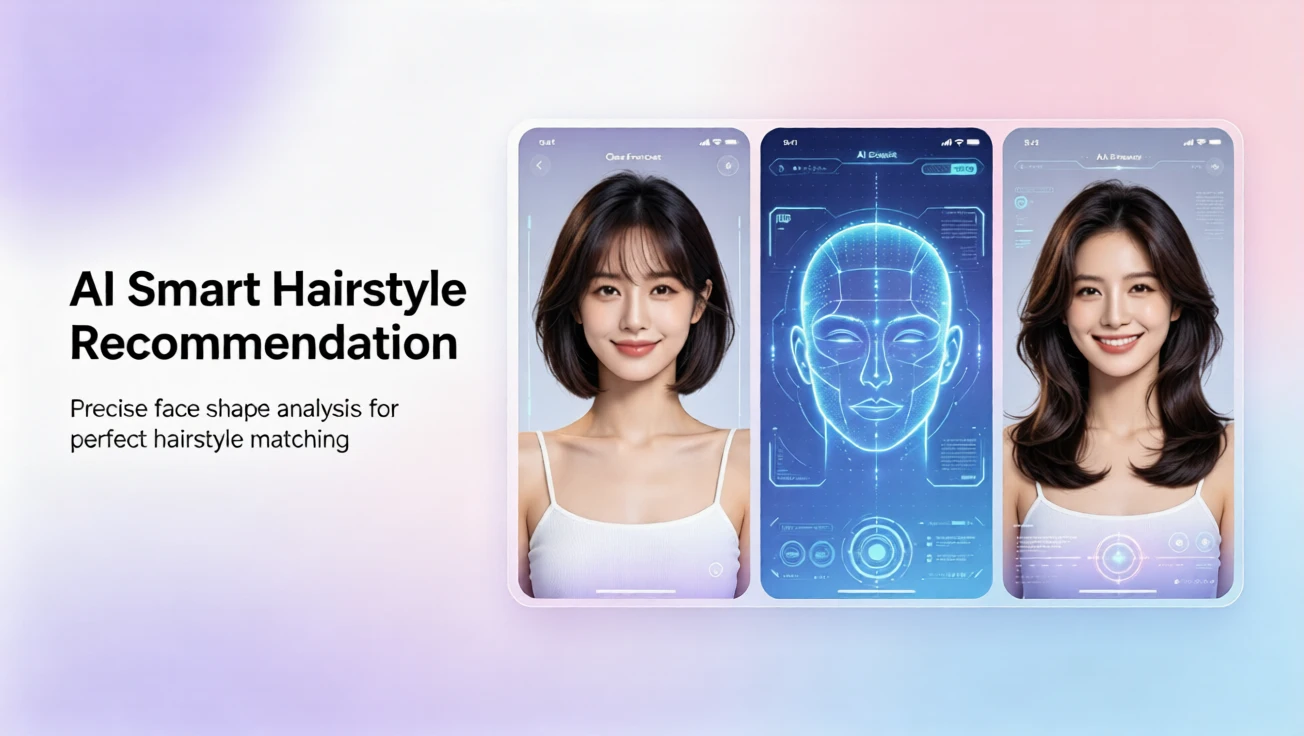
Step 4 — Generate recommendations and previews: the AI produces a shortlist of complementary hairstyles along with realistic previews you can save or share. Each preview shows the selected color and how the cut frames your features.
What to expect in a recommendation report
The recommendation output typically includes several suggested looks ranked by suitability for the occasion. Each recommendation explains why the style works — for example, “soft layers to soften a square jaw” or “low-maintenance long bob for professional settings.” You’ll see a generated preview that helps you evaluate length, parting, fringe, and color at a glance. This information is practical to bring to your stylist or use to preview an at-home color change.
Tips for better previews and faster decisions
• Use a recent, high-resolution portrait with hair pulled back slightly from the face for clearer contouring. • Try multiple occasions to compare a conservative versus a playful approach. • Test several colors: sometimes a subtle tone shift enhances your chosen style more than a big cut change. • If you’re planning a dramatic change, generate a few previews to see progressive length or color steps so you can transition confidently.
No drawing or prompt writing — just choose and generate
This workflow is designed for beginners and busy users. There’s no need to describe your vision in jargon or craft complex prompts. The interface focuses on three simple inputs: your portrait, the occasion, and a preferred color. From there the system returns curated hairstyle options and realistic previews in seconds. It’s an accessible way to test looks before committing to a salon visit.
Plans, languages, and support
We offer a free plan to get started so you can try basic previews and a limited number of recommendations. Paid plans add higher-resolution previews, more recommendation slots, and additional color variations. Support and the interface are available in English, French, Spanish, Chinese, Japanese, and Arabic to help international users navigate the process comfortably.
Ready to try a style that fits your next event?
Whether you’re preparing for a professional meeting, a wedding, or a weekend getaway, this occasion-based workflow guides you to looks that suit both your face and your plans. Upload a portrait, pick the occasion, choose a color, and generate a preview — all with no drawing skills and in just one click. Save, compare, and share your favorites to make confident decisions about your next haircut or color.
Comentarios
Comparte tu opinión sobre este artículo.
Debes iniciar sesión para publicar un comentario.
Iniciar sesión para comentar