
Top Tips for Getting Realistic Results With ai hairstyle online free
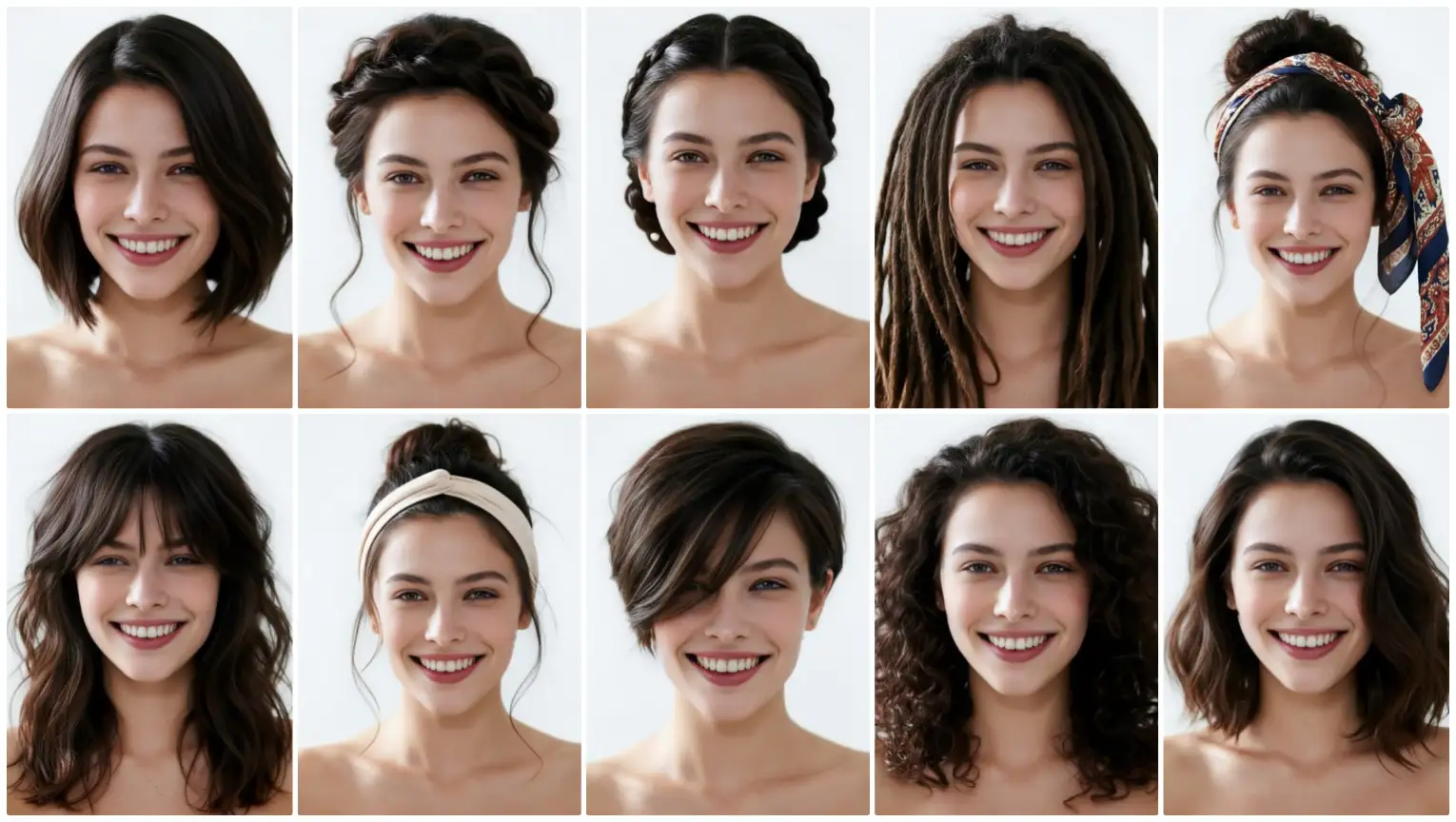
Learn how to get natural results with free ai hairstyle try on, virtual hairstyle, and virtual hair color tips for a realistic online hair simulator.
Top Tips for Getting Realistic Results With ai hairstyle online free
Changing your hairstyle can feel exciting, but many people worry about whether a new cut, length, or shade will truly suit them. A salon visit can be expensive, and a wrong choice may take weeks to grow out. That is why ai hairstyle online free tools are becoming so popular. With aihairstyletryon.art, you can preview different hairstyles, hair colors, and textures using a simple photo. There is no app download, no registration, and no editing skill required. The trick is to use the tool in a way that creates natural, believable previews. These tips will help you get realistic results from any ai hairstyle try on experience.
1. Start With a Clear, Front-Facing Photo
Realistic results begin with a good source photo. Use a clear image where your face is visible, your head is straight, and your hair is pulled back from your face. Natural daylight works best because it shows true skin tone and hair texture. Avoid heavy filters, hats, strong shadows, or sideways angles. A hairstyle simulator needs clear facial boundaries to place the virtual hairstyle accurately. If the photo is blurry or too dark, even the best ai hairstyle generator may struggle to blend the hairline, edges, and color naturally.
Also keep your expression neutral and avoid extreme selfies. A relaxed face makes it easier to judge whether the hairstyle balances your features. If you wear glasses, consider removing them for the first test so the AI can read your full face shape. A clean background can also improve focus on your face and hair area.
2. Choose Hairstyles That Fit Your Face Shape
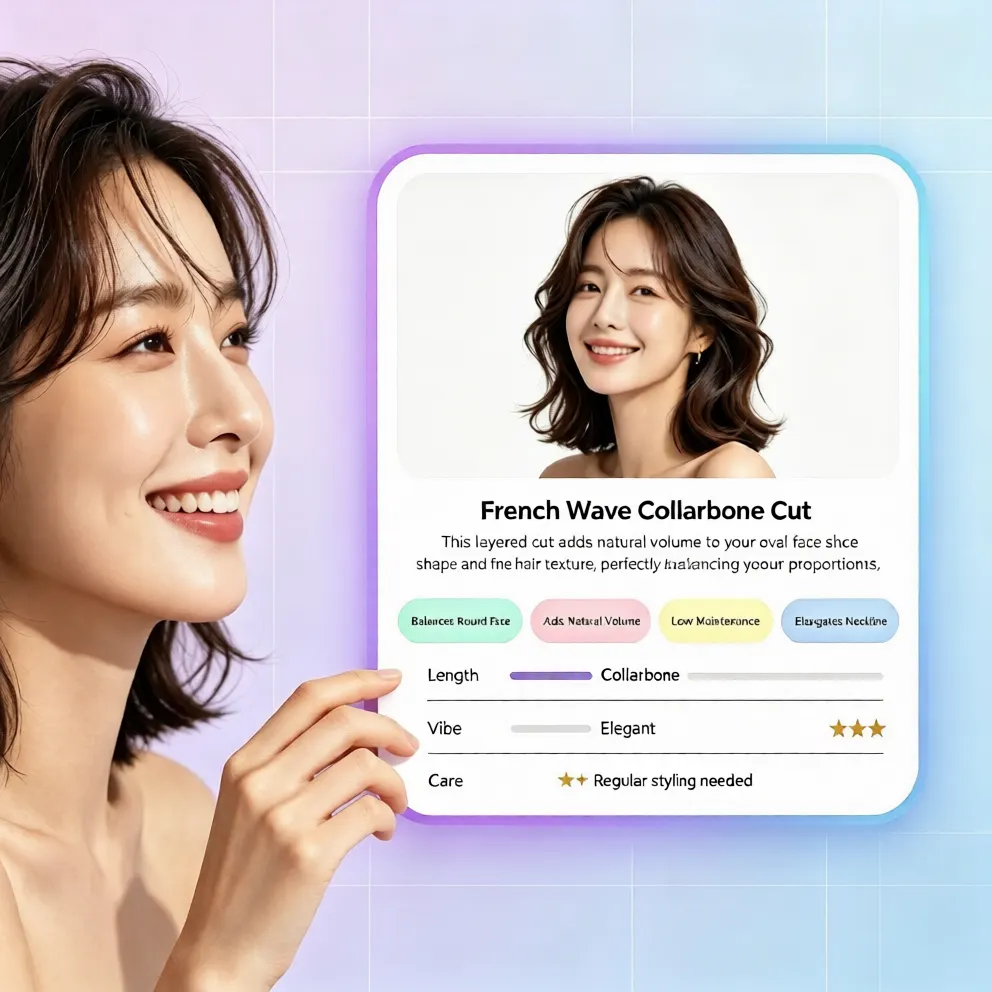
One of the biggest mistakes is picking a trendy haircut without considering face shape. A style that looks great on someone else may not balance your features in the same way. If you have a round face, try looks with added height or side-swept layers. If your face is longer, soft waves or fringe styles can create balance. If you have a heart-shaped face, chin-length cuts or side parts may look more harmonious. The benefit of virtual hairstyle try on is that you can test many options quickly instead of guessing how to see what hairstyle suits me.
3. Test Length and Texture Gradually
If you are thinking about a dramatic chop, do not jump straight from long hair to a very short pixie cut unless you are ready for a bold experiment. Start with medium length, then try shorter versions. Test straight, wavy, curly, and layered options one by one. This makes it easier to understand which part of the change you love. Maybe the length is perfect, but the texture feels too flat. A good online hair simulator lets you explore these details without pressure before you visit a stylist.
4. Use Virtual Hair Color Carefully
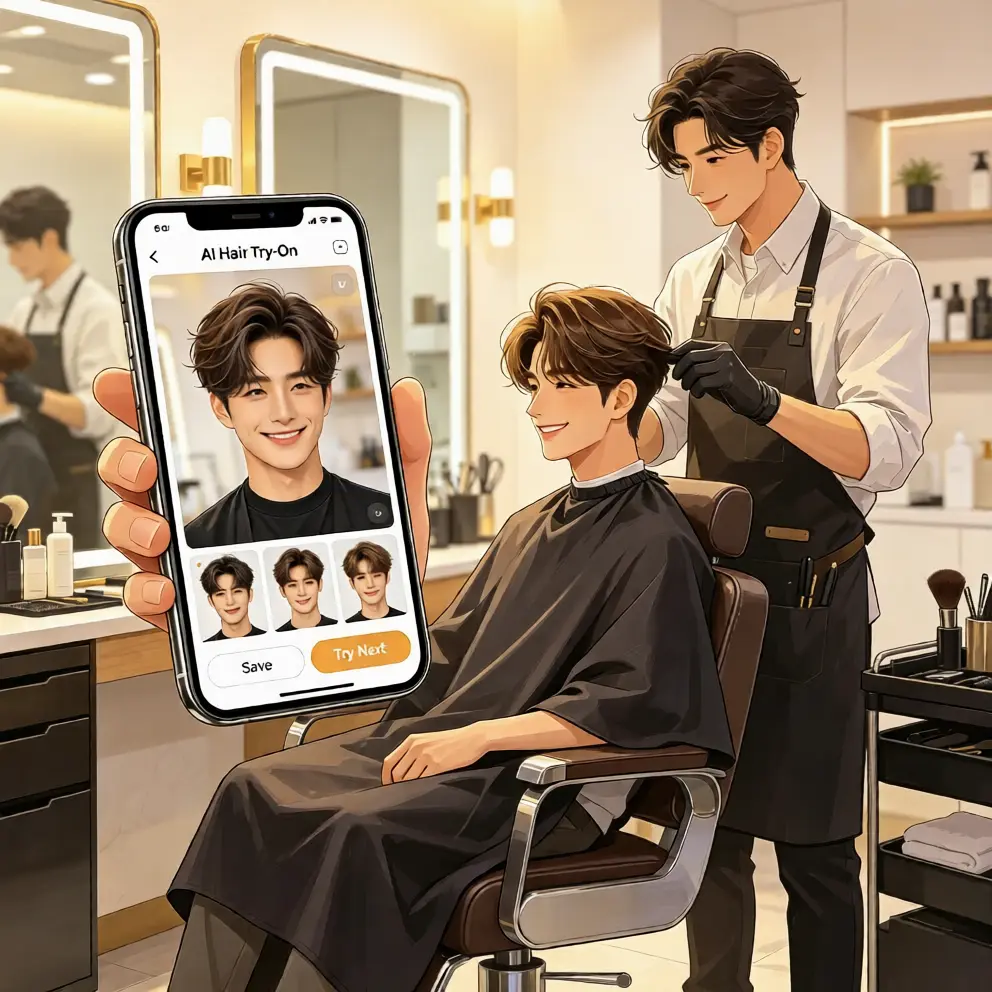
Hair color can transform a look, but realism depends on lighting, skin undertone, and base color. When using virtual hair color, start with shades close to your natural tone, then move to bolder choices. Warm browns, honey blondes, soft coppers, and cool black shades are easy to test for everyday realism. If you want fashion colors, check how they look against your complexion and whether the simulated roots blend smoothly. Free virtual hair color try on previews can help you avoid expensive salon corrections and choose a shade that feels wearable.
5. Check the Hairline, Edges, and Volume
A realistic ai hair changer result should look natural around the hairline, ears, and shoulders. Zoom in and check whether the virtual hairstyle follows the shape of your head. Does the fringe sit naturally on the forehead? Does the volume match your photo angle? Are the ends blending with your neck and shoulders? Small details matter. If a style looks pasted on, try another photo or choose a softer style. High-quality ai hairstyle try on results should feel like a plausible version of you, not a costume.
6. Avoid Common Realism Mistakes
Many users rush the process and expect one click to solve everything. To get better results, avoid using low-resolution photos, extreme angles, or heavily filtered selfies. Do not choose a hairstyle only because it is trending. Instead, ask whether the length, volume, and color match your lifestyle. Also avoid comparing your preview to salon photos with professional lighting. Use the virtual hairstyle preview as a decision guide, then bring your favorite options to a stylist for confirmation. This simple habit can prevent disappointment and help you choose a look that feels authentic.
How to Try Different Hairstyles Online Step by Step
Using aihairstyletryon.art is designed to be simple for beginners. First, open the website in your browser. There is no app download and no registration required. Second, upload a clear photo of yourself. Third, browse the available hairstyles, including short cuts, long styles, curls, bangs, and modern trends. Fourth, test different hair colors if you want to preview a shade change. Fifth, compare the results and choose the look that feels most natural and exciting. The one-click AI hairstyle swap makes the process fast, even if you have never used an online hair simulator before.
Why Free AI Hairstyle Try On Works So Well
The biggest advantage is zero-cost testing. Salon changes can be expensive, especially color corrections or major cuts. A free ai hairstyle try on tool allows you to experiment before committing. It also saves time because you do not need manual photo editing or professional design skills. The natural effect comes from AI-based face adaptation, which helps the virtual hairstyle match your facial features. Whether you want to test a bob, wolf cut, layered waves, curly bangs, or a new hair color, the preview helps you make a smarter decision. It is also useful for styling ideas, outfit matching, and showing reference images to your stylist.
You do not need to install anything, and there is no sign-up barrier. Everything works directly in the browser, making it easy to test a quick idea or plan a complete makeover. The goal is to give you a low-risk way to explore ai hairstyle generator options, virtual hairstyle try on previews, and virtual hair color changes before you commit.
Final Thoughts
Getting realistic results with ai hairstyle online free previews is about using the right photo, understanding your face shape, testing gradually, and checking small details. Instead of guessing or editing images manually, use a simple AI hairstyle try on tool to see what actually suits you. Try aihairstyletryon.art to explore virtual hairstyle options, virtual hair color, and one-click hairstyle simulation for free. It is a practical way to avoid salon mistakes, preview trending looks, and find the hairstyle that matches your face, style, and confidence.
Comentarios
Comparte tu opinión sobre este artículo.
Debes iniciar sesión para publicar un comentario.
Iniciar sesión para comentar