
which hairstyle suits me ai — Complete Beginner Guide
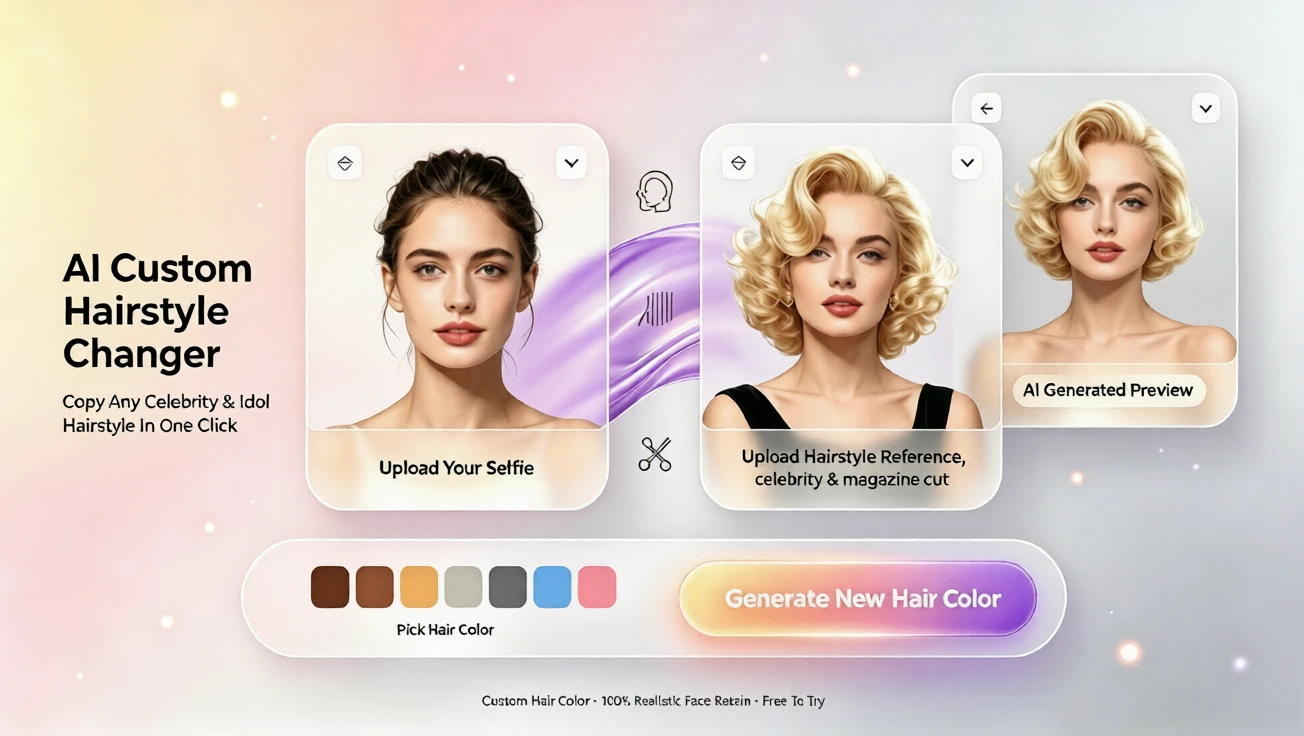
Find your ideal look with AI hairstyle try on. Try virtual hairstyle ideas, test hair colors, and preview cuts online without editing or app downloads.
Why People Ask Which Hairstyle Suits Me AI
Choosing a new hairstyle can feel exciting, but it can also be stressful. You may love a look in a photo, yet wonder whether it would suit your face shape, hair texture, daily routine, or personal style. A salon visit can be expensive, and a dye job may take weeks to grow out. For beginners, the safest answer is to try before they commit.
That is why the question “which hairstyle suits me” is increasingly answered with AI. A free AI hairstyle try on tool lets you upload a photo and preview different cuts, lengths, curls, and colors in minutes. Instead of guessing, you can see how a layered bob, soft waves, blunt bangs, or a bold hair color would look on your own face. This makes it easier to bring a clear reference to a stylist or feel confident before changing your look.
What a Virtual Hairstyle Can Do for You
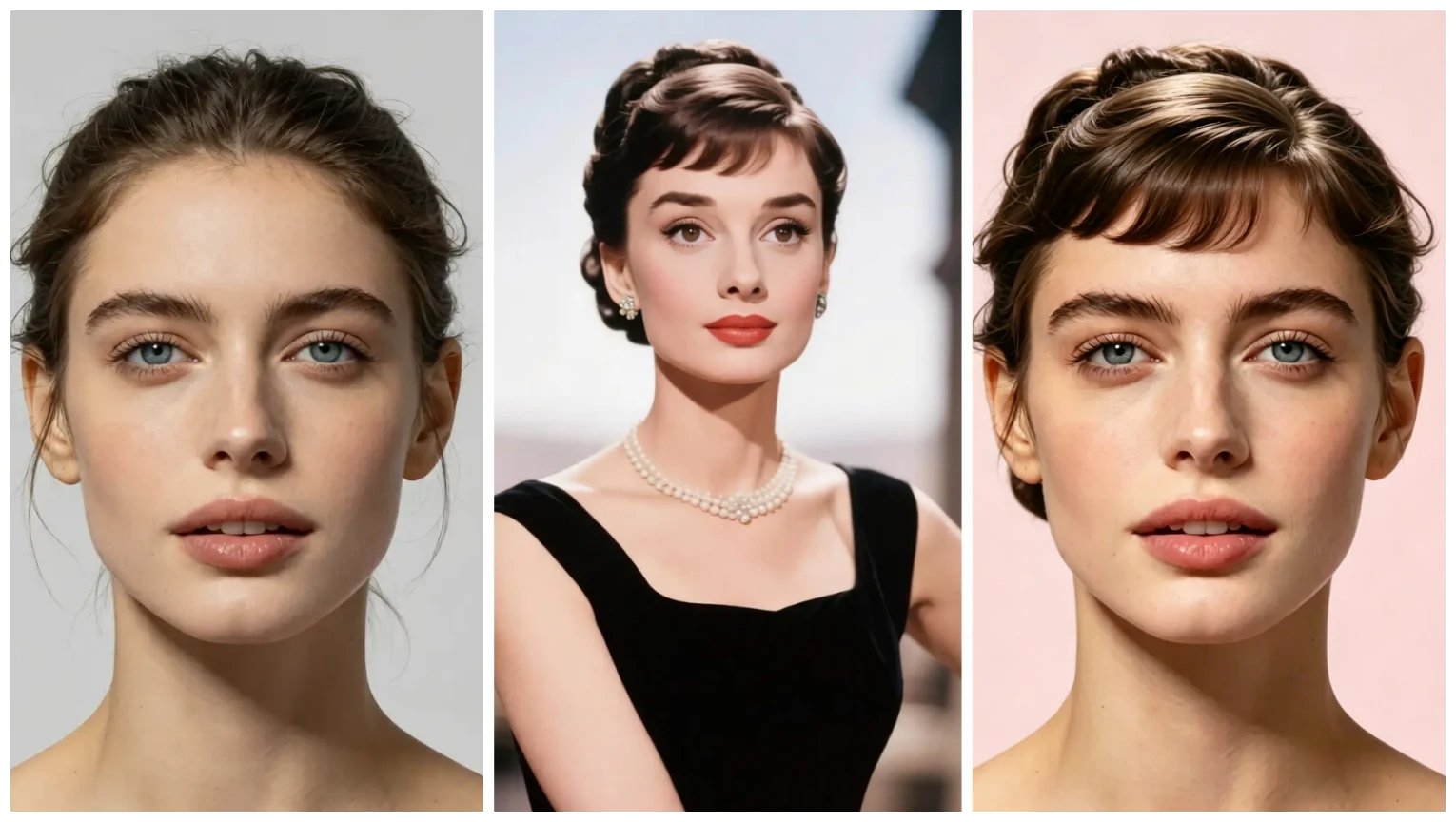
A virtual hairstyle is a digital preview of how a haircut or hair color might appear on your photo. It does not replace a professional consultation, but it gives you a strong starting point. With AI hairstyle try on, you can compare multiple looks side by side, save your favorites, and decide which direction feels most like you.
The biggest benefit is reducing uncertainty. Many people avoid new styles because they fear regret. A virtual hair color try on or hairstyle simulator helps answer practical questions: Does a shorter cut balance my face? Do bangs soften my features? Would copper, honey, or ash tones suit my skin tone better? Because the process is online, no app download, and usually no registration, it removes most of the friction.
Face shape and hair texture also matter. Some styles work best for oval faces, while others suit round, square, heart, or diamond shapes. Straight, wavy, coily, and curly hair move differently, so a one-size-fits-all answer rarely works. A virtual hairstyle try on helps you see how a style adapts to your natural features rather than forcing you into a generic idea.
How to Use an AI Hairstyle Try On Tool
Step 1: Choose a Clear Photo
Start with a recent, well-lit photo where your face is visible. A front-facing shot works best because the AI needs to understand your face shape, parting, and current hair length. You do not need a studio photo, but you do need enough clarity. If possible, avoid covering your hair with a hat, hand, or heavy shadow.
Step 2: Upload Your Image
Open the AI hairstyle try on page and upload your photo. On aihairstyletryon.art, you can use the free online tool without installing an app. The process is designed for beginners, so you can focus on choosing styles instead of learning complicated editing software.
Step 3: Pick a Hairstyle Category
Once your photo is ready, browse the available hairstyle options. You can explore short, medium, and long looks, as well as straight, curly, wavy, layered, or blunt styles. Some options include trending styles, professional cuts, soft glam looks, and playful textures. The more you compare, the easier it becomes to identify what you like.
Step 4: Try Virtual Hair Colors
After choosing a cut, experiment with virtual hair color. This is one of the most useful features for beginners because hair color is often the hardest change to reverse. You can test warm tones, cool tones, subtle brunettes, blonde shades, or fashion colors. A free virtual hair color try on helps you see how a shade interacts with your face.
Step 5: Compare and Save Your Favorites
Do not rush to pick only one style. Try several options and notice which ones feel natural, fresh, or confidence-building. Some looks may surprise you. A style you never considered might suit your face beautifully. When you find a favorite, you can save it, describe it to a stylist, or use it as inspiration for your next hair appointment.
Why AI Hairstyle Try On Is Easier Than Manual Editing
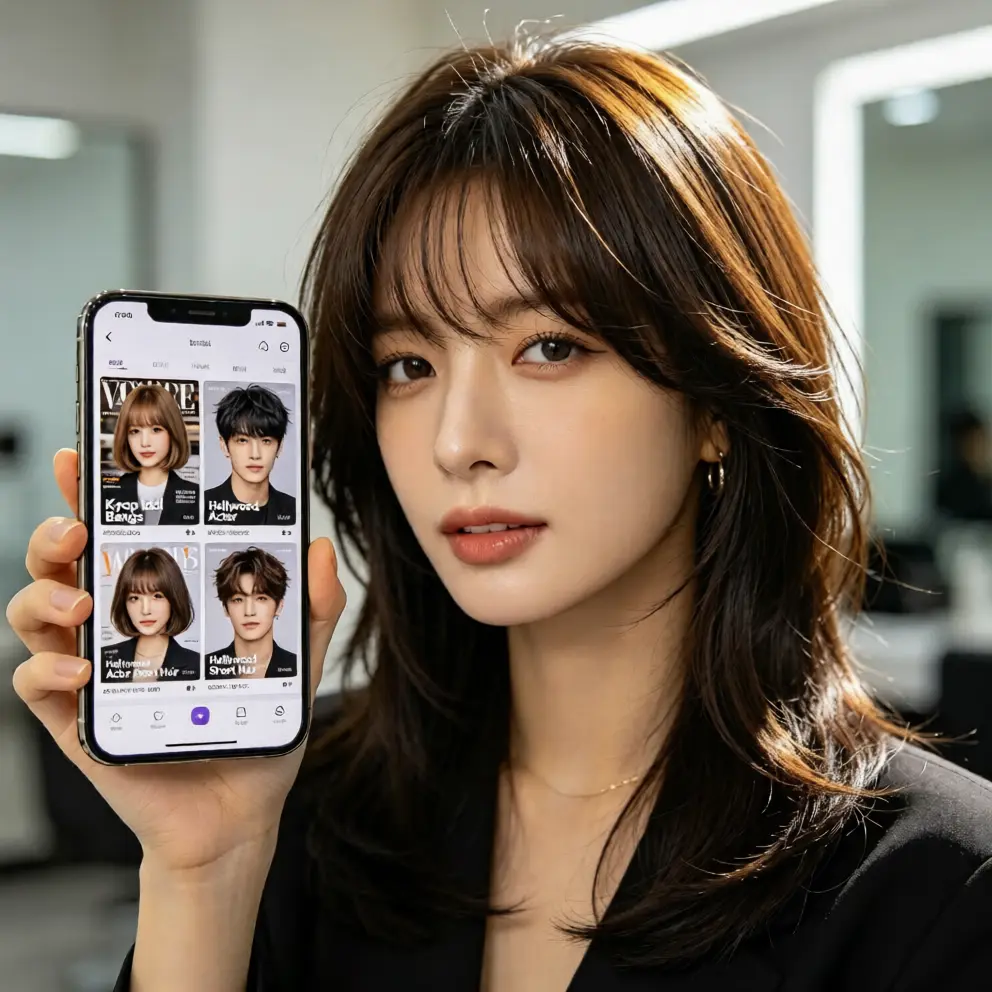
Editing hair in a photo by hand takes patience, design skill, and time. You may spend hours trying to match strands, shadows, and highlights, and the result can still look unnatural. An AI hair changer automates the hard part. It adapts the chosen hairstyle to your photo, helping the result look smoother and more realistic.
For beginners, this is a huge advantage. You do not need to learn layers, masks, color blending, or advanced retouching. You simply choose a style and let the tool generate the preview. That makes it much easier to explore many ideas in a short session instead of spending one long hour on a single edit.
How to Choose the Right Style and Color
Trends are fun, but they do not always match your face shape, hair density, or maintenance style. A trendy cut may require daily blow-drying, strong hold products, or frequent trims. If that does not fit your routine, it may become frustrating quickly. Use a virtual hairstyle try on to test whether the trend actually works for your natural hair and lifestyle.
A great hairstyle should fit your day. If you want a low-maintenance look, choose styles that can be styled quickly. If you enjoy longer routines, a textured or precision cut may feel more rewarding. A hairstyle simulator helps you imagine the daily reality, not just the first-day effect. This makes your final choice more practical and easier to live with.
Hair color can change how your whole appearance feels. It can brighten your face, soften contrast, or add drama. Because color can be temporary or permanent, it deserves a careful preview. A virtual hair color changer lets you see multiple shades before you commit, helping you avoid costly mistakes and choose a tone that feels balanced.
Final Step: Preview, Compare, and Choose
aihairstyletryon.art is built for people who want fast, natural, and easy hairstyle previews. You can use the free AI hairstyle try on experience online, without downloading an app or creating a complicated account. The interface is designed for beginners, so you can upload a photo, switch between styles, and explore virtual hair colors without feeling overwhelmed.
Whether you are looking for a professional haircut, a trendy virtual hairstyle, a new hair color, or a way to see which cut suits your face shape, the goal is simple: help you make a better decision with confidence. Instead of guessing, you can preview, compare, and choose a look that feels right for you.
Comentarios
Comparte tu opinión sobre este artículo.
Debes iniciar sesión para publicar un comentario.
Iniciar sesión para comentar