
How To Try The Chalamet Flow for Men Using Free AI Hairstyle Generator
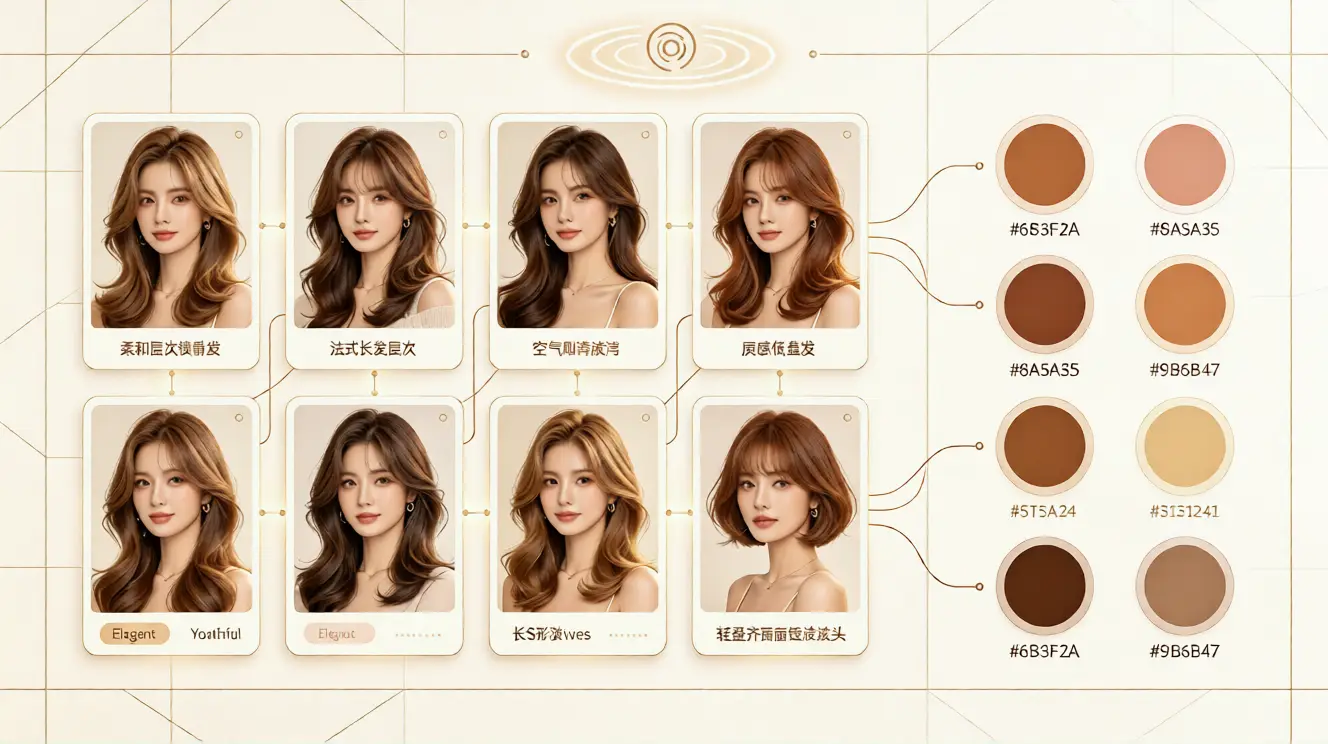
Try the Chalamet flow for men with free AI hairstyle try on. Preview virtual hairstyle, hair color, and face-shape match before your next haircut.
How To Try The Chalamet Flow for Men Using Free AI Hairstyle Generator
Many men want a relaxed, cinematic haircut but worry that a medium-length flow may look too flat, too long, or hard to style. The Chalamet flow is popular because it feels effortless, soft, and confident. It usually features longer top, natural movement, and a slightly undone finish. Still, asking a barber for a dramatic change without seeing the result can feel risky. That is why a free AI hairstyle try on tool is useful. It lets you preview a virtual hairstyle on your own photo before you commit to the cut, length, or color.
The goal is not to copy a celebrity image exactly. The goal is to see how this type of flow works with your face shape, hairline, forehead, jaw, and personal style. With aihairstyletryon.art, you can use an online hair simulator to test different lengths, textures, and shades in a few seconds. There is no app download, no registration, and no editing skill required. You simply upload a clear photo and let the AI hairstyle generator create a realistic preview.
What Is the Chalamet Flow?
The Chalamet flow is a medium-length, softly layered look inspired by red-carpet and street-style hair. It often includes a side or center part, face-framing pieces, and a natural wave or bend. The finish is not stiff. It should look touchable, light, and slightly airy. For many men, the most attractive part of this style is its balance: it is long enough to show movement, yet still polished enough for work, dates, and casual outfits.
This hairstyle simulator can help you understand whether you prefer a shorter version, a longer curtain style, or a more textured version. You can also explore virtual hair color ideas such as dark brown, chestnut, soft black, or subtle highlights. Because the preview is based on your photo, you can judge how the color works with your skin tone instead of guessing.
Why Try It Virtually Before Cutting?
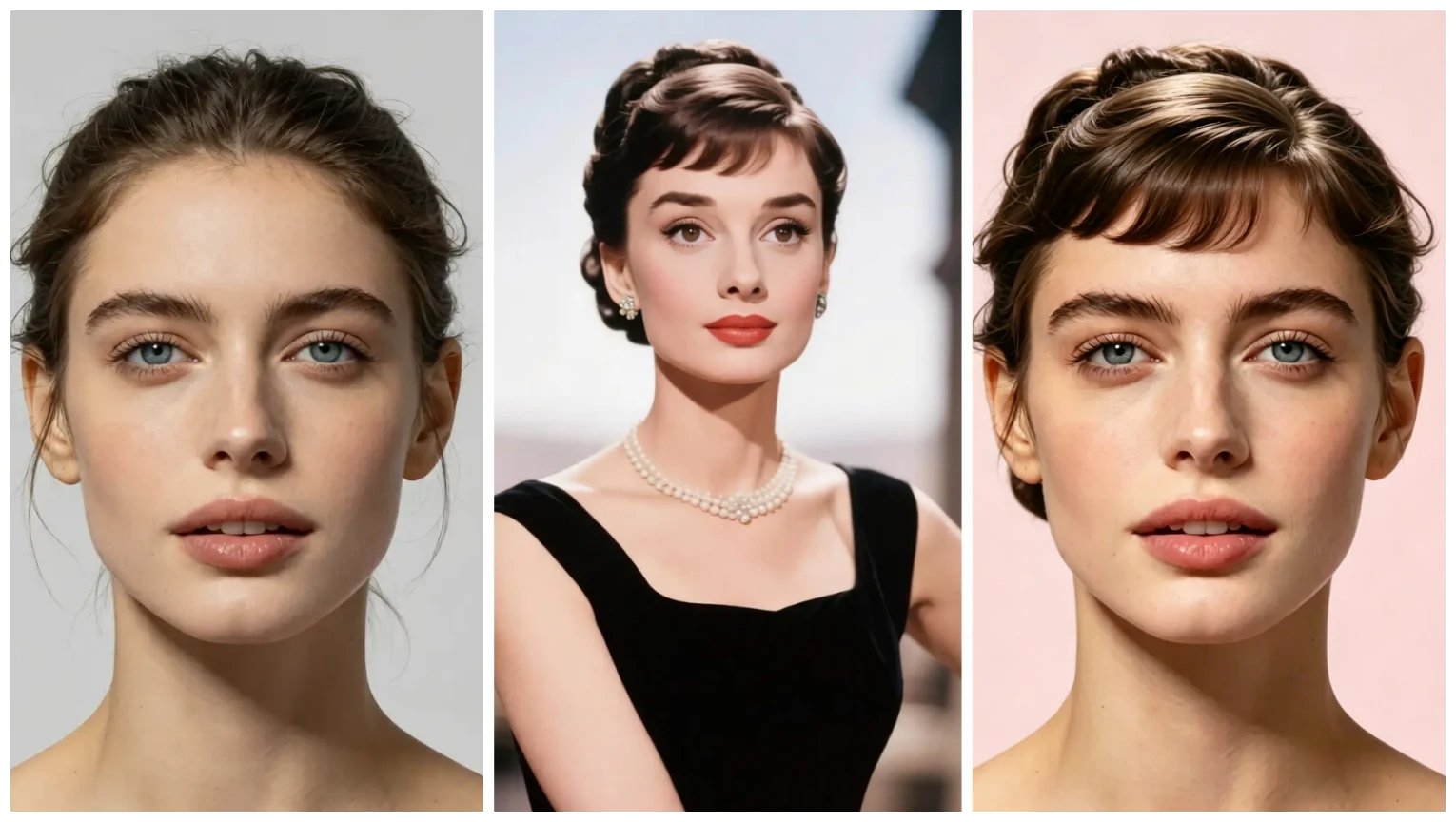
A haircut can change your whole appearance, but salon mistakes are costly. If you go too short, too layered, or too heavy around the sides, you may have to wait weeks to fix it. Virtual hairstyle try on removes much of that risk. It gives you a visual reference to compare against your current haircut. You can also show the result to your barber and explain the exact vibe you want.
Virtual hair color try on is equally helpful. Many men consider richer brown tones or softer dark shades for a flow style, but permanent dye can be expensive and damaging. With a free virtual hair color try on preview, you can see warm, neutral, and cool tones without buying products or sitting in a salon chair.
Face Shape and Length Matter
The Chalamet flow tends to work well because it can soften angles and add balance. However, the best length depends on your face shape. Oval faces can carry more length, round faces may benefit from added height or side-swept layers, square jaws can look great with soft face-framing pieces, and longer faces may prefer more width around the sides. Using an ai hairstyle for face shape preview helps you see these adjustments before making a real change.
Step-by-Step: Try the Chalamet Flow Online
Step 1: Upload a Clear Photo
Choose a recent front-facing photo with good lighting. Your face should be visible, your hair should not cover your eyes, and the background should be simple. A neutral expression works best. The cleaner the photo, the more natural your hairstyle simulator result will look.
Step 2: Choose a Flow Style
Open the AI hairstyle generator and browse medium-length options. Look for styles with soft layers, natural parting, and movement. If the tool offers curl or texture settings, choose a loose wave or natural bend. The Chalamet flow should not look like a sharp, flat crop. It needs lightness and direction.
Step 3: Adjust Length and Volume
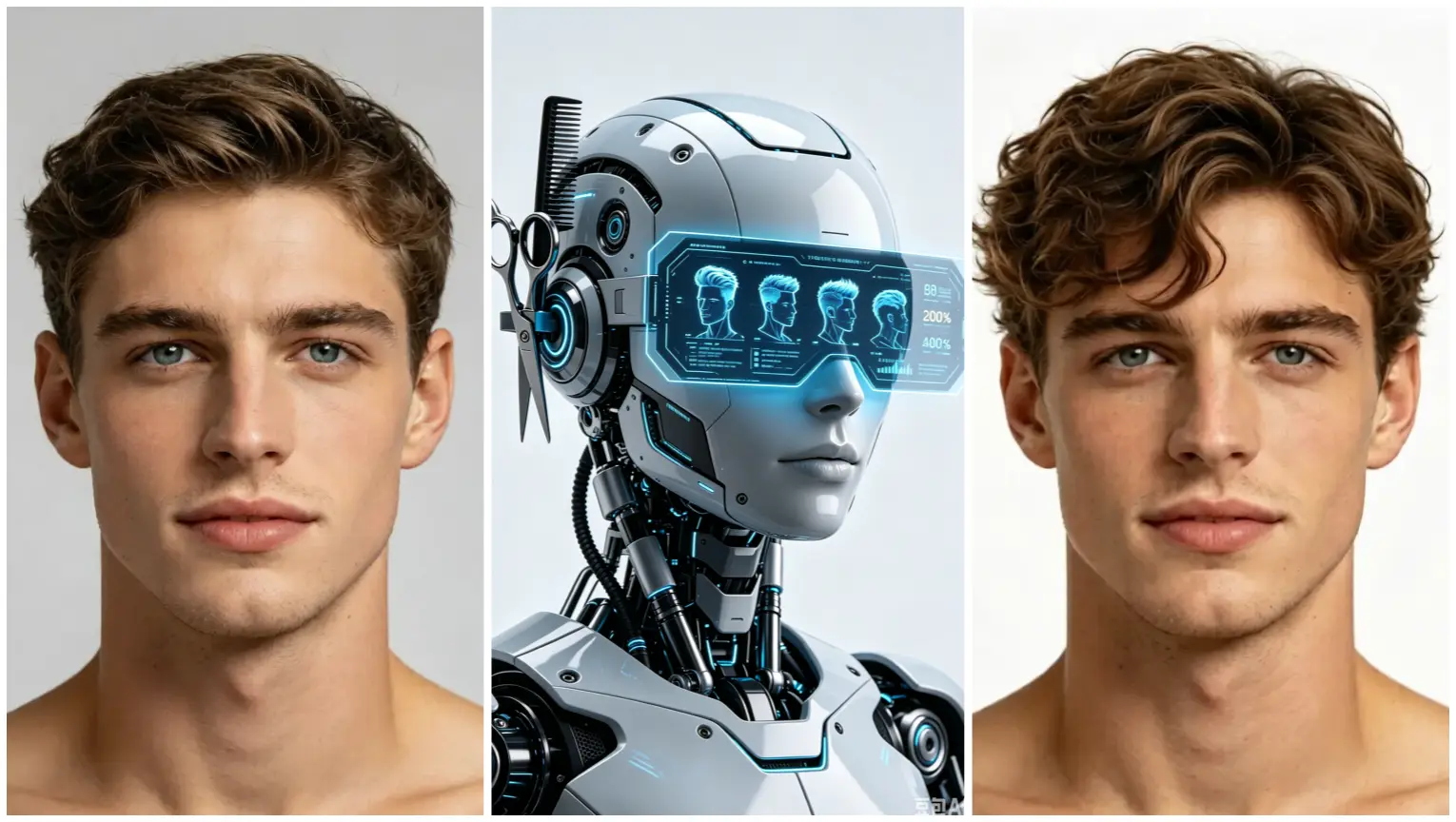
Compare a shorter flow against a longer version. If your forehead is wider, a curtain part or side-swept fringe can create balance. If your hair is fine, adding volume around the crown can make the style look fuller. If your hair is thick, reducing bulk around the sides may prevent a heavy, rounded shape.
Step 4: Test Hair Color
Use the virtual hair color changer to try dark brown, espresso, chestnut, or natural black. For a softer look, subtle lowlights can add depth without obvious contrast. Keep the color close to your natural tone if this is your first time testing the style. A realistic shade makes the final preview more useful.
Step 5: Save Your Favorite Preview
Once you find a version that looks balanced, save or screenshot the result. You can compare it with other hairstyles, view it in different outfits, or show it to your barber. This gives you a clear reference instead of relying on vague descriptions.
Styling Tips for a Natural Chalamet Flow
The virtual preview shows the shape, but real hair needs the right routine. Start with a lightweight shampoo and conditioner. Avoid heavy products that make the hair look greasy or stiff. A light mousse, sea salt spray, or soft cream can help create movement. Blow-dry on low heat while pushing hair back and slightly to the side, then use your fingers to separate the layers.
Do not over-brush. The beauty of this look is natural texture. If your hair is very straight, a small amount of texture powder can add lift. If your hair is wavy, a light anti-frizz product can keep the shape clean. The AI hairstyle try on preview can guide the length, but your barber can also adapt the layers to your natural growth pattern.
Why Use a Free AI Hairstyle Generator?
Traditional photo editing takes time. You would need to select hair templates, adjust edges, match colors, and hope the result does not look fake. A modern ai hair changer automates this process. With one-click AI hairstyle swap, natural effect, and multiple hairstyle styles, you can compare short, long, curly, straight, and trendy looks quickly. The face adapt hairstyle simulation helps the style follow your hairline and jawline more realistically.
The best virtual hairstyle app no download option is also convenient because you can test looks from any browser. You do not need to install software, create an account, or pay before seeing a basic preview. The focus is simple: help you answer how to see what hairstyle suits me with as little friction as possible.
Common Mistakes to Avoid
Do not choose a style only because it looks good on someone else. The same flow can appear different depending on face shape, hair density, and styling habit. Do not ignore your hair texture. Very curly hair may need more length to fall properly, while very fine hair may need shorter layers for support. Do not go too dramatic if you are unsure. Start with a medium version and test a slightly longer variation next.
Also avoid using blurry photos or extreme angles. The AI hairstyle simulator needs enough visual information to place the hair correctly. A clear photo gives you a more reliable virtual hairstyle result and helps you make a smarter decision before visiting a barber.
Find Your Best Look With Zero Risk
If you want to try different hairstyles online without editing apps or salon guesswork, use aihairstyletryon.art. The free AI hairstyle try on tool helps you preview the Chalamet flow, compare lengths, test virtual hair color, and see what suits your face. There is no download, no registration, and no complicated design process. Just upload a photo, explore the hairstyle simulator, and move forward with confidence. Stop guessing and start seeing your next haircut before you commit.
Commentaires
Partagez vos pensées sur ce article.
Vous devez être connecté pour publier un commentaire.
Se connecter pour commenter