
Plan Your Next Salon Visit with AI: 4 Simple Ways to Decide

Plan your salon visit with simple AI previews. Upload a photo, try templates or reference images, get occasion suggestions, or request an analysis—no drawing or prompts needed.
Make smarter salon choices with fast AI previews
Heading to the salon can feel like a leap—will the cut suit your face? Will the color match your lifestyle? AI hairstyle tools let you test looks from your phone before you commit. You don’t need drawing skills or prompt writing: upload a photo, pick a workflow, and generate a preview in one click. Below are four practical ways beginners can use hairstyle AI to plan a confident, stress-free salon visit.
1. Try template hairstyles and colors for quick options
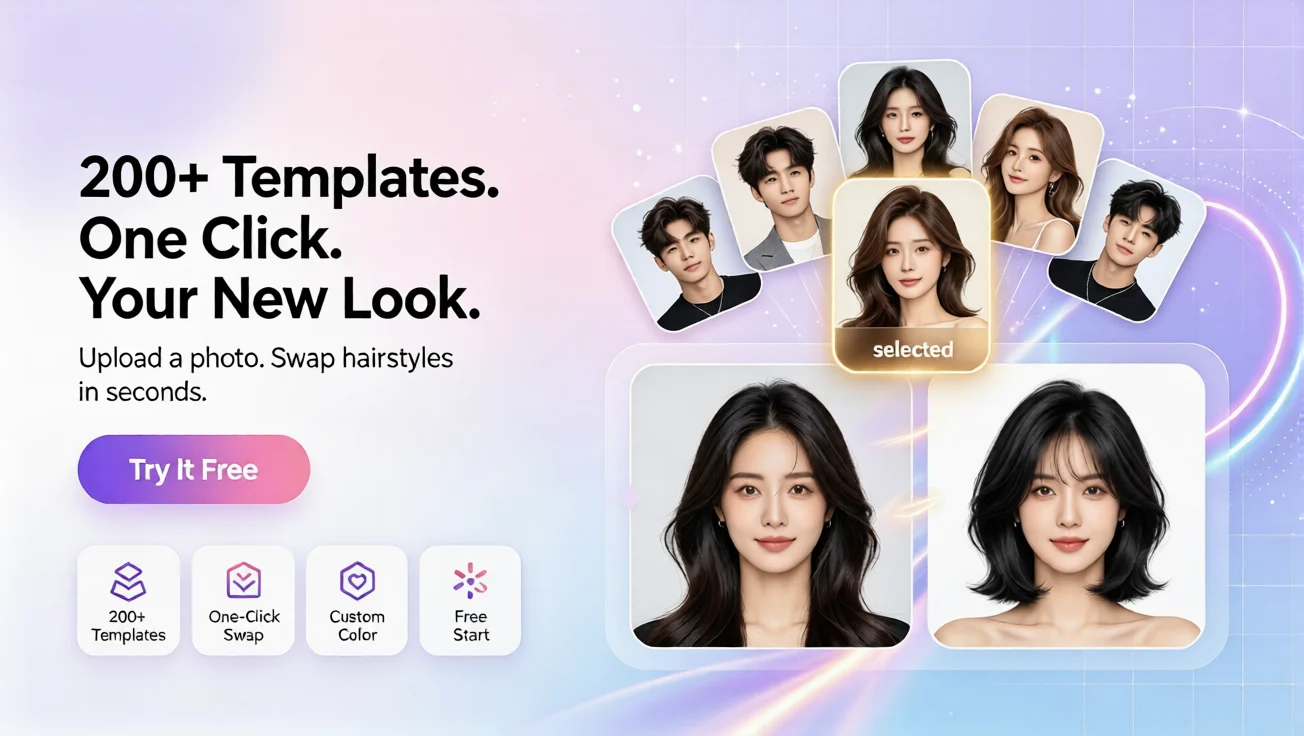
Workflow: upload a photo, choose a template hairstyle and color, and generate a preview. This is the fastest way to compare several silhouettes and shades side by side. Use templates to explore length changes (short bob vs shoulder-length), texture updates (sleek vs layered), or seasonal colors. It’s ideal if you want a quick visual to bring to your stylist.
2. Use a reference photo for a custom preview
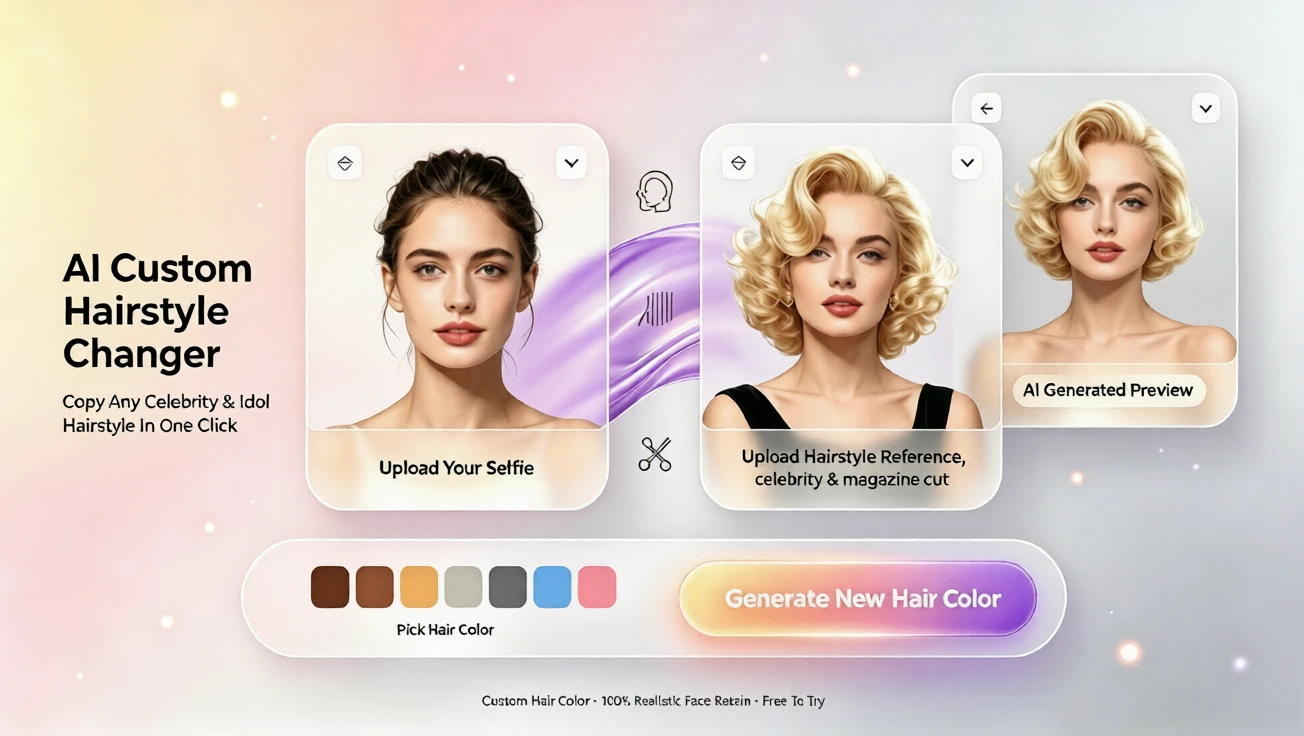
Workflow: upload a portrait and a preferred hairstyle reference image, choose a color, and generate a custom preview. If you found an inspirational photo—on a website or a magazine—this workflow shows how that exact style might look on you. It’s perfect for translating a celebrity cut or a salon snapshot into a realistic preview you can save or print for your stylist.
3. Get occasion-based recommendations and a tailored preview
Workflow: upload a portrait, enter an occasion such as work or casual use, choose a color, and receive AI hairstyle recommendations plus a preview. Whether you need a professional look for interviews, a low-maintenance everyday style, or a formal updo for an event, the system suggests options built around your occasion and shows previews so you can choose confidently.
4. Request an AI hairstyle analysis report
Workflow: upload a portrait to receive an AI hairstyle analysis report. The report explains why certain lengths, parts, or face-framing techniques suit your features. Use it to start a constructive conversation with your stylist or to understand how maintenance and growth will affect a cut over time.
How to use previews to improve your salon appointment
1) Narrow options before you arrive: Generate several previews—different lengths, textures, and colors—and pick two favorites. Showing these to your stylist helps them understand your goal faster.
2) Compare maintenance needs: Try a bold color or intricate cut in a preview first. If you dislike the upkeep visually, you’ll know before making a costly change.
3) Practice the conversation: Use the preview images to explain precise details—where to crop length, how much layering, or the exact tone of color—so there’s less guesswork during your appointment.
4) Save visual records: Keep before-and-after previews to track how a style evolves. These records help you repeat a successful look in future visits.
Tips for best results
- Use a clear, well-lit portrait with a neutral background and your hair pulled away from the face for the most accurate previews. - Try both template and reference workflows: templates quickly explore shape while reference previews fine-tune specific looks. - Use the occasion-based recommendations if you’re uncertain which direction matches your lifestyle.
Plans, languages, and ease of use
The service offers a free plan so you can experiment without commitment, plus paid plans for higher-resolution previews and more save slots. The interface supports English, French, Spanish, Chinese, Japanese, and Arabic. You don’t need any design skills or to write prompts—this is a one-click start experience aimed at beginners who want fast, honest visuals. Whether you’re using an ai hairstyle changer to test bold color or a hairstyle ai tool to refine a cut, everything starts with a simple upload and choice.
Final thoughts
Using AI previews transforms salon uncertainty into a clear plan. From a quick template test to a reference-based custom preview or an occasion-driven recommendation, these workflows help you make better decisions and get results you love. Try a preview today, save the images, and walk into your next salon visit prepared and confident.
Commentaires
Partagez vos pensées sur ce article.
Vous devez être connecté pour publier un commentaire.
Se connecter pour commenter