
Top Tips for Getting Realistic Results With free ai hairstyle
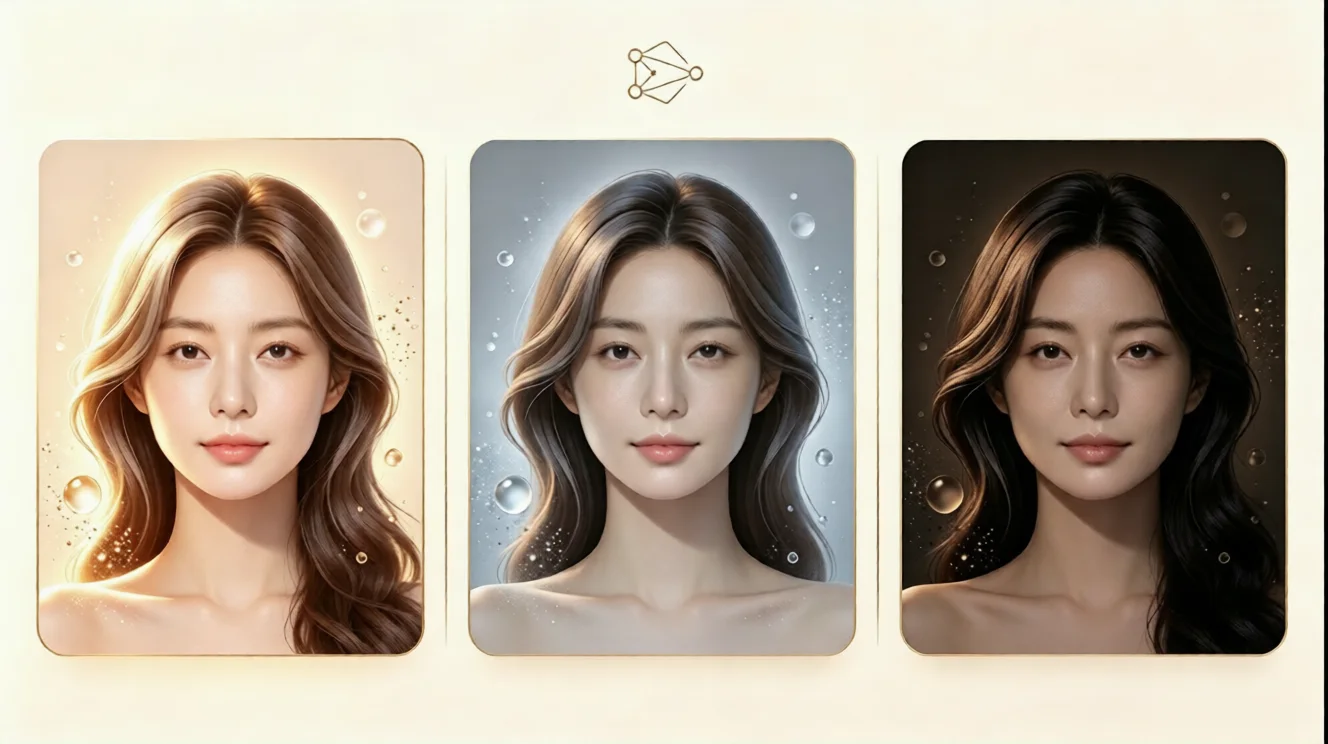
Learn how to use free ai hairstyle try on tools for realistic virtual hairstyle previews, better lighting, face shape matching, and natural hair color tests.
Top Tips for Getting Realistic Results With free ai hairstyle
Changing your hairstyle used to require guesswork, expensive salon visits, or editing skills most people do not have. Today, a free ai hairstyle try on tool can help you preview a new look before you commit. Upload a photo, test a hairstyle, and see how it fits your face, style, and daily routine. With the right photo, lighting, and style choices, a virtual hairstyle can look natural, balanced, and genuinely useful.
This guide shares practical tips for getting realistic results with an ai hairstyle try on experience. It is perfect for anyone wondering how to try different hairstyles online or how to see what hairstyle suits me without cost or risk.
Why Realistic Previews Matter Before a Hair Change
A haircut or hair color change is personal. It affects how you frame your face and present yourself every day. Many people choose a trend they saw online, then realize it does not match their hair texture, face shape, or maintenance preferences. A hairstyle simulator reduces that risk by giving you a visual reference before you visit a stylist.
A realistic ai hairstyle generator can show volume, length, fringe placement, color depth, and overall harmony. Instead of guessing, you can compare several looks side by side and choose the one that feels natural, not forced.
Start With a Clear Front-Facing Photo
The most important tip is to upload a clean, front-facing photo. Your face should be visible, centered, and not blocked by hair, hands, sunglasses, or heavy shadows. A selfie taken at eye level works well because it keeps your facial features aligned with the hairstyle simulation. Avoid wide-angle close-ups, group photos, cropped faces, or images with filters. The ai hair changer needs clear facial data to place the virtual hairstyle correctly.
Use Soft, Even Lighting
Lighting can change the way a hairstyle and hair color look. Strong side light, harsh overhead light, or backlight can create shadows that confuse the virtual hairstyle try on result. For the most realistic effect, take your photo in soft daylight near a window or in a well-lit room with balanced lighting. This is especially important when testing virtual hair color, because a neutral photo helps the free ai hairstyle try on tool show depth, shine, and contrast accurately.
Match Styles to Your Face Shape
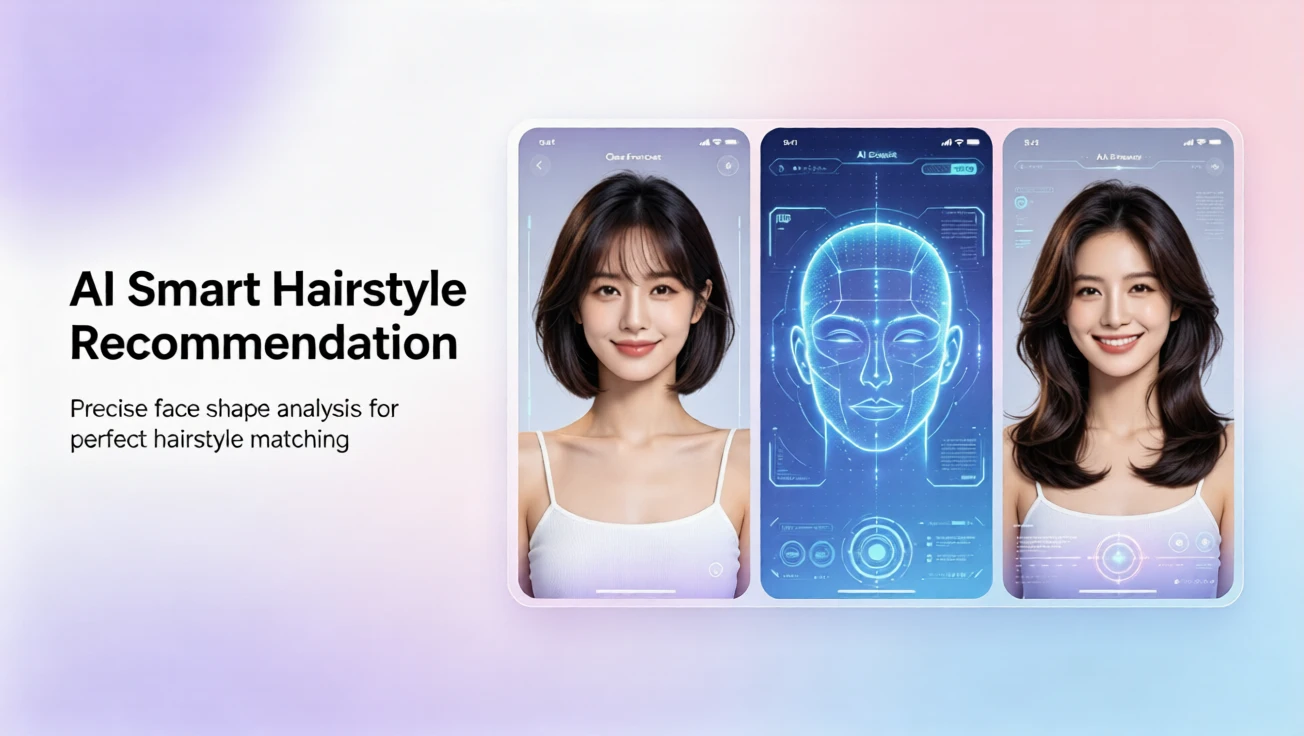
For a more natural result, think about balance. Soft layers can soften angular features, while fringe or side parts can adjust how long a face appears. Use the ai hairstyle for face shape previews to test whether a style feels harmonious. The online hair simulator lets you compare volume, width, and length quickly, so you can choose a look that supports your features instead of competing with them.
Step-by-Step: How to Try Different Hairstyles Online
Upload Your Photo
Begin by uploading a recent photo that shows your face clearly. On aihairstyletryon.art, you do not need to download an app, create an account, or learn editing software. The online hair simulator is built for quick, beginner-friendly use. Just choose a clear image, and the system can start adapting hairstyles to your photo with one click.
Select a Hairstyle or Hair Color
Next, explore different hairstyles and shades. You can test long hair, short hair, curls, straight styles, bangs, layers, and modern color options. If your goal is to compare dramatic changes, start with a length or shape that feels very different from your current look. Then move to more subtle variations to see which version feels most natural.
For hair color, use a free virtual hair color try on approach. Test warm, cool, dark, and light shades separately. This helps you understand which tones complement your skin, brows, and overall contrast. With a virtual hair color preview, you can avoid expensive color corrections and see whether a bold shade fits your real-life style.
Compare and Refine
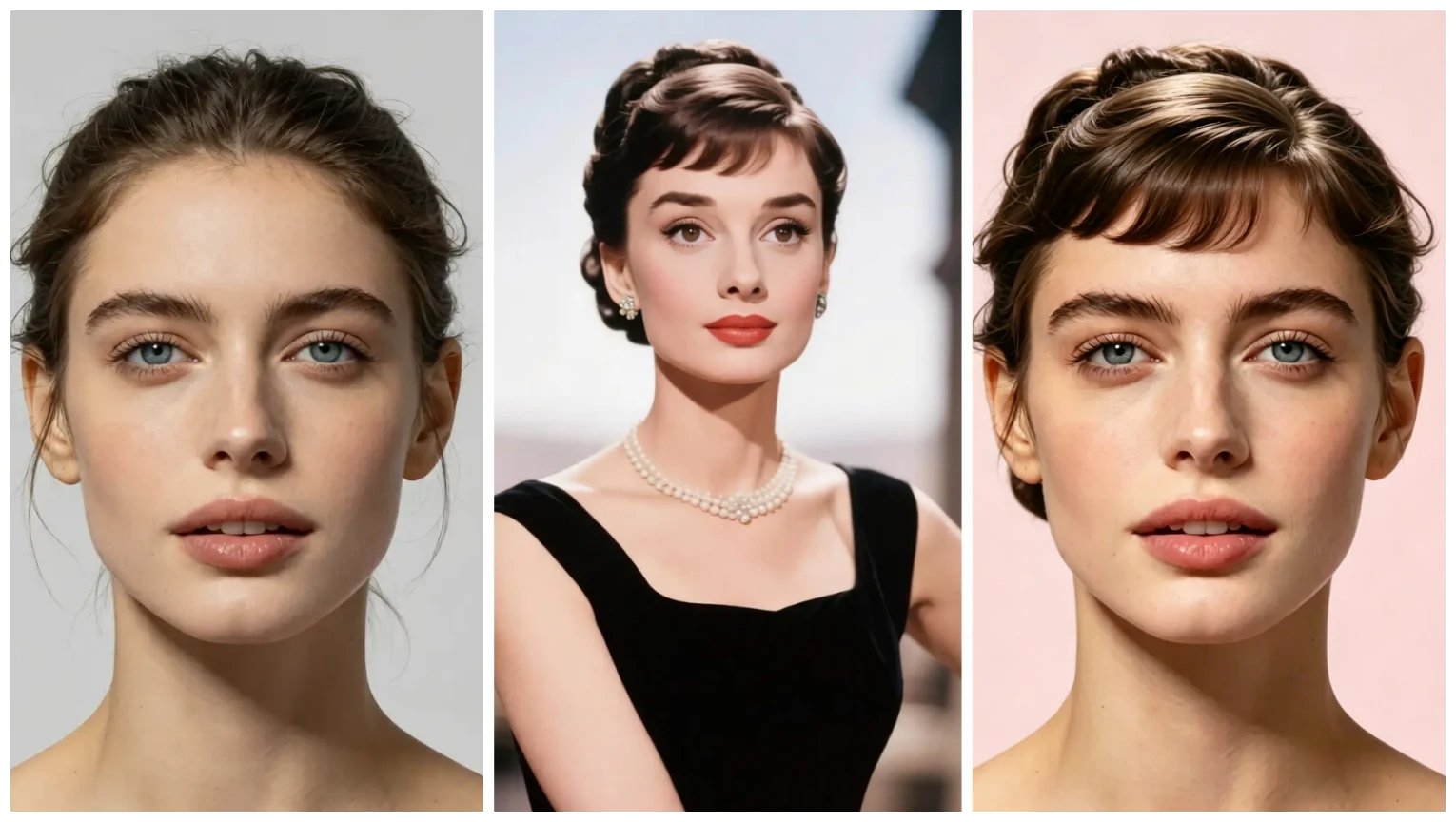
Do not stop at the first result. The value of a hairstyle simulator is comparison. Review several options, then ask whether the hairstyle suits your face shape, whether the length feels practical, and whether the color looks natural in daylight. This process is especially helpful when you are unsure between two styles, because a virtual hairstyle try on lets you test both without pressure.
Common Mistakes to Avoid
A common mistake is choosing a hairstyle only because it is trendy. A viral haircut may look amazing on a model, but it may not suit your face shape, hair density, or lifestyle. Another mistake is ignoring hair texture. If you have very fine, thick, curly, or wavy hair, a style may behave differently in real life. Finally, avoid testing too many colors at once. Start with natural shades, then explore bolder options step by step.
Why Use aihairstyletryon.art for Virtual Hairstyle Testing
aihairstyletryon.art is a free, browser-based hairstyle simulator with no app download and no registration. It focuses on one-click ai hairstyle swap effects, making it easy for beginners to preview new looks in seconds. The site supports male and female hairstyle options, long and short lengths, curly and straight textures, plus virtual hair color testing. It is also a practical choice for anyone searching for the best virtual hairstyle app no download option, because everything works online.
Final Thoughts
Getting realistic results with free ai hairstyle tools is not about advanced skills. It starts with a clear photo, good lighting, and a willingness to compare different styles. When you use an ai hairstyle try on tool correctly, it becomes more than a fun filter. It becomes a decision-making guide for your next haircut, color change, or style refresh.
Instead of guessing or spending money on a look you may regret, use aihairstyletryon.art to preview your options for free. Try a virtual hairstyle, test virtual hair color, and compare results before you commit. With no download, no registration, and one-click AI hairstyle swap, you can find the style that fits your face with confidence and zero cost.
Commentaires
Partagez vos pensées sur ce article.
Vous devez être connecté pour publier un commentaire.
Se connecter pour commenter