
Try Five Looks Fast: Template Hairstyles to Explore Color and Length
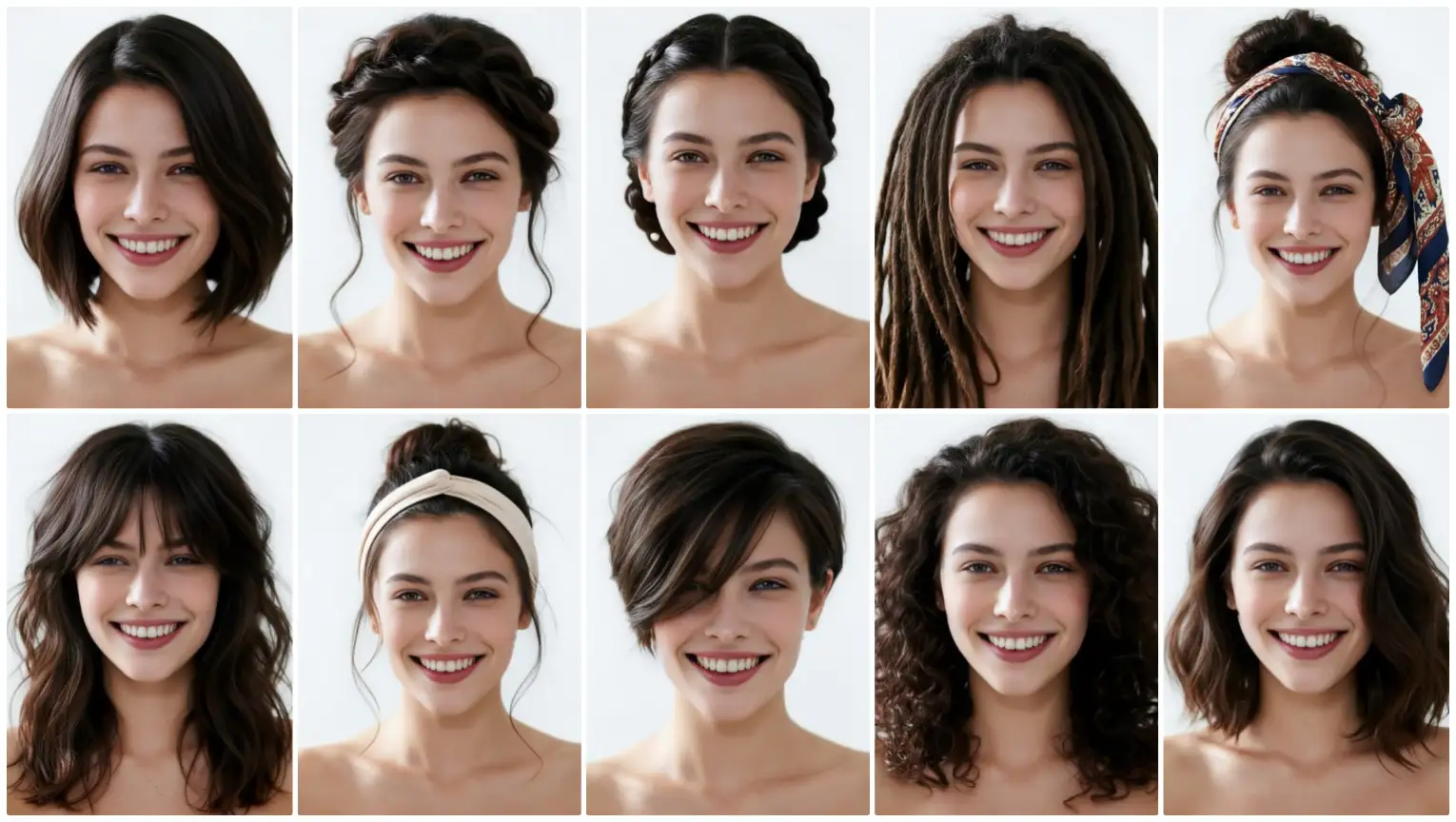
Explore five hairstyles fast using templates: upload a portrait, pick styles and colors, and get realistic previews with no drawing or prompts. Perfect for beginners.
Try Five Looks Fast: Template Hairstyles to Explore Color and Length
If you want to experiment with different hair lengths and colors without commitment, template hairstyle previews are the quickest route. In just a few clicks you can upload a portrait, pick from ready-made styles, and see realistic previews that help you decide whether to chop, grow, or dye your hair. No drawing skills, no prompt writing—just one click to start.
How the template workflow works
The template workflow is built for speed and simplicity. Follow three basic steps: 1. Upload a clear portrait photo. A front-facing image with natural lighting works best. 2. Choose a template hairstyle from the gallery—short bob, long layers, pixie, ponytail, or a textured lob—and pick a color shade you want to try. 3. Generate a preview. The system applies the selected hairstyle and color to your photo so you can compare looks side by side.
This is a perfect route for anyone who wants to try multiple length and color combinations quickly. Because you’re choosing from templates, the results are consistent and realistic—making it easier to compare options like a shoulder-length cut versus long layers or warm copper versus ash brown.
Why templates are great for beginners
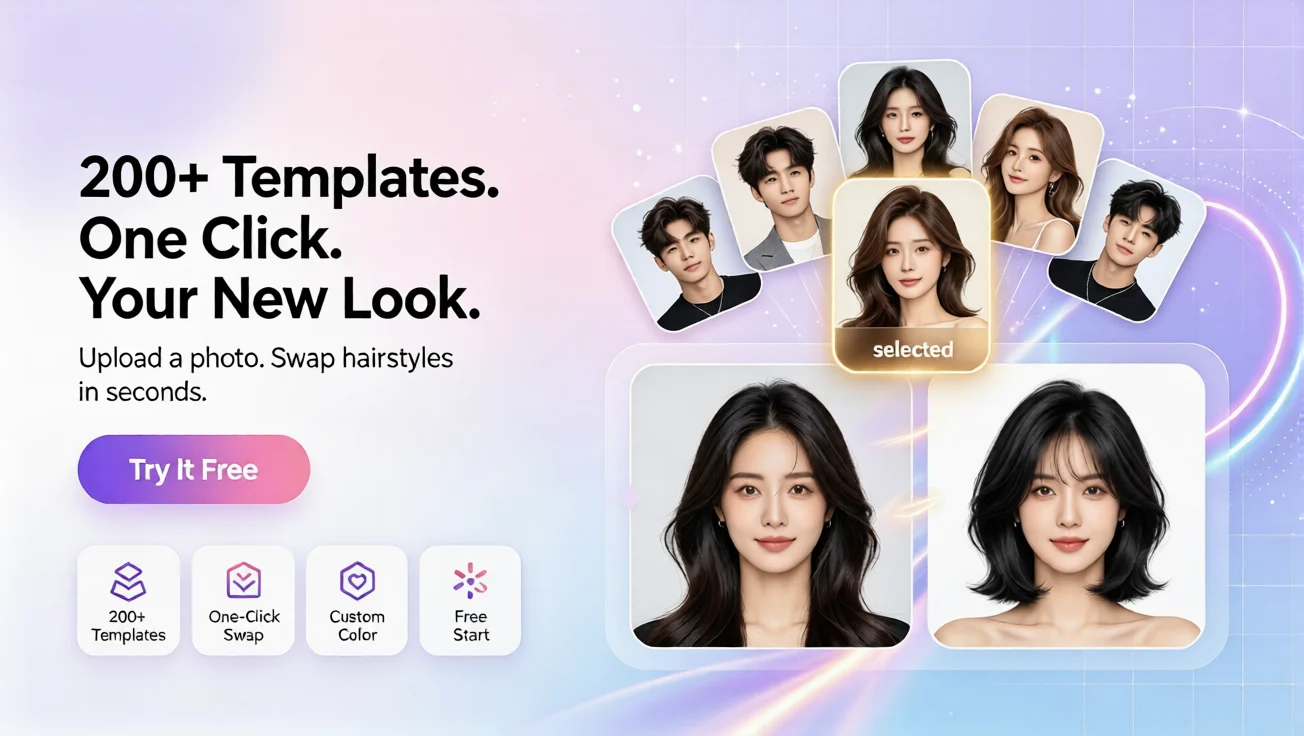
Templates are ideal if you’re new to hairstyle AI tools or if you don’t want to spend time describing looks. Using a template means: - You don’t need to write prompts or sketch ideas. - You don’t need any technical or artistic skill—just click and see. - You can preview multiple lengths and colors in minutes, making it a fast way to narrow down choices.
Many people use template previews to test dramatic changes (for example, going from long to a pixie) or to fine-tune color decisions—whether to try warm highlights or a cooler tone. It’s also a great first step before trying more tailored workflows like custom references or occasion-based recommendations.
Practical tips for comparing length and color
Try these quick tips to get the most from template previews: - Compare at least five styles: include a short, medium, long, layered, and an updo to see how face shape and neckline change with length. - Test several color families: go neutral, warm, and cool shades to see which complements your skin tone. - Use similar lighting in each preview image so differences are easier to judge. - If you like a base style but want small tweaks, try the custom workflow later where you upload a reference hairstyle and pick a color for a more tailored preview.
Where template previews fit among other workflows
Template previews are one of four straightforward ways to use hairstyle AI. They’re the fastest option when you want to explore looks in bulk. If you later decide you want a custom touch, you can upload a portrait and a preferred hairstyle reference and generate a custom preview with the color you choose. Templates are especially useful for initial exploration before moving to recommendations for specific occasions or a full hairstyle analysis.
Plans, languages, and accessibility
Getting started is easy: there is a free plan for basic previews and paid plans for higher-resolution or extra previews. The service supports multiple languages including English, French, Spanish, Chinese, Japanese, and Arabic, so beginners worldwide can navigate the interface comfortably.
Whether you’re using the platform as an ai hairstyle changer to test bold transformations or exploring subtle shifts with hairstyle ai templates, the workflow removes the need for prompts or drawing. You can start with a single click and have several polished previews in minutes.
Final thoughts
Template hairstyle previews are a low-risk, high-speed way to experiment with length and color. They’re designed for beginners: simple, visual, and fast. Try five looks in minutes, compare them side by side, and use that confidence to choose your next haircut or color.
Commentaires
Partagez vos pensées sur ce article.
Vous devez être connecté pour publier un commentaire.
Se connecter pour commenter