
Best AI Hairstyle Ideas for YouTube barber consultation
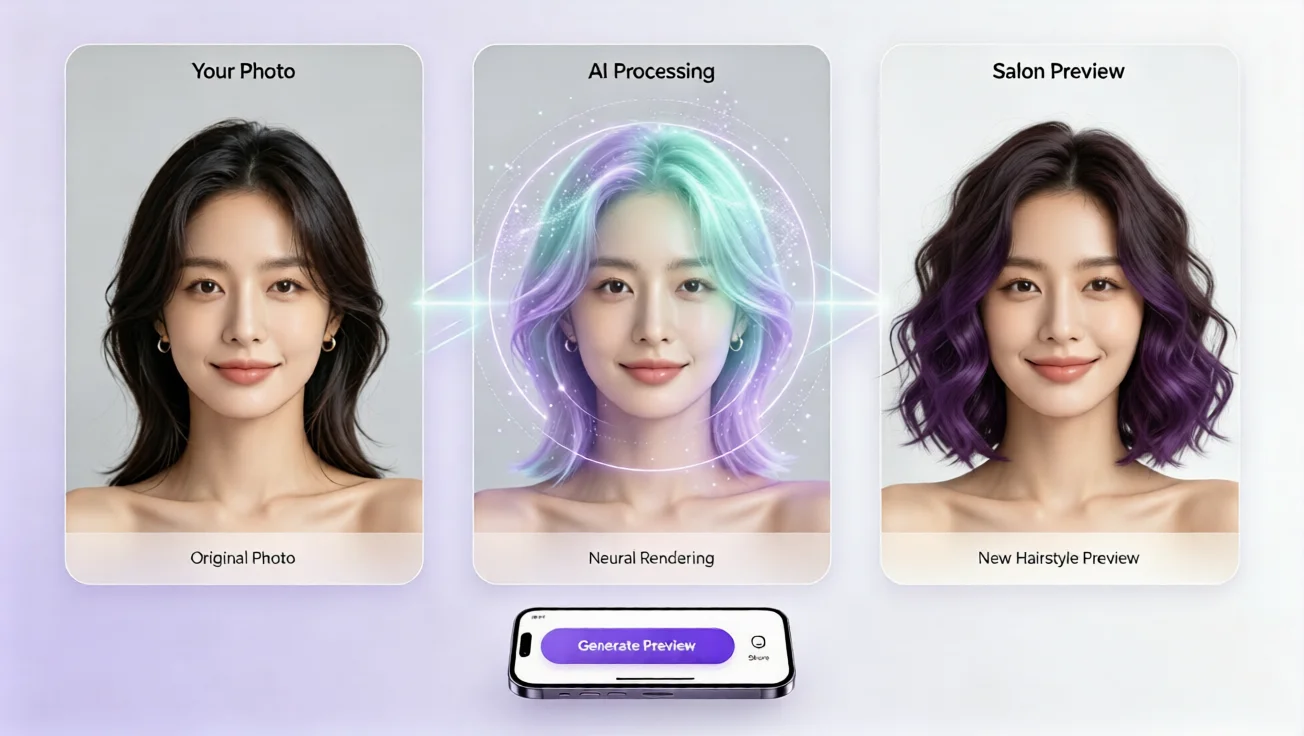
Preview best AI hairstyle ideas for YouTube barber consultation with free virtual hairstyle try on and AI hair changer tools.
Why YouTube barber consultation videos make hairstyle decisions harder
Many people watch a YouTube barber consultation because they want a fresh look, but the process often leaves them unsure. The barber may suggest a fade, crop, taper, or textured fringe, while the viewer sees only the final result. Without a way to preview a hairstyle on their own face, the decision feels risky. Hair can be expensive to correct, and changing it in real life requires time, patience, and confidence. This is why an AI hairstyle try on experience has become valuable for anyone preparing a barber consultation or creating a video about hairstyle ideas. Instead of guessing what a cut might look like, users can explore virtual hairstyle previews, compare styles quickly, and choose the option that best fits their face, hair texture, and personal image.
Best AI hairstyle ideas to test before your barber consultation
Before a barber consultation, the best approach is to test a few realistic hairstyle ideas with an AI Hair Style Generator. A short textured crop works well for men who want a clean but modern look. A mid fade with loose top hair is ideal for clients who want structure without a dramatic change. A taper with soft layers suits professional settings and casual everyday styling. For a bolder option, a curly top fade can show how natural texture can be shaped instead of flattened. A slick side part with a low fade remains a classic choice for formal grooming. The key is not to choose the first style you like, but to test several AI hairstyle options and see how they fit your face shape, hairline, and lifestyle. A free hairstyle simulator lets you repeat this process without downloading an app or registering an account.
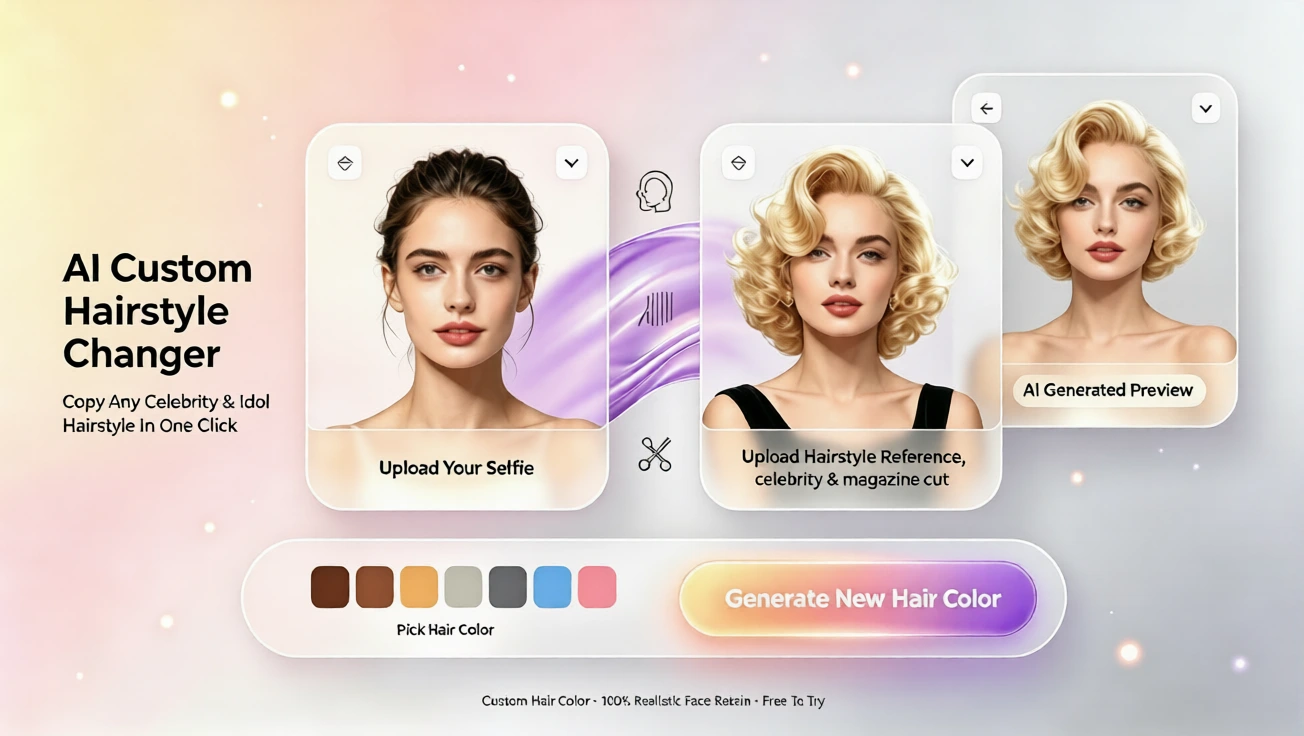
This type of preview is especially useful when you want to explain hairstyle ideas clearly in a video or show a barber exactly what you have in mind. A short clip of the same face wearing several cuts can make the consultation more precise and reduce the chance of ending up with a style that feels uncomfortable or unnatural.
How to use AI hairstyle try on for a YouTube barber consultation
Start with a clear front photo
The first step is to upload a natural, front-facing photo with good lighting. The face should be visible, the hair should not be hidden, and the photo should show your normal appearance rather than a heavily edited image. A clear photo helps the AI Hairstyle Generator map the virtual hairstyle to your features more accurately. This step is important because the goal is not to create a fantasy image, but to see a realistic preview that can guide your barber consultation.
Choose hairstyle ideas that match your face
Once your photo is ready, browse multiple styles using the online hair simulator. Try one conservative option, one trendy option, and one bold option. This gives you a useful comparison group. With a Face Adapt Hairstyle Simulation, each option is tailored to your own features rather than a generic model. If you have a rounder face, a vertical style with height and a tighter fade can create balance. If you have a longer face, soft layers or a fuller top may add width. If you have strong facial features, a short crop or side part can keep the look refined. The best virtual hairstyle app no download approach lets you test these ideas quickly without committing to a real cut.
Preview the barber consultation result
After selecting the most promising styles, use the virtual hairstyle try on feature to create a clear before and after set. This helps you understand what the cut will look like on your own face, not only on a model. When you later watch a YouTube barber consultation or prepare to discuss options with your barber, you can point to a style that already appears suitable for you. It is not about replacing professional advice, but about making the conversation easier and more confident.
Virtual hair color ideas that pair well with a barber cut
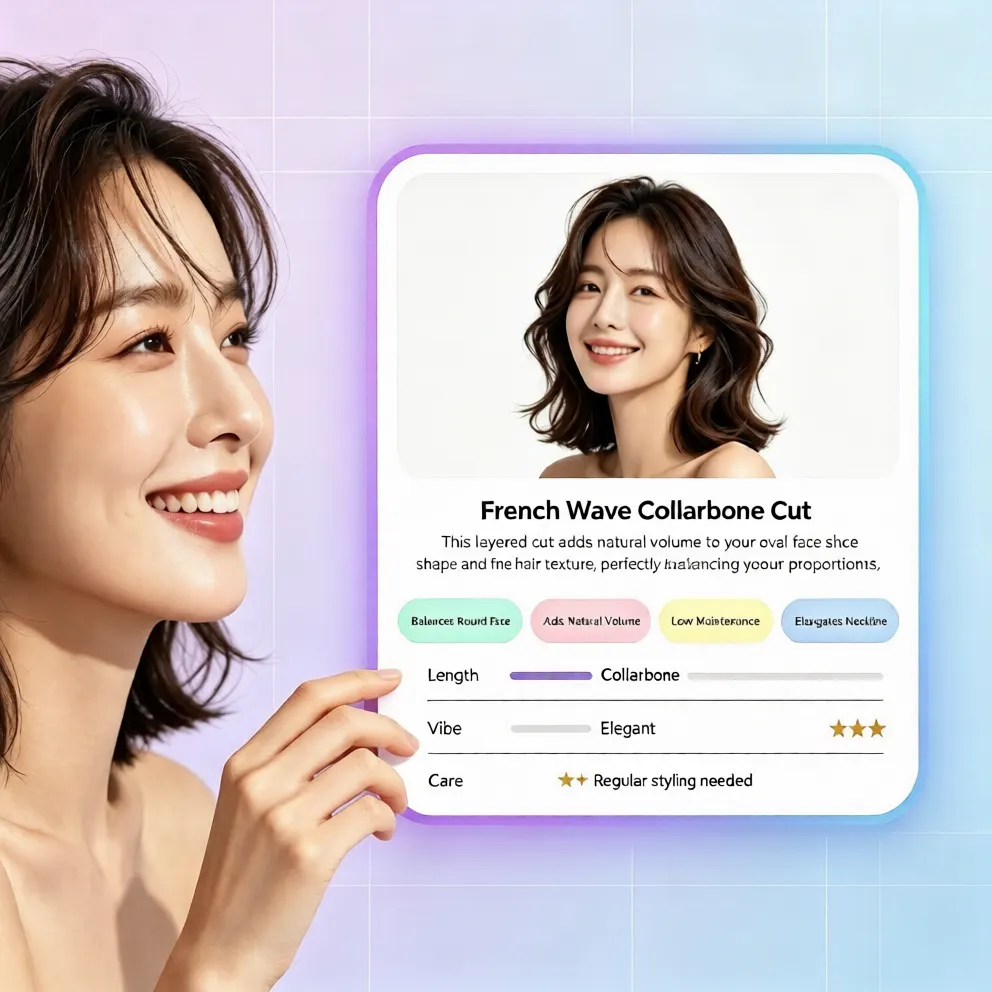
A hairstyle becomes more complete when you also think about color. During a barber consultation, many people focus only on the cut, but the right hair color can make the shape look clearer and healthier. Natural dark shades work well with sharp fades. Warm brown tones soften angular cuts. Lighter brown highlights can add texture to curly or wavy styles. If you are unsure, use the Virtual Hair Color Changer to test subtle changes before visiting the salon or booking a color service. A free AI hair changer can show how a shade affects your skin tone, facial structure, and overall impression without the long-term commitment of permanent dye.
Test low maintenance options first
For most users, low maintenance is important. Instead of starting with dramatic color changes, test a subtle shade adjustment, a natural highlight effect, or a clean dark tone that enhances your cut. This helps you build confidence with a virtual hairstyle preview before making a real grooming decision.
Compare multiple looks in one session
The value of an AI hairstyle try on session is speed. You can compare several virtual hairstyle options in minutes. This is much easier than imagining each style in real life or asking a barber to guess what suits you. One-click generation, no registration, and no app download make the experience smooth and beginner friendly.
Why a free online hairstyle simulator works better than guessing
Guessing a hairstyle is risky because your face shape, hair density, hairline, and daily routine all influence the final look. A hairstyle simulator solves this by giving you a visual reference. Instead of reading descriptions, you see the cut on a face that looks like yours. Instead of hoping a barber understands your idea, you show a realistic preview. The process is natural, clear, and less stressful. It is also helpful for users who want to change style without making expensive mistakes. The ability to try different hairstyles online means you can explore trends, confirm what suits you, and build a grooming plan before visiting a professional.
Final tip for your next barber consultation
The best result comes from preparation. Watch a YouTube barber consultation, shortlist a few style ideas, then test them with an AI hairstyle try on tool to see how they match your face. Bring the virtual hairstyle preview with you or use it to clarify what you want. When you combine a clean fade, a flattering length, and the right hair color, the result can feel effortless and personal. Start today with aihairstyletryon.art, use one-click AI hairstyle swap, virtual hair color try on, and multiple hairstyle styles without downloads or registrations, and find the best hairstyle idea before your next barber consultation.
コメント
この記事についての感想を共有してください。
コメントを投稿するにはログインが必要です。
コメントするためにログイン