
Perfect Selfies for AI Hairstyle Try-On: A Beginner's Guide
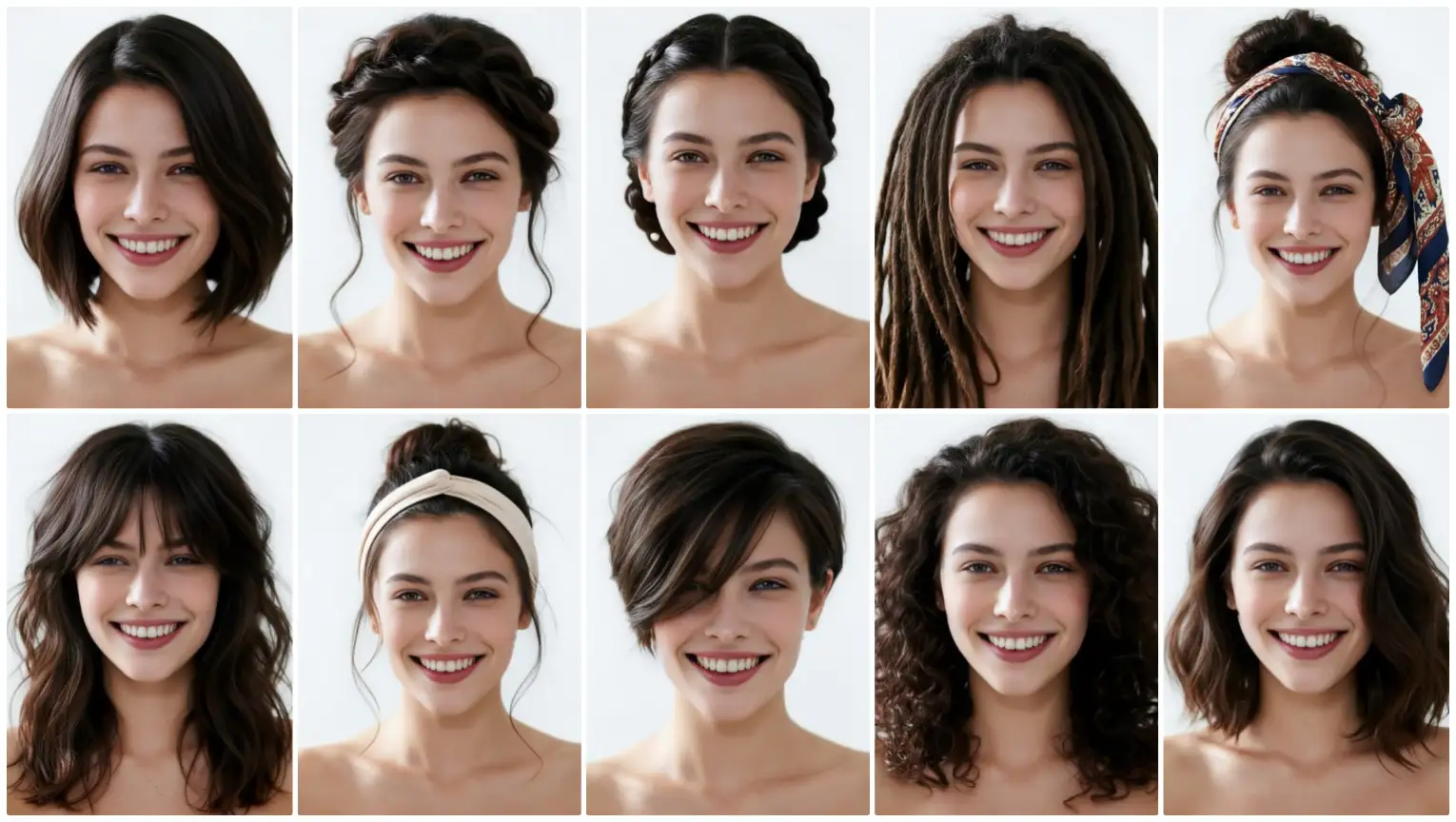
Learn how to take the perfect selfie for realistic AI hairstyle previews. One-click uploads, four easy workflows, and tips to try colors and lengths before the salon.
Why the right selfie matters for your AI hairstyle preview
Getting realistic hairstyle previews starts with a good photo. Whether you want to try a bold color, a shorter cut, or simply explore looks for an upcoming event, a clear portrait helps the system place hair, match lighting, and create an accurate result. The best part: you don’t need drawing skills or prompt writing — just one click to start.
Quick checklist before you upload
Follow these simple steps and you’ll be ready in under a minute:
- Use a front-facing portrait where your face is visible and centered.
- Choose natural, even lighting — avoid heavy shadows or direct sunlight.
- Keep hair away from your face so the AI can detect your hairline and jawline.
- Remove hats, sunglasses, or heavy makeup for the most neutral baseline.
- Use a neutral background when possible to help the preview focus on you.
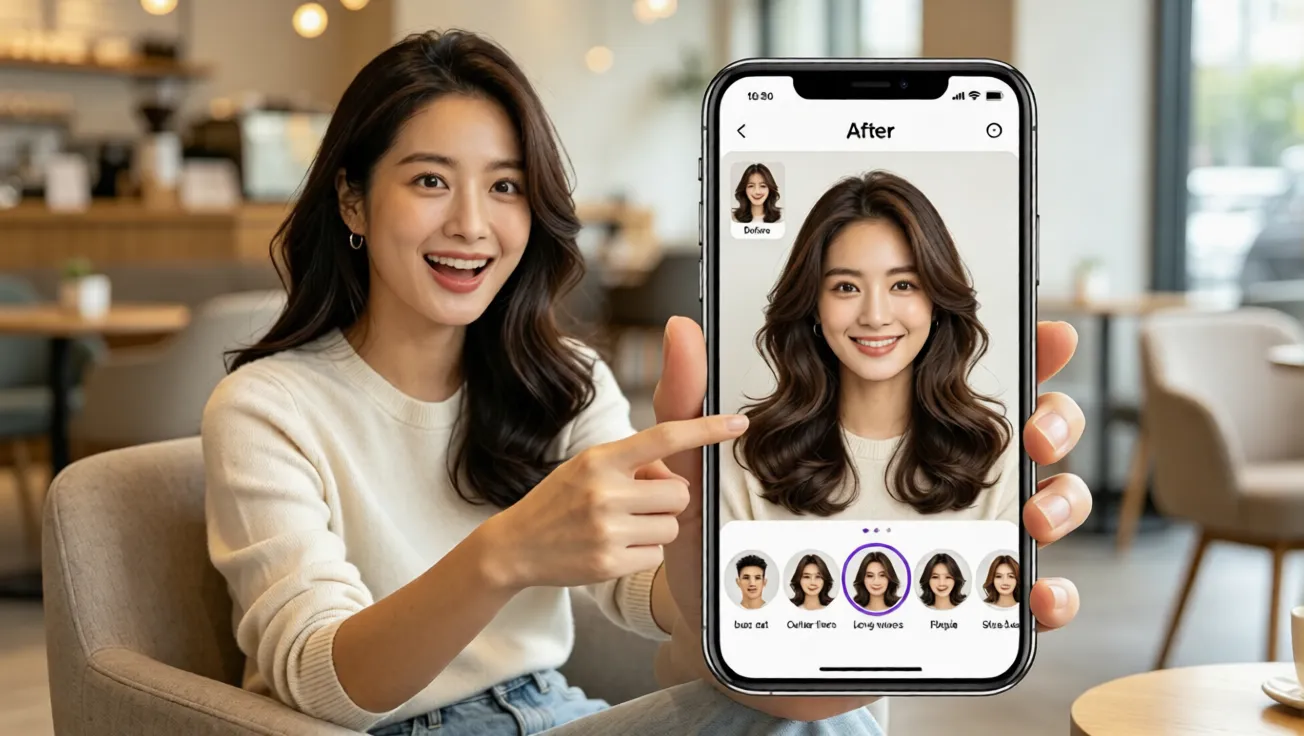
Which workflow fits your goal?
Our site supports four clear workflows for beginners. Pick the one that matches your plan:
- Template hairstyle and color preview: Upload a photo, choose a template hairstyle and a color, and generate a quick preview. Great for fast experimentation with cuts, lengths, and shades.
- Reference-based custom preview: Upload your portrait and a hairstyle reference image, select a color, and receive a tailored preview that blends the reference with your face shape.
- Occasion-based recommendations: Upload a portrait, tell the AI the occasion (work, casual, wedding, interview), choose colors, and receive recommended hairstyles with previews suited to the event.
- AI hairstyle analysis report: Upload a portrait to receive a professional-style analysis that covers face shape, suggested lengths, and flattering color families.
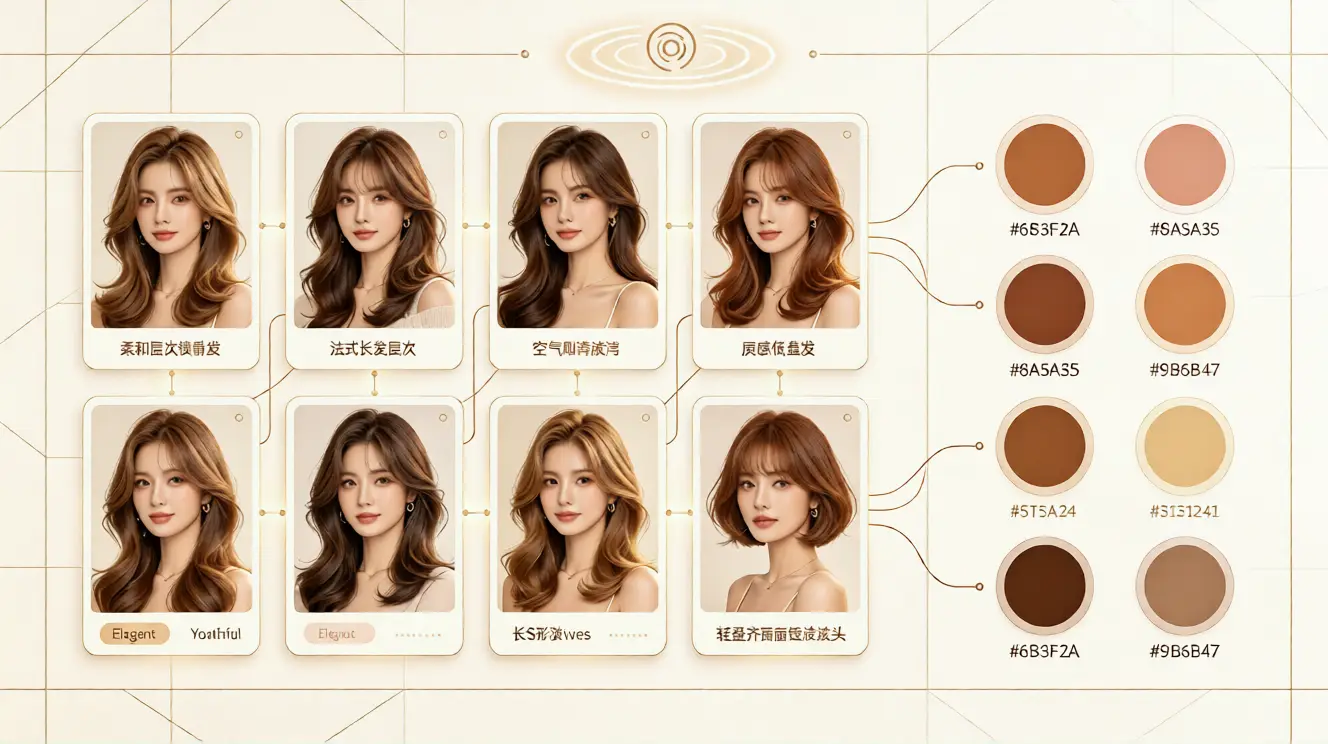
How to use each tool with one click
Once your photo is uploaded, the interface walks you through choices with clear thumbnails and color swatches. You won’t write prompts or sketch anything. For a template preview, click a hairstyle, pick a color, and hit generate. For a custom preview, add the reference image and select the color. For occasion recommendations, enter the event type and choose a color family. The result appears quickly so you can compare looks side-by-side.
Color and length tips
Experimenting digitally lowers the risk of a haircut or dye you regret. Try these ideas:
- Test both subtle and dramatic shades to see how skin tone and lighting interact.
- Compare multiple lengths (short, medium, long) to see proportion changes without the commitment.
- Use the reference-based workflow if you found a celebrity look or an image you love — it helps the AI align the style to your features.
What to expect from the previews
Previews aim to be realistic visual guides rather than exact guarantees. They show how a cut and color might sit on your face, helping you and your stylist discuss achievable changes. Use the AI hairstyle analysis report if you want a more detailed assessment of what suits your face shape and lifestyle.
Plans, languages, and support
There’s a free plan to try basic previews and a range of paid plans for higher-resolution results, more looks, and faster processing. The platform supports English, French, Spanish, Chinese, Japanese, and Arabic so international users can get guidance in their preferred language. If you need help, the site’s support channels can guide you through uploads and choosing the right workflow.
Final tips for beginners
Start simple: upload one clear selfie and try a template hairstyle to see immediate results. Save the looks you like and share them with a trusted stylist. Remember — no technical skills are needed. No drawing, no prompt writing, just upload, choose, and generate with one click.
With a few well-lit selfies and the right workflow, you can confidently explore new colors, lengths, and styles before you visit the salon. Happy experimenting!
コメント
この記事についての感想を共有してください。
コメントを投稿するにはログインが必要です。
コメントするためにログイン