
Top Tips for Getting Realistic Results With ai hairstyle try on app
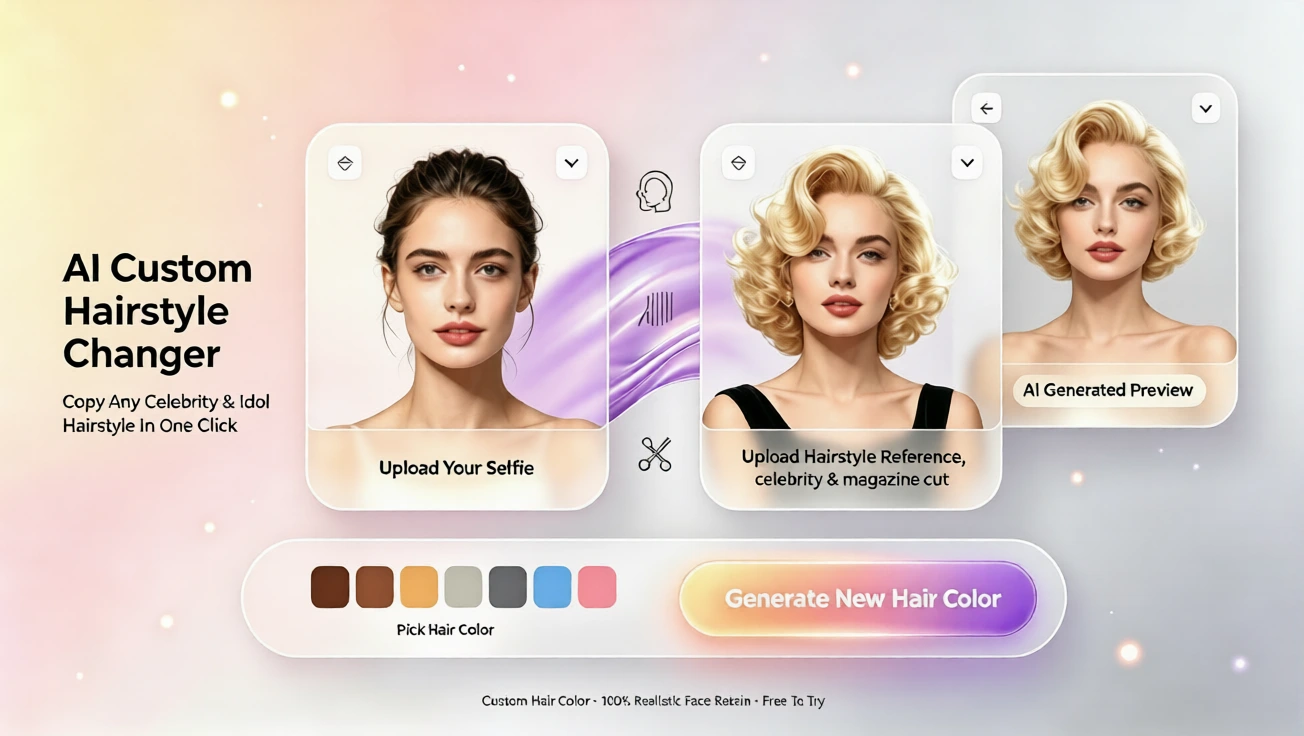
Learn how to get realistic results with free ai hairstyle try on, virtual hairstyle, ai hair changer, and virtual hair color on aihairstyletryon.art.
Changing your look can feel exciting, but it can also feel risky. Many people want to know how to see what hairstyle suits me without spending money on a salon appointment. Others worry that a dramatic cut, new color, or trendy fringe will not match their face shape. Free ai hairstyle try on solves this. With aihairstyletryon.art, you can preview a virtual hairstyle, test virtual hair color, and use an ai hair changer without app download or registration. The tool is built for beginners who want a simple, natural way to compare looks before making a real change.
Why Some Virtual Hairstyle Results Look Unrealistic
Realistic results depend on photo quality, face mapping, hair direction, color lighting, and suitable styles. A blurry photo, harsh shadow, or extreme pose can make the virtual hairstyle simulator look fake. The ai hairstyle generator works best when your face is clear and the style fits your natural head shape. Instead of forcing a perfect model image, aim for a believable version of you. Small corrections to your photo and style choice often improve the final preview more than complicated editing.
Start With a Clean Face Photo
Upload a front-facing photo in good light. Center your face, remove sunglasses, and keep hair away from the forehead. Natural daylight is ideal. A clear photo gives the online hair simulator enough detail to understand forehead width, jawline, cheekbones, and neck visibility. These details matter for a believable ai hairstyle for face shape. If your face is hidden, the tool cannot map the hair correctly, and the preview may look flat or separated from your features.
Avoid Heavy Filters and Harsh Shadows
It is better to skip beauty filters, low contrast images, and strong shadows. A filter may make your skin look smooth, but it can hide the edge of the hairline. For a more realistic result, use a photo where the face boundaries are clear. If you wear hats, heavy makeup, or dramatic lighting often, try a neutral selfie. The free virtual hairstyle try on experience becomes stronger when the input resembles normal salon consultation photos.
Match Hair Length and Texture
If your natural hair is short, a long curly bob may still look good, but choose styles with realistic movement. An ai hair changer creates believable results when the new virtual hairstyle respects the head shape. Try one length step at a time: short to medium, medium to long. Then test layers, curls, waves, or sleek styles. This gradual approach helps you see how to try different hairstyles online without feeling overwhelmed. It also helps you notice which textures soften your face.
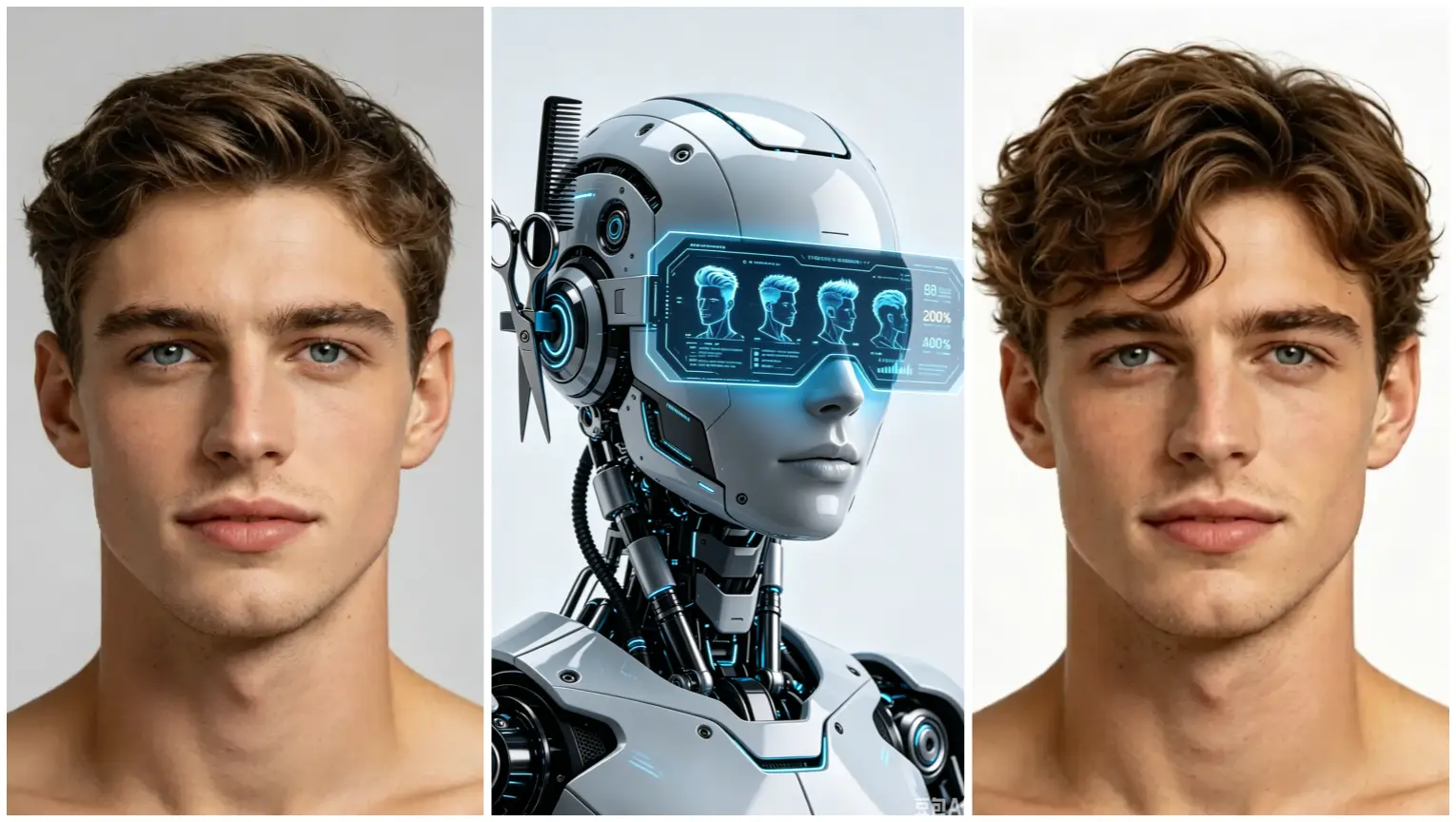
Pay attention to the hairline and parting. The most convincing previews have soft edges, proper movement, and hair that follows the head. With free ai hairstyle try on, the goal is not a perfect model shot, but a realistic version of you. Check whether the parting looks natural, whether the roots blend, and whether the volume fits your face. These details make the difference between a pasted look and a convincing preview.
Use Virtual Hair Color Carefully
Color can make or break a look. The same virtual hairstyle can be beautiful in one shade and flat in another. Test multiple tones with free virtual hair color try on. Start with colors close to your skin undertone, then try brighter options. Virtual hair color becomes realistic when shadows at the temples, roots, and nape remain soft. Avoid colors that completely erase natural dimension. The best results keep subtle depth while changing the overall hue.
Choose Styles for Your Face Not Just Trends
Every trend looks different on different faces. A blunt fringe may soften a long face, while a side part can balance a wider forehead. A layered lob often suits oval and square shapes. When you use a hairstyle simulator, check what the style does to your proportions. Does it widen, narrow, or balance your face? Does it highlight your eyes or shorten your neck? This makes the preview more practical and helps you build a short list of styles to bring to your stylist.
Keep Poses Natural
A relaxed selfie is better than a dramatic model pose. The best virtual hairstyle app no download approach is to use everyday angles. If the result feels glossy or pasted, try another photo. Small changes to lighting and angle can make the ai hairstyle try on output look like your real hair. Avoid tilting your head too far down or side, because extreme angles reduce the accuracy of the virtual hairstyle mapping.
Step by Step for Realistic Results
First, upload a clear photo on aihairstyletryon.art. There is no registration and no app download required. Choose a category such as short hair, long hair, curls, bobs, bangs, or styles for men and women. Click through several looks and save the ones that feel most like you. Comparison is the fastest way to judge fit, especially when you are new to virtual hairstyle previews. Keep your favorite three options and review them side by side in your mind.
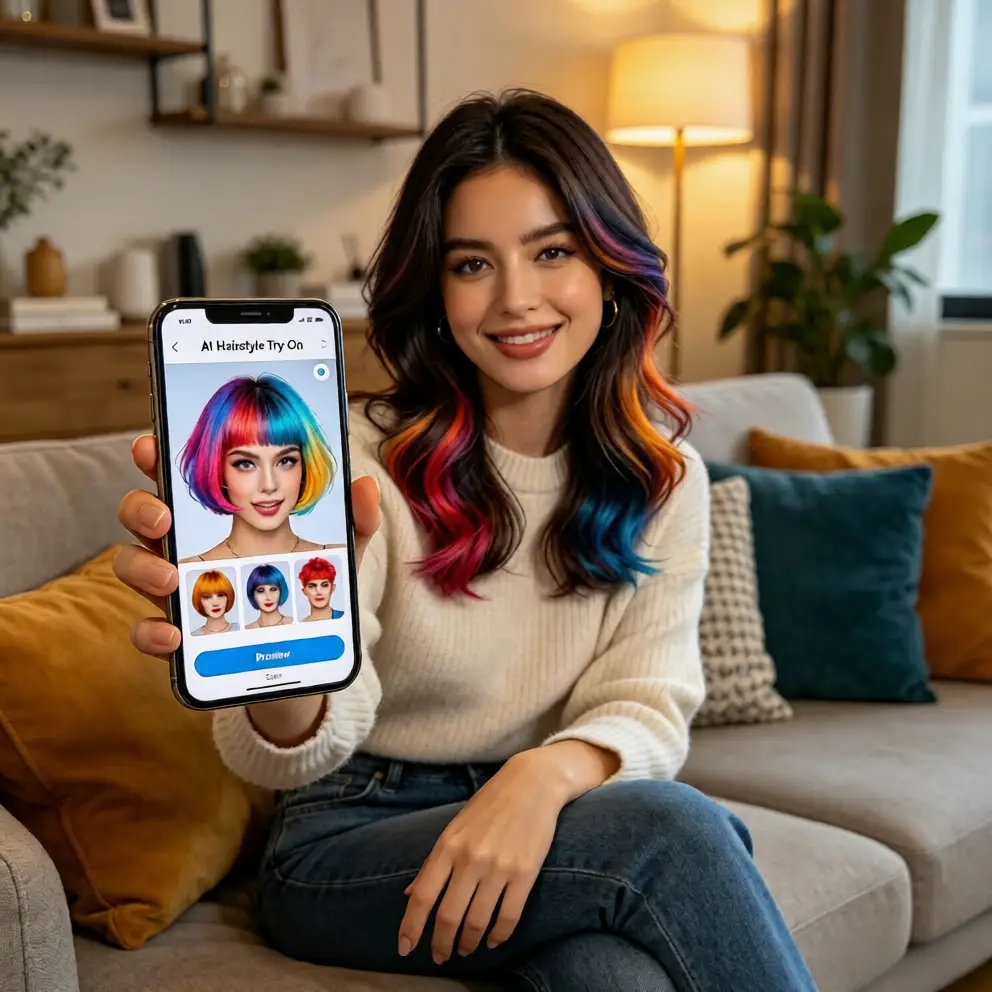
Second, change one variable at a time. Try length first, then texture, then color. For example, compare the same layers in brown, blonde, and red. This method makes the online hair simulator more educational. It also helps you understand how to try different hairstyles online before a salon visit. If a look fails, you can identify whether the issue was length, color, parting, or overall volume.
Use a Simple Hairstyle Simulator Checklist
Use a simple checklist after each preview. Does the hairline look natural? Does the face shape stay balanced? Does the color suit your skin tone? Does the style match your daily routine? A hairstyle simulator is most useful when it reflects real life, not just fantasy. If the answer is no, try another style before saving your final reference image.
Third, review volume and hairline fit. A realistic preview should not float above the scalp. If the hairline looks stiff, choose a side part or wispy bangs. If the hair looks too thick, try a lighter texture. The ai hair changer is most convincing when it respects your natural head shape and facial features. This step helps you avoid trendy looks that would be high maintenance or too heavy for you.
Why Free AI Hairstyle Try On Is Worth Using
Manual editing takes time, salon changes cost money, and random inspiration can mislead. A free ai hairstyle try on gives a low-risk way to answer one question: does this look like me? You can preview a virtual hairstyle, test virtual hair color, and compare styles in seconds. It is perfect for beginners who are unsure how to see what hairstyle suits me, and it gives experienced users a fast way to explore ideas without downloading apps.
The tool also builds creative confidence. You can explore bold ideas before committing or validate a subtle change before paying. Because aihairstyletryon.art is free, easy, and beginner friendly, it removes the friction between curiosity and decision. You can focus on style compatibility, color, and everyday wear. One-click testing also helps you see multiple styles quickly, making the process less stressful and more fun.
Realistic results come from simple habits. Use a clean front photo, choose styles that fit your face shape, test color gradually, and check the hairline. A virtual hairstyle preview becomes most useful when it reflects your natural proportions, not a fantasy edit. This approach gives you clearer decisions at home and reduces the chance of regret after a real haircut or dye appointment.
Ready to preview your next look? Skip guesswork and use free ai hairstyle try on with aihairstyletryon.art. Upload a photo, explore virtual hairstyle styles, test virtual hair color, and find a natural match. With one-click ai hair changer results, you can see what hairstyle suits me before making any real change. Try it now and enjoy a natural, free virtual hairstyle simulation.
Comments
Share your thoughts about this article.
You must be signed in to post a comment.
Sign in to comment