Why AI Hairstyle Try‑On Is Trending on Pinterest
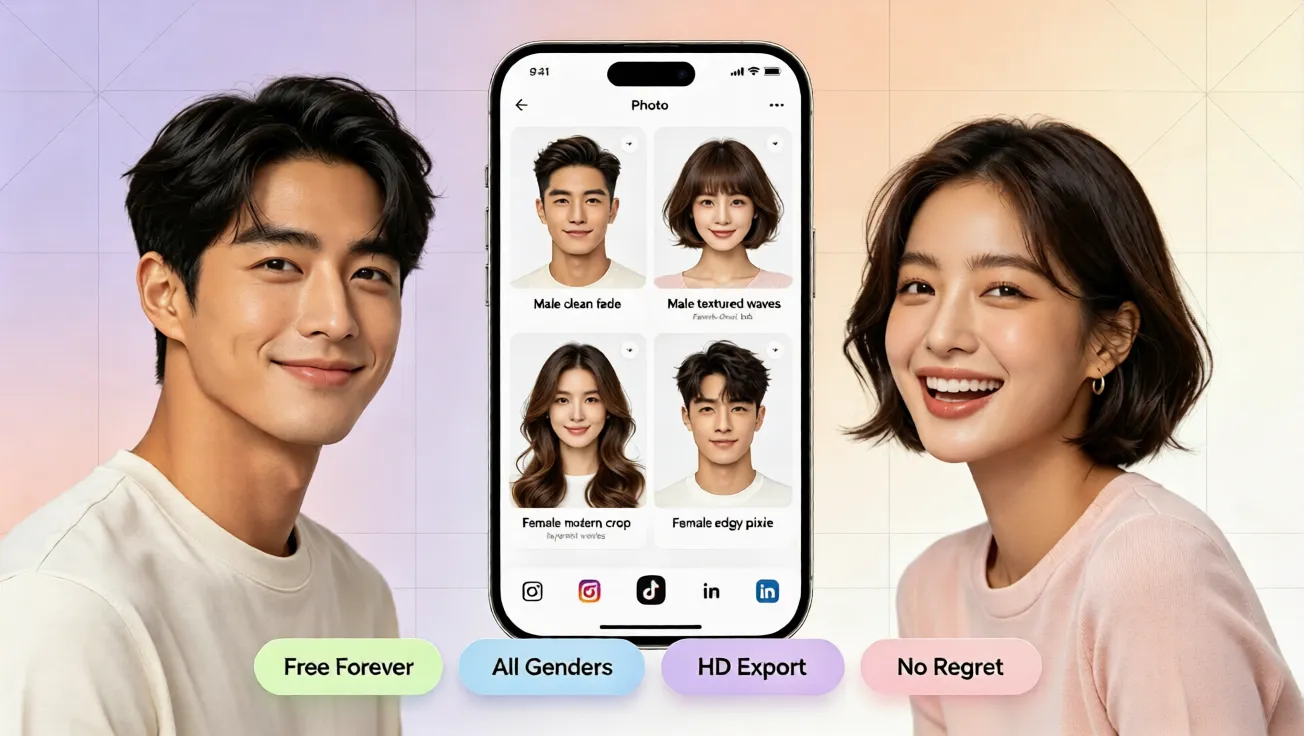
See why AI hairstyle try on tools are trending on Pinterest. Try free virtual hairstyle and hair color changes online to find your best look.
Why AI Hairstyle Try On Is Suddenly Everywhere on Pinterest
Scroll through Pinterest and you will likely see more pins about AI hairstyle try on, virtual hairstyle previews, and playful hair color experiments. People want a fresh look without the fear of making a permanent mistake. Traditional hair changes can mean expensive appointments, long salon visits, chemical exposure, and the possibility of ending up with a style that does not match your face. An AI Hairstyle Try On tool removes that pressure. It lets anyone upload a photo, choose a style, and instantly see a realistic preview. No professional editing skills are required. No complicated app download is necessary. A free AI hair changer and virtual hair color tool turns hairstyle inspiration into a low-risk experiment, which is exactly the kind of visual decision making that thrives on Pinterest.
From Guesswork to Confidence With a Virtual Hairstyle
A great hairstyle should support your face shape, hairline, mood, and daily routine. A round face may prefer soft layers that elongate the silhouette. A square face often benefits from waves and curtain bangs to soften strong angles. With a virtual hairstyle preview, you do not need to memorize complex style rules. The AI Hair Style Generator adapts each look to your uploaded photo, considering facial proportions, lighting, and natural hair movement. This makes it easier to understand whether a pixie cut, shoulder-length bob, voluminous curls, sleek straight hair, or trendy bangs would work for you. It also helps you compare styles for men and women, short versus long looks, and subtle versus statement hair colors. The result feels personal because it is connected to your actual photo, not just an unrelated inspiration image.
How to Use AI Hairstyle Try On Step by Step
The easiest way to see why AI hairstyle try on is trending on Pinterest is to try it yourself. Start by visiting aihairstyletryon.art and uploading a clear front-facing photo. Choose a recent image with natural lighting, a neutral expression, and no hat or heavy hand blocking the hairline. Then browse the available hairstyle categories, such as short bob, long layers, curly hair, wavy hair, pixie, bangs, styles for men, and styles for women. After selecting a hairstyle, the AI Hair Changer simulates how the new look would sit on your face and shoulders. You can then use the Virtual Hair Color Changer to test shades such as ash blonde, platinum, caramel, copper, burgundy, pastel pink, or cool gray. Finally, compare a few options side by side, save your favorites, and share the previews with friends or a stylist.
When you follow this simple workflow, the process feels as easy as saving a Pinterest pin. The image below shows the AI Hairstyle Try On experience in action: upload a photo, pick styles, and preview natural virtual hairstyle results without manual editing.
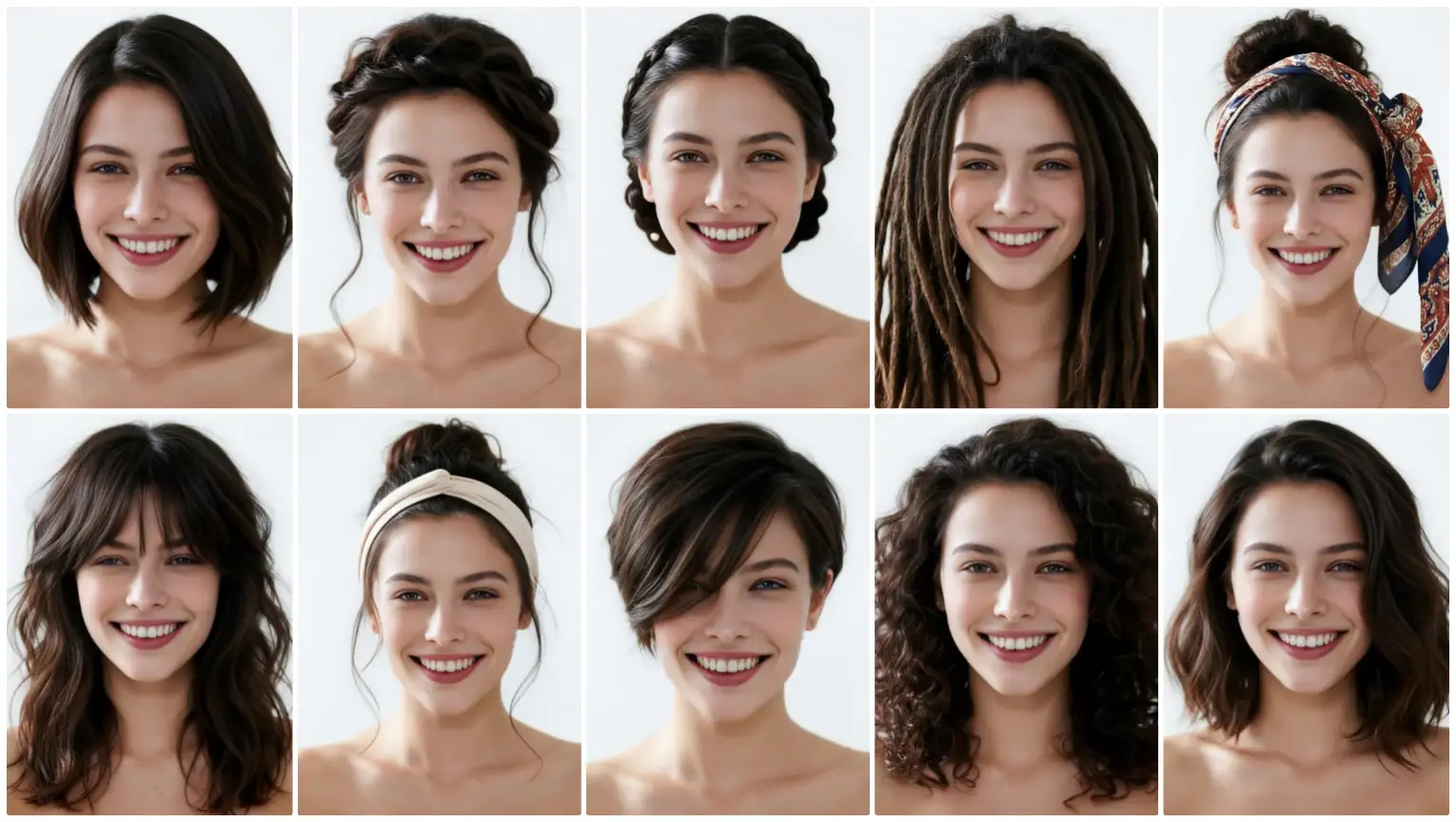
Once you have two or three strong candidates, evaluate them against your lifestyle. A low-maintenance wash-and-go curl may suit a busy morning schedule, while a sleek blunt cut may fit a polished professional routine. This is how a hairstyle simulator becomes more than a fun preview. It becomes a practical planning tool for your next appointment.
What Makes Virtual Hair Color and Hairstyle Simulation Look Natural
Early hairstyle preview tools often felt artificial because they placed a flat wig image over a photo. The new AI Hairstyle Try On approach is much smoother. It studies your head shape, hairline, face size, shoulder line, and light direction. It also builds soft shadows and highlights around the new hair, so the style appears to belong in the original photo. When testing virtual hair color, the system adapts the pigment to your skin tone and the lighting environment. A cool platinum shade can look different in bright daylight than under warm indoor light, and a rich espresso color can be compared with a soft mushroom brown without committing to bleach. This realism matters because a hairstyle must look plausible in everyday life.
Why Pinterest Creators and Regular Users Love AI Hairstyle Try On
Pinterest is a visual search engine, and hairstyle pins often combine inspiration, mood boards, outfit planning, and personal branding. For creators, an online hair simulator can speed up content ideas. They can preview multiple looks, test seasonal colors, and build boards around transformations without hiring models for every style. For regular users, the benefit is even simpler: privacy, affordability, and speed. A free virtual hairstyle tool does not require you to book anything. You can experiment late at night, during a lunch break, or before a travel event. The Face Adapt Hairstyle Simulation also helps people discover styles they might not have considered on their own. You may start with a classic bob, see a layered curtain bang result, and realize a softer, face-framing cut matches your personality better than the style you originally pinned.
Common Hairstyle Mistakes AI Can Help You Avoid
One of the most frequent regrets comes from choosing a cut or color that does not suit a face shape. Another mistake is picking a hair color without thinking about maintenance, skin undertone, and daily clothing colors. A third issue is selecting a style that is fashionable but too high-maintenance for a busy schedule. An AI Hairstyle Try On experience helps you catch those concerns early. You can see what bangs do to forehead balance, how much length a bob removes from the face, and whether a bright color overwhelms your natural contrast. You can also compare a casual everyday look with a polished event style. By using the AI Hair Changer before the actual appointment, you turn expensive trial and error into a smart preview.
Best Practices for the Most Accurate AI Hairstyle Try On Result
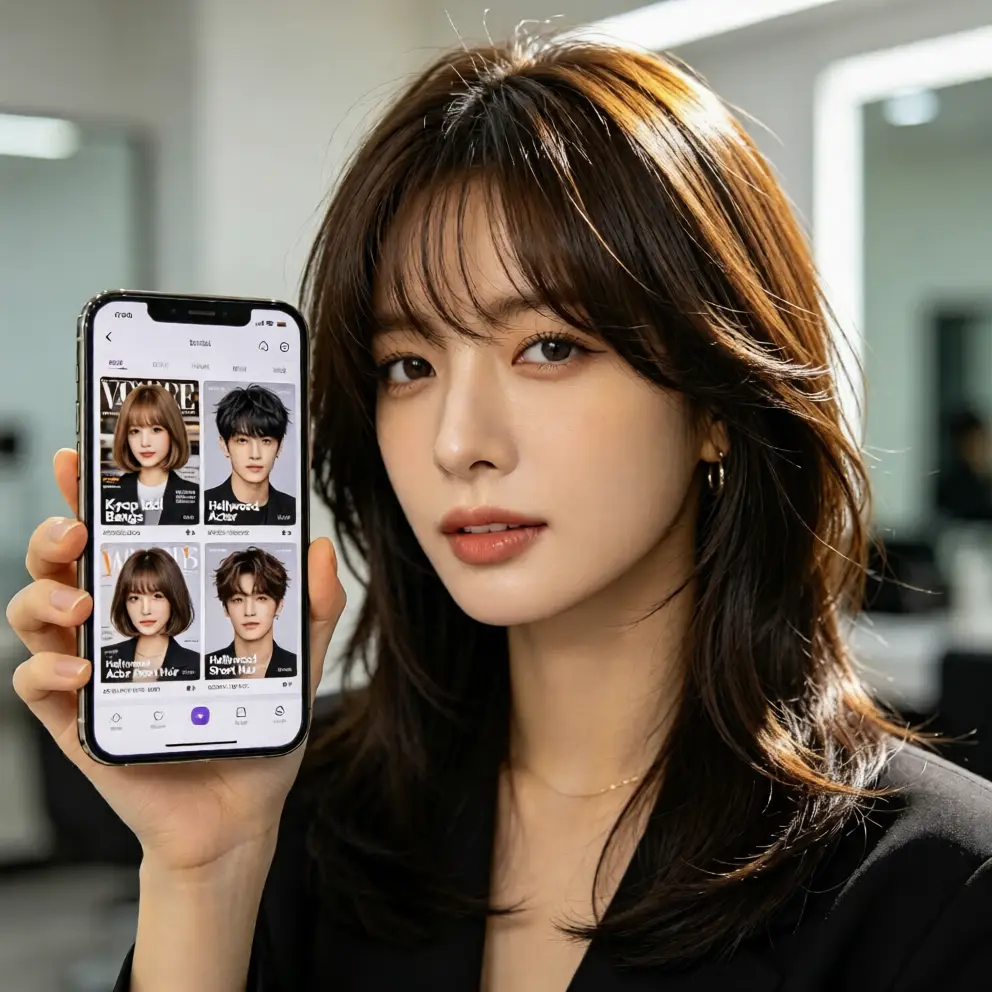
To get the most realistic results, keep your photo simple and neutral. Avoid extreme angles, sunglasses, messy hair that hides the hairline, and heavily filtered lighting. A plain background works best. Try at least three hairstyle families: short, medium, and long. Also test both straight and curly textures to see how volume changes your proportions. For hair color, compare at least two warm shades and two cool shades. This helps you identify whether your natural skin tone prefers golden, copper, peachy, ashy, or platinum influences. After each preview, take a moment to judge not only the hairstyle but also how it changes your overall energy. Do you look refreshed, edgy, soft, professional, or playful? These tips help you get the most realistic results from free virtual hairstyle simulation. The image below illustrates how a simple photo upload can become a natural AI hairstyle try on preview, showing multiple virtual hairstyle and virtual hair color options in seconds.
How AI Hair Changer Helps You Plan Your Next Look
A preview is more than a fun experiment. It can become a communication tool. Before visiting a stylist, use the hairstyle simulator to collect screenshots of the styles you like. A good reference helps a stylist understand length, texture, volume, and color depth. For a virtual hair color test, the preview can show the expected level of lightness, warmth, or contrast, helping you decide whether you want a subtle change or a bold transformation. The AI Hair Style Generator also supports outfit planning. A sleek ponytail may match a minimalist work wardrobe, while soft curls can complement a romantic dress, and a playful colored fringe can add edge to casual streetwear. When the visual pieces connect, you can plan a complete personal style with far more confidence.
Try It Free and Find Your Next Hairstyle Without Risk
The biggest reason AI Hairstyle Try On is trending on Pinterest is that it gives people a safe way to explore identity through hair. You no longer need to guess whether a style suits you, worry about a costly color mistake, or spend hours searching for the right inspiration board. With a free online hair simulator, you can test virtual hairstyles, try virtual hair color ideas, compare face-shape-friendly cuts, and preview natural-looking results in minutes. There is no app download, no registration, and no complicated editing process. Simply choose a photo, select a style or shade, and let the AI Hair Changer show you the possibilities. Start today with aihairstyletryon.art, try one-click AI hairstyle swaps, explore bold virtual hair color previews, and discover the hairstyle that matches your face, lifestyle, and confidence. Your next best look may be only one free preview away.
Comments
Share your thoughts about this article.
You must be signed in to post a comment.
Sign in to comment