
free ai hairstyle generator vs hairstyle ai: Which One Should You Try
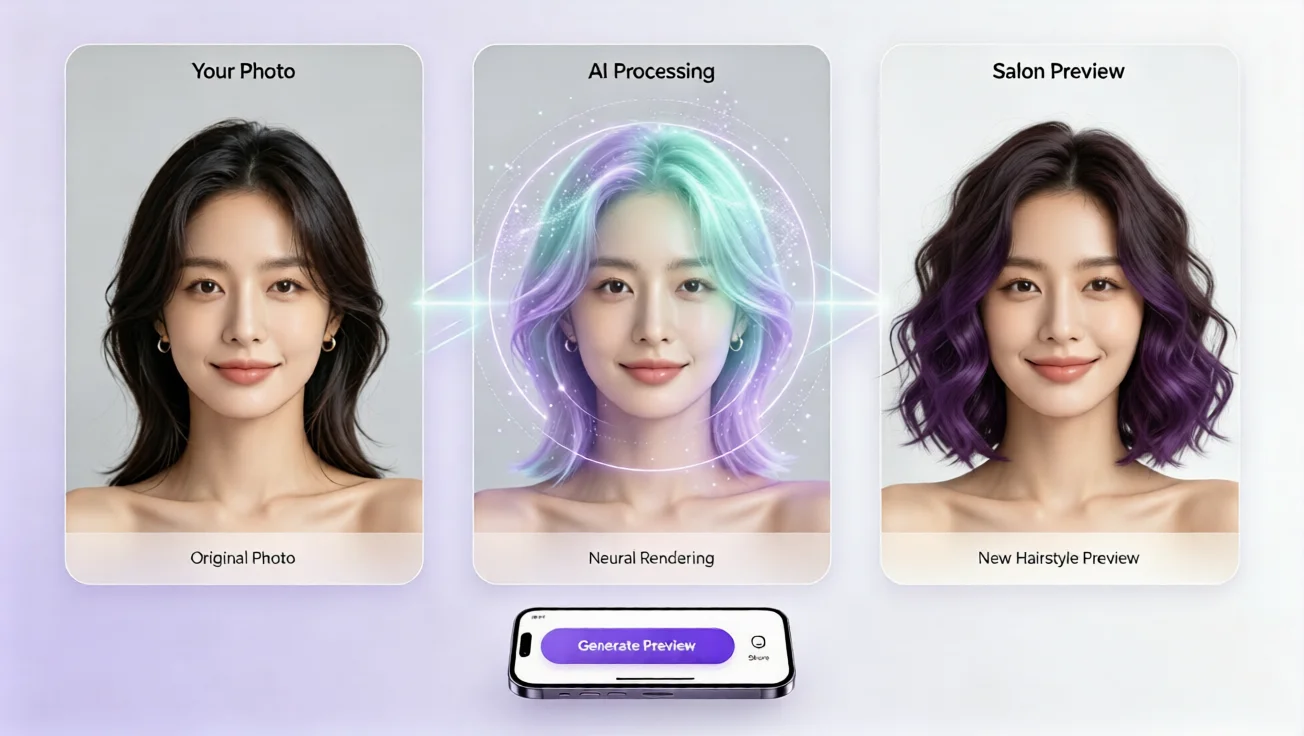
Learn how to compare a free ai hairstyle generator and hairstyle ai, try virtual hairstyle changes online, and test virtual hair color with no download.
free ai hairstyle generator vs hairstyle ai: Which One Should You Try
Many people think about a new look when a photo feels flat, a haircut seems dated, or salon pricing feels too high. You may want a curtain bang, a bob, a long layer, a curl, or a new color, but you fear regret after cutting or bleaching. An AI hairstyle try on gives you a safe way to preview a virtual hairstyle first. If you want to know how to try different hairstyles online without editing skills, a free AI hairstyle generator can help you upload one photo and compare many looks in seconds.
What A Free AI Hairstyle Generator Does
A free ai hairstyle generator maps a hairstyle onto your photo after reviewing face size, hair area, shoulders, and lighting. You can test an ai hair changer style, a virtual hairstyle, a bang, a curl, or a color shift inside one hairstyle simulator. The result should look natural, not like a sticker placed on a face. With free ai hairstyle try on, you can check whether a style fits your face shape, your wardrobe, and your confidence before changing real hair.
How To Compare With Hairstyle AI Searches
Hairstyle AI often describes an AI hairstyle generator or a virtual hairstyle try on tool, but not every search result is simple. Some options require downloads, registration, repeated prompts, or manual image work. If your goal is to see what hairstyle suits me in one step, choose an online hair simulator that supports virtual hair color, face adapt hairstyle simulation, and a natural effect. A beginner should not need to build the result manually.
Start With A Clean Photo And One Click
For a clear AI hairstyle for face shape result, use natural light, look straight ahead, and keep your face visible. Avoid heavy filters and hair covering the forehead if you are testing bangs. Upload the photo, choose a style, and start the virtual hair color try on or short, long, curly, trendy, or professional look. The simpler the flow, the faster you can judge a new appearance.
Choose Styles You Are Curious About
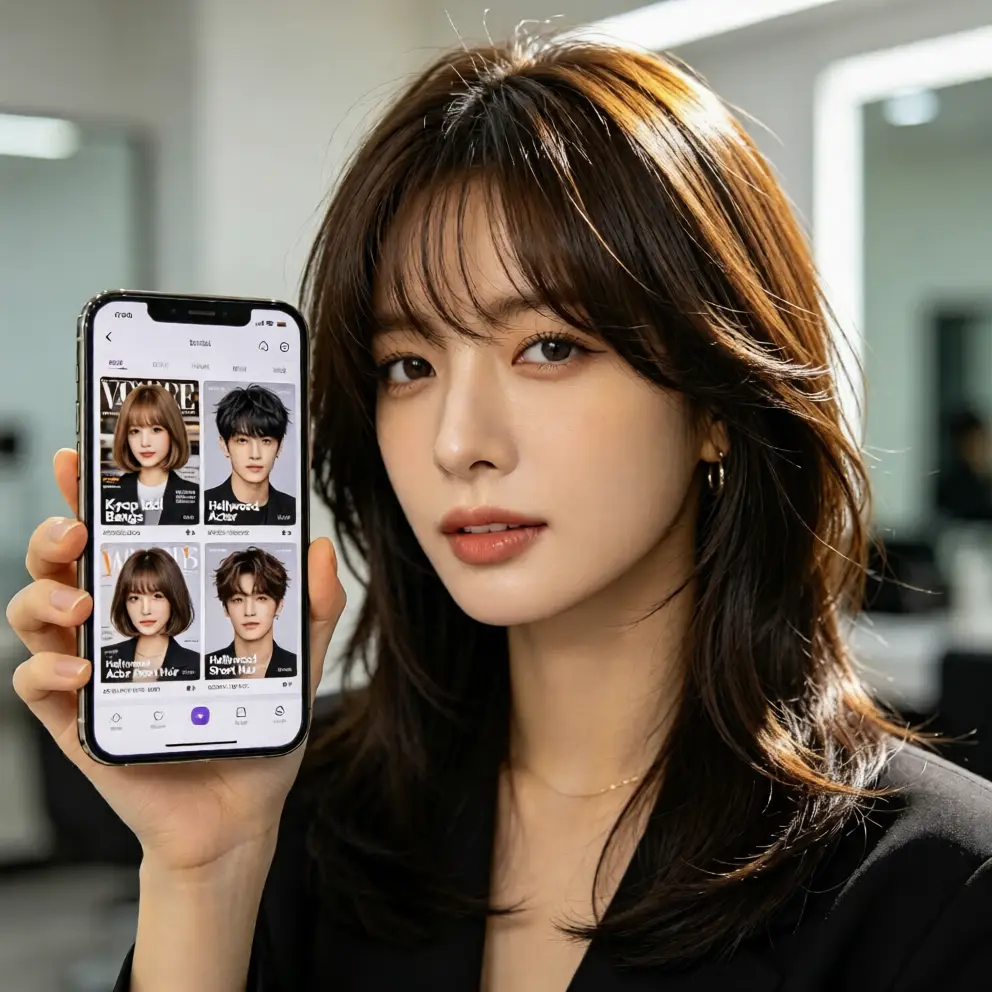
Open the style library and test one safe look, one trendy look, and one bold look. You may select a chin length bob, a layered shoulder length cut, a wolf inspired texture, a soft curtain bang, a sleek long style, or a face framing curl. Then use the virtual hair color section to compare brown, black, blonde, red, caramel, or a subtle root shadow. Each choice gives a faster decision than guessing.
Review The Result Like A Real Mirror Check
Look at the whole preview after the tool finishes. Does the length make your face look too narrow or too round? Does the color lift your skin tone? Does the bang suit your forehead, glasses, or daily styling? This is the practical value of a hairstyle simulator. It lets you use a virtual hairstyle as a decision test, not just a visual experiment.
Choose The Best Styles By Face Shape
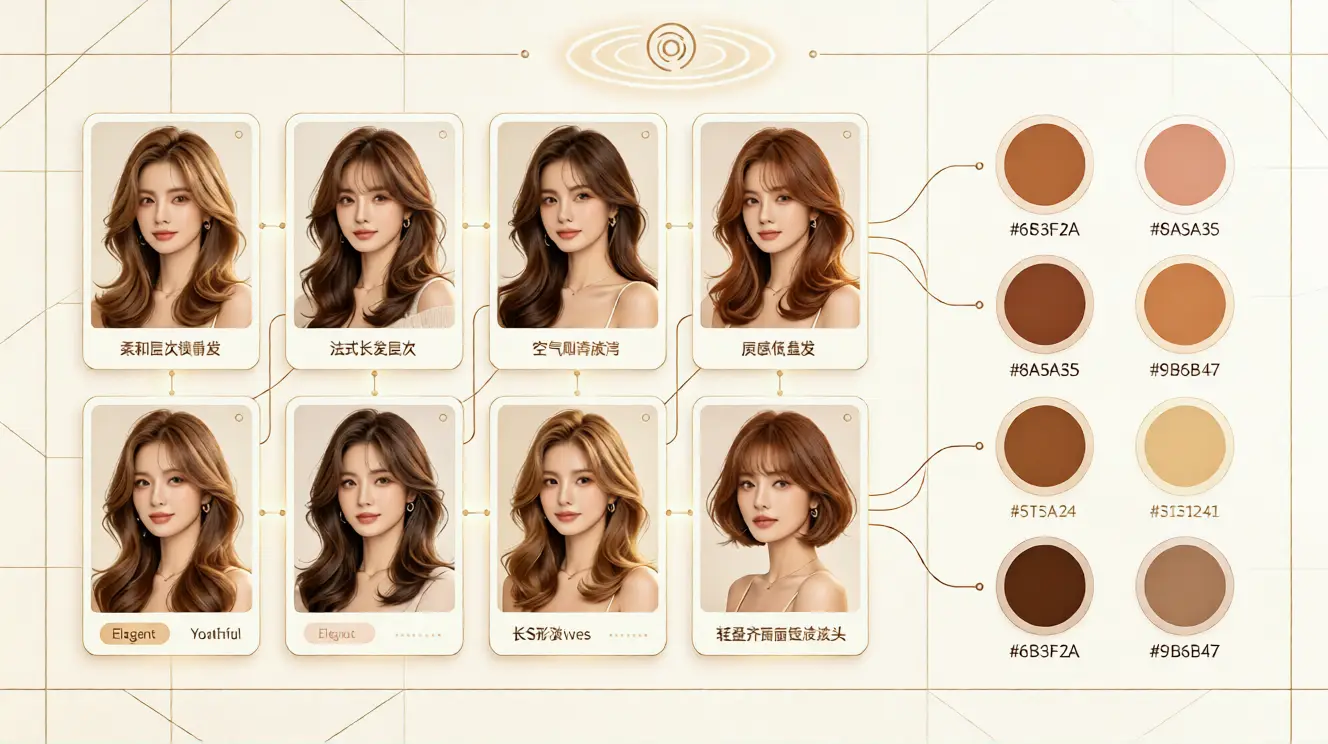
Most faces do not have one allowed hairstyle, but a good preview helps you see balance. Oval faces often adapt to many cuts. Round faces may look cleaner with height at the crown and layers that lengthen the face. Square faces may benefit from waves, side parts, or soft bangs. Heart shaped faces may look polished with chin length layers or side sweeps. A free ai hairstyle try on makes these ideas easy to test.
Test Color Before You Commit To Bleach Or Toner
Color is one of the strongest uses of a virtual hair color try on because salon color can be expensive. If you are pale, test a warm brown or copper. If your skin is deep, try rich black, caramel, or red. If you are unsure, compare a root shadow before a full change. A good ai hairstyle generator shows color changes with the same face and photo, making the comparison honest.
Why A Free Virtual Hair Color Try On Saves Money
Salon color often costs more than the cut alone, especially when you want fashion tones, grey coverage, or a high maintenance shade. A free virtual hair color try on gives you a preview before you spend. If the color makes your skin look dull, you can drop it without bleaching. If it works, you have a clearer target for the stylist. This saves money, time, and regret while helping you test bold shades safely. A quick preview also lets you compare two looks side by side and decide faster.
Why One Click Is Better Than Manual Editing
A free ai hairstyle generator should remove friction. You do not need to cut hair into a photo, paint shadows, or use design software. You need one upload and one click. A simple online hair simulator can give a believable AI hairstyle try on result in seconds, then let you change the style instantly. This is better than asking a stylist to imagine a look or hoping your face will agree after a risky cut.
Turn The Preview Into A Better Decision
Once a look works, save the image and use it as a visual reference. Write down the length, layer, bang, and color tone. Bring it to a stylist or use it to choose a wig, color, or trim. A hairstyle simulator reduces misunderstanding because your face is already in the image. It also helps you avoid styles that grow out badly, look awkward daily, or do not match your outfit range.
Final Answer For A Quick And Safe Hair Change Check
If you want the easiest way to try different hairstyles online, choose a tool that is free, no app download, no registration, and one click. A beginner friendly AI hairstyle generator can help you compare a virtual hairstyle, test virtual hair color, and find a style that fits your face shape. Try aihairstyletryon.art for a natural preview, change one click at a time, and move toward your next hair decision with confidence.
Comments
Share your thoughts about this article.
You must be signed in to post a comment.
Sign in to comment