
What Is an AI Hairstyle Changer & How Does It Work
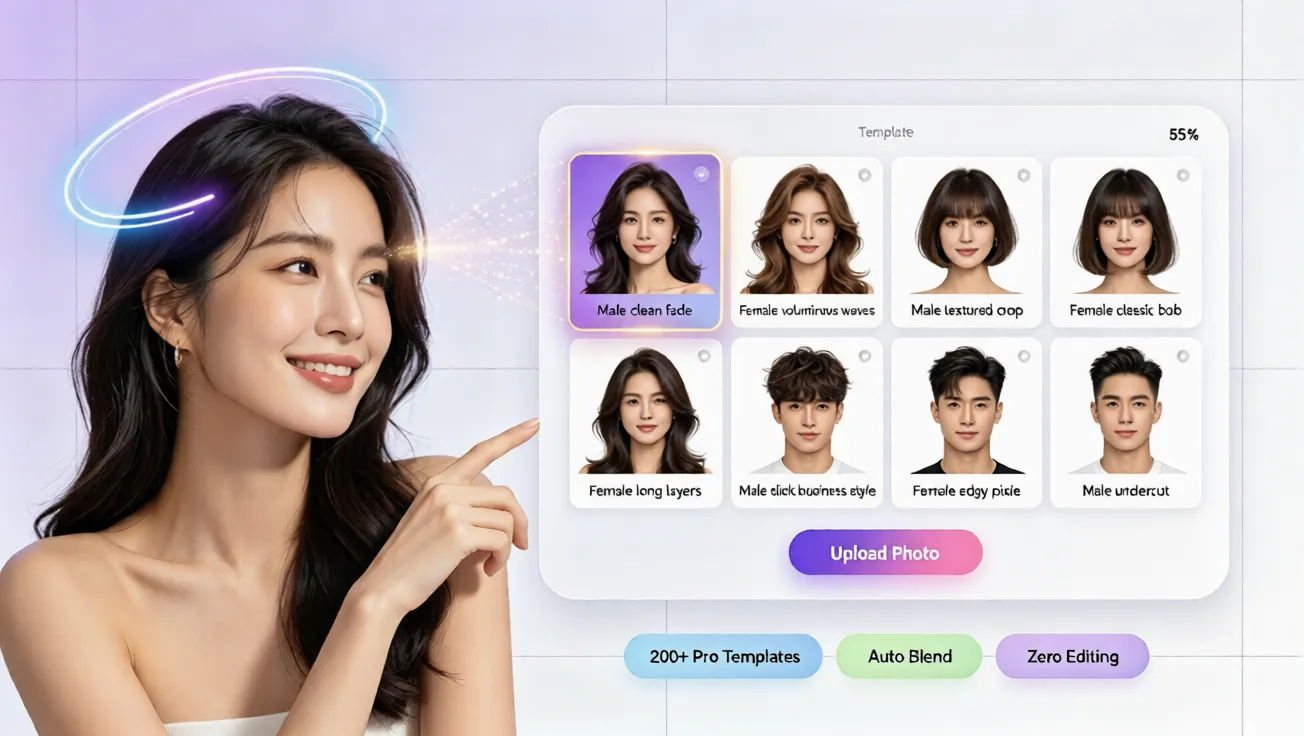
Discover how an AI hairstyle changer works, how AI hairstyle try on previews virtual hairstyle options, and how to test hair color free.
Why People Want a Safer Way to Change Their Hairstyle
Many people want a fresh hairstyle but hesitate because they fear an awkward result. A cut may look perfect on a model yet feel wrong on your face shape, hair texture, or daily routine. Salon coloring can be expensive, and fixing a bad result often costs even more. In the past, previewing a new look required manual photo editing, but that demands design skills and may still look unnatural. That is why a modern ai hair changer is so useful. It lets you test hairstyles, hair lengths, and hair colors from a simple photo before making a real decision.
An online hairstyle preview also removes pressure. You can experiment privately, compare several options, and understand what suits you before talking with a stylist. For anyone asking how to see what hairstyle suits me, an AI-based preview is a practical starting point because it turns guesswork into a visual comparison.
What Is an AI Hairstyle Changer?
An AI hairstyle changer is a digital tool that uses artificial intelligence to place different hairstyles onto your photo. Instead of pasting a wig-like image over your face, a quality hairstyle simulator analyzes facial position, head angle, and visible hairline to create a more natural preview. The goal is to show how a style may frame your face, how volume may sit around your features, and how a different color may match your skin tone.
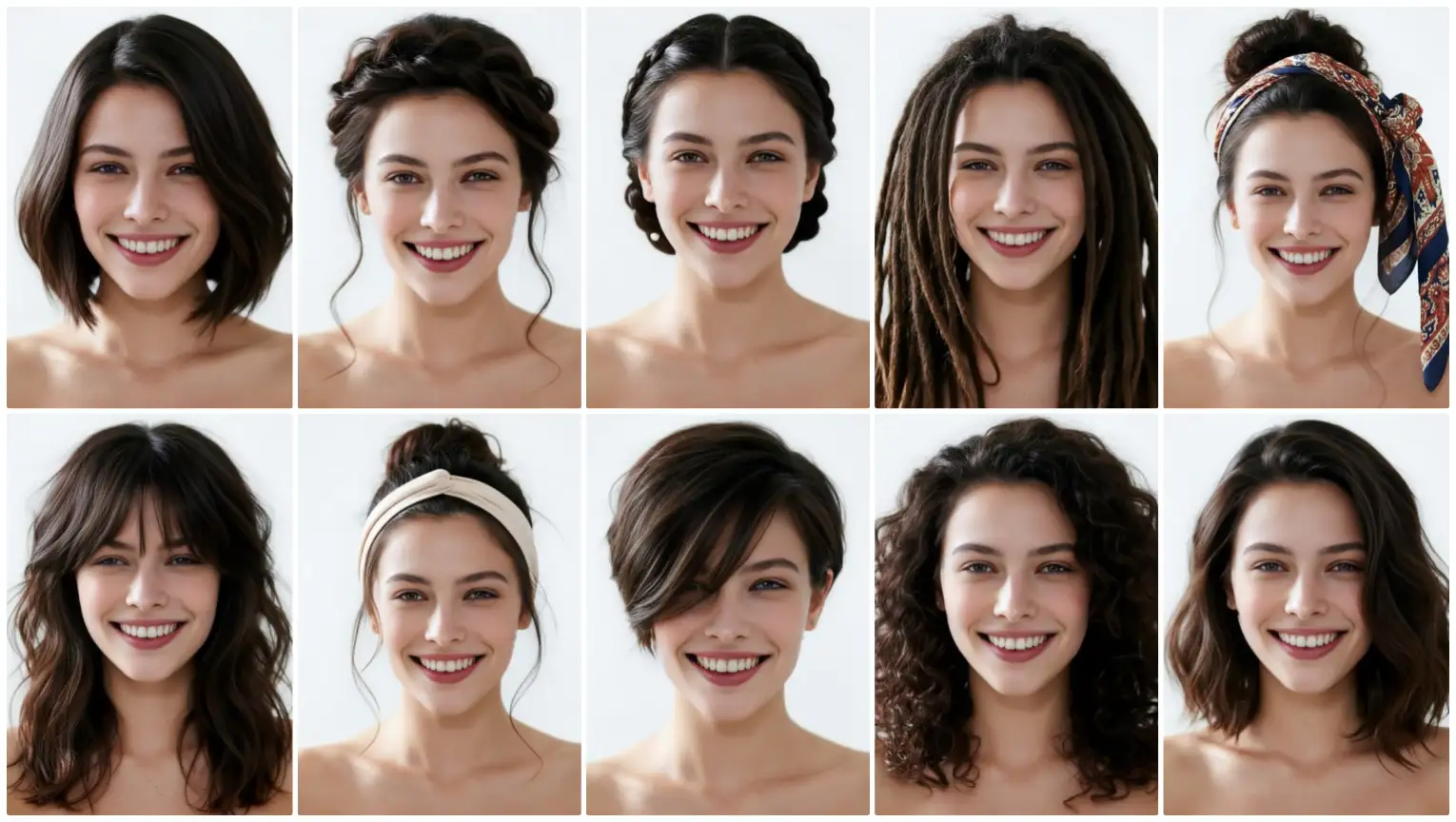
This type of tool supports several related functions. An ai hairstyle try on lets you preview cuts and lengths. A virtual hairstyle try on helps you compare shapes, layers, curls, and bangs. A virtual hair color try on shows shades such as natural brown, blonde, copper, ash, or bold fashion colors. Together, these features create an online hair simulator that helps you make a more confident choice.
How Does an AI Hairstyle Changer Work?
1. Photo Analysis
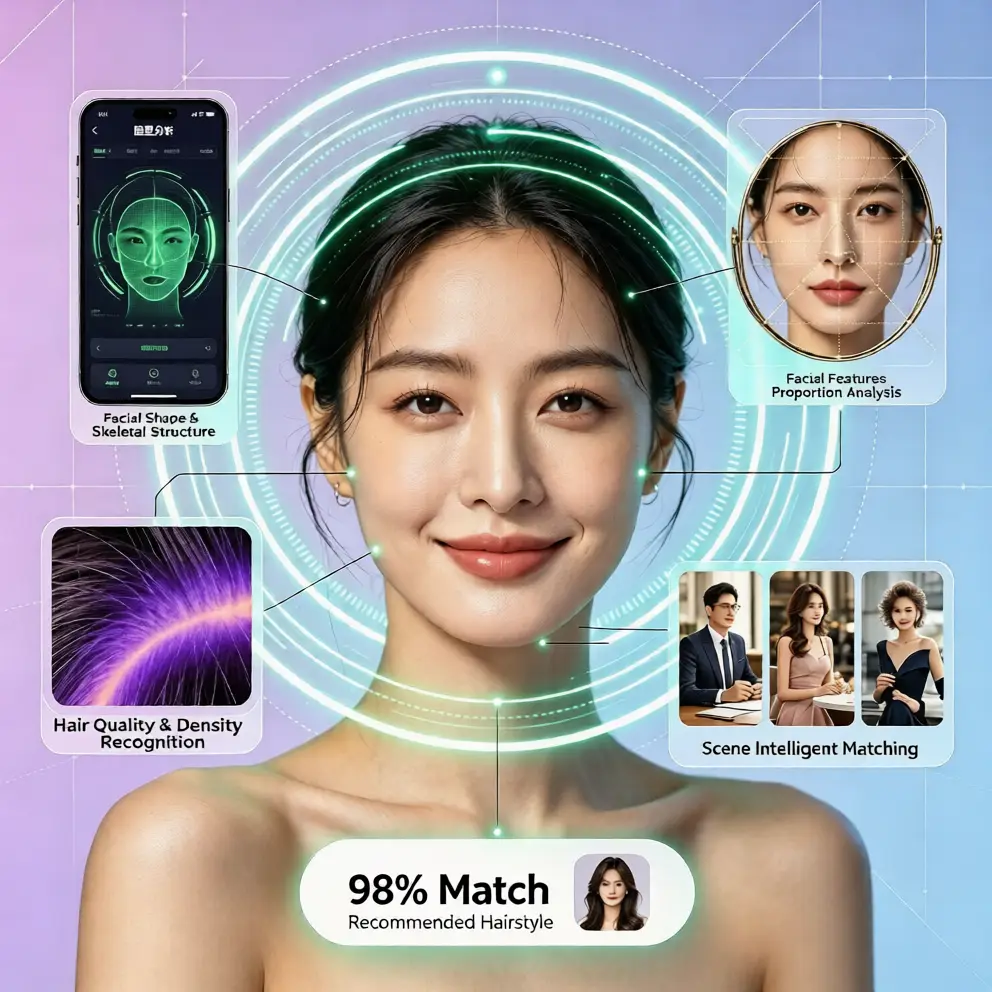
The process starts with a clear photo. The AI detects key points such as the eyes, eyebrows, jawline, forehead, and hairline. This helps the system understand your facial proportions and head direction. Natural lighting, a neutral expression, and a simple background can help the ai hairstyle generator produce cleaner results.
2. Hairstyle Mapping
After the photo is analyzed, the selected hairstyle is mapped to your facial structure. The system considers where the hair should fall, how it should overlap the shoulders, and how it should align with the forehead and ears. This is where a quality virtual hairstyle tool differs from a basic sticker effect because the AI tries to match scale, position, and visual depth.
3. Color and Light Blending
For hair color previews, the AI adjusts tone and shading. It tries to keep the preview believable by respecting shadows, highlights, and the natural edge of the hair. This is especially useful for free virtual hair color try on experiences because users can see whether a warmer or cooler shade may look more harmonious. The result is not a salon guarantee, but it gives helpful visual direction.
How to Try Different Hairstyles Online Step by Step
Step 1: Upload a Clear Photo
Choose a recent photo where your face is clearly visible. Avoid heavy filters, hats, or strong shadows. The clearer the photo, the easier it is for the hairstyle simulator to create a natural preview. If you want to test an ai hairstyle for face shape comparison, use a front-facing photo with simple hair.
Step 2: Choose Hairstyles and Hair Colors
Browse different styles such as short bobs, long layers, curls, bangs, textured cuts, and trendy color options. Move slowly through the choices and test several variations. If you are wondering how to try different hairstyles online, compare at least three lengths and two color families. This gives you a broader understanding of what changes your overall look the most.
Step 3: Compare and Save Your Favorites
Look at each preview in the same photo if possible. Pay attention to how the hairstyle affects your jawline, forehead, and overall balance. Notice whether the hair color makes your complexion look brighter or duller. A virtual hairstyle try on is most useful when you treat it as a comparison tool. Save your favorite options so you can review them later or show them to your stylist.
Why Use a Virtual Hairstyle Simulator Before a Salon Visit?
The biggest advantage is confidence. When you already know what a style may look like, you reduce the risk of disappointment. You can also communicate more clearly with your stylist. Instead of saying you want something fashionable, you can show a reference preview and discuss whether it is realistic for your hair type.
Another benefit is cost control. Testing free ai hairstyle try on options online means you do not need to pay for multiple color corrections or impulsive cuts. You can also explore bold looks without commitment. If you have always wanted to see yourself with bangs, a pixie cut, platinum blonde hair, or a rich copper tone, an ai hairstyle generator can help you preview the idea first.
Convenience matters too. A reliable online hair simulator works in the browser, so there is no need to download an app or create an account. This makes it easy to try styles quickly on a phone or computer. For users searching for the best virtual hairstyle app no download option, a browser-based tool is often the simplest choice.
What Makes a Good AI Hairstyle Try-On Experience?
A good AI hairstyle try on experience should feel natural, simple, and flexible. The preview should follow your facial features instead of hiding them. The style library should include different lengths, textures, and colors because no single look fits everyone. One-click generation is helpful because it removes technical barriers and lets users focus on style decisions.
It is also important to use realistic expectations. AI previews are guides, not guarantees. Actual results depend on your natural hair density, texture, current color, face shape, and stylist technique. However, a virtual hairstyle preview still helps you narrow down options and avoid choices that clearly do not match your preferences.
Common Mistakes to Avoid When Testing Hairstyles
Avoid choosing only one extreme style and judging it too quickly. Test a range of options, including subtle changes. Also consider maintenance and hair color because a style may look beautiful in a preview but require daily styling, frequent trims, or color upkeep. Use virtual hair color previews to compare warm, neutral, and cool tones before choosing a shade.
Try Your Next Hairstyle Free with AI
If you want to explore a new look without risk, aihairstyletryon.art offers a free AI hairstyle try on experience designed for everyday users. You can test different hairstyles, preview virtual hair color, and compare looks with no app download, no registration, and no editing skills required. The goal is simple: help you see what may suit you before you commit to a haircut or color. Stop guessing and start previewing. Use a natural photo, test multiple styles, and discover the look that feels most like you.
Comments
Share your thoughts about this article.
You must be signed in to post a comment.
Sign in to comment